Instruments
Retro Synth in Logic Pro
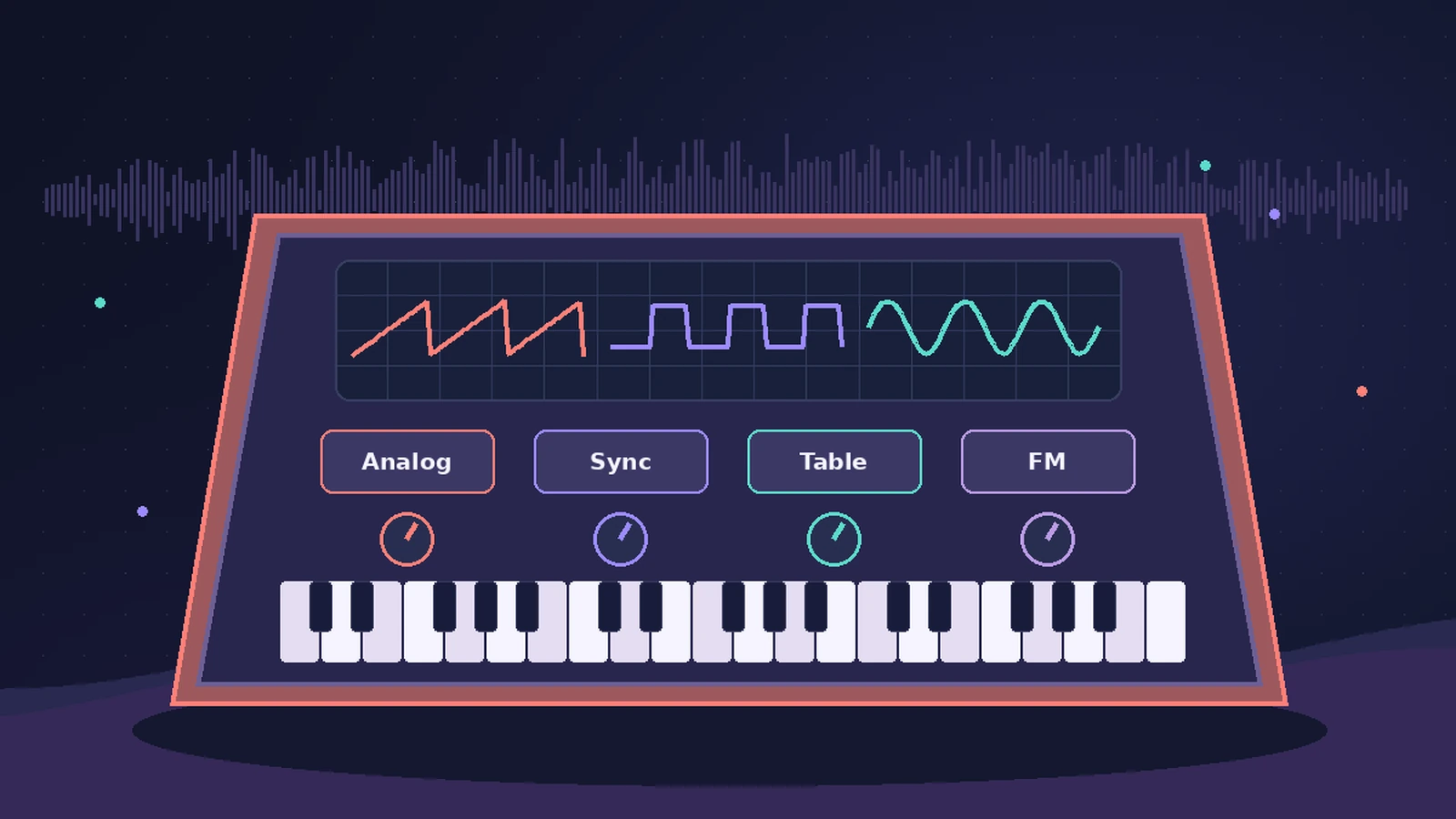
Retro Synth is a 16-voice synthesizer with four engines — Analog, Sync, Table (wavetable) and FM. Many controls are the same across engines, so it's one of the easiest synths in Logic Pro to learn, and the engine you pick decides most of the character.
 Owen Hartley
Which engine for which sound
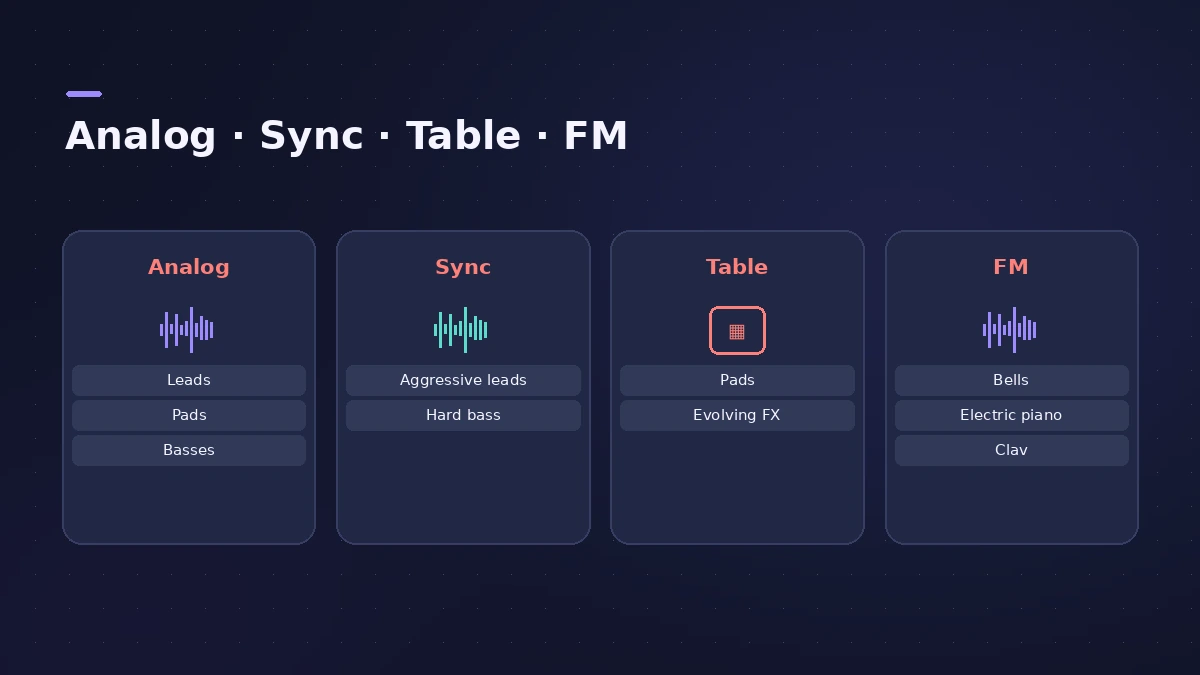
| Engine | Good for |
|---|---|
| Analog | Classic leads, pads and basses |
| Sync | Aggressive leads and hard basses |
| Table | Clean digital pads, basses and evolving effects |
| FM | Bells, electric piano, clavinet and spiky basses |
How the engines differ
In Sync, oscillator 2 is reset every cycle of oscillator 1, which gives the cutting sync sound. Table uses wavetables — series of single-cycle waveforms you sweep through with the Shape knobs. FM uses a modulator oscillator to change the frequency of a sine carrier, adding harmonics.
Next steps
For more oscillators and a deeper modulation matrix, try ES2. To play Retro Synth patterns without writing every note, put the Arpeggiator in front of it.
Sources
- Apple — Logic Pro for iPad User Guide: Retro Synth
- Apple — Logic Pro for iPad User Guide: Retro Synth Table oscillator
- Apple — Logic Pro for iPad User Guide: Retro Synth FM oscillator
- Apple — Logic Pro for iPad User Guide: Retro Synth Sync oscillator
- Apple Support — Logic Pro 12 release notes
Checked November 2026. Logic ProFiles is independent of Apple; menu names can differ slightly between Logic Pro versions.
Frequently asked questions
How many voices does Retro Synth have?
+
Sixteen.
Which Retro Synth engine is best for pads?
+
Apple suggests the Table (wavetable) engine for clean digital pads and evolving sounds, and Analog for classic pads.
Can Retro Synth do FM sounds?
+
Yes. The FM engine is aimed at bells, electric piano, clavinet and spiky bass sounds.
Related
- Logic Pro synths comparedWhich Logic Pro synth to use: ES1 for learning, Retro Synth for classic sounds, ES2 for deep virtual analog, Alchemy for layers, Sculpture for modeling.
- How to make synthwave in Logic ProMake synthwave in Logic Pro: 80–118 BPM, Retro Synth pads, an Arpeggiator line and a gated reverb snare built from a reverb aux followed by Noise Gate.
- ES1 in Logic ProLearn Logic Pro's ES1 synth: oscillator and sub-oscillator, filter, envelopes, glide and LFO — a simple subtractive synth for analog basses, leads and plucks.
- ES E, ES M and ES P — Logic Pro's simple synthsLogic Pro's simple synths ES E, ES M and ES P explained: warm pads, mono bass and lead lines, 1980s-style poly sounds — and when to move up to ES1 or ES2.
- ES2 in Logic ProHow ES2 works in Logic Pro: three oscillators with 100 Digiwaves, FM, sync and ring mod, the Oscillator Mix pad, 10 Mod Matrix slots and the Vector Envelope.
- Alchemy in Logic ProWhat Alchemy does in Logic Pro: four sources, additive, spectral, granular, sampler and VA engines, morphing, the arpeggiator, and what Logic Pro 12.3 added.
- Sculpture in Logic ProSculpture in Logic Pro models a vibrating string: how the string, the three objects and the Material Pad work, and why it's great for evolving pads and basses.
- Arpeggiator in Logic ProTurn chords into arpeggios with Logic Pro's Arpeggiator MIDI plug-in: set note order, rate and octaves, use Latch, build a 16-step grid and record the output.