Compare
Logic Pro synths compared
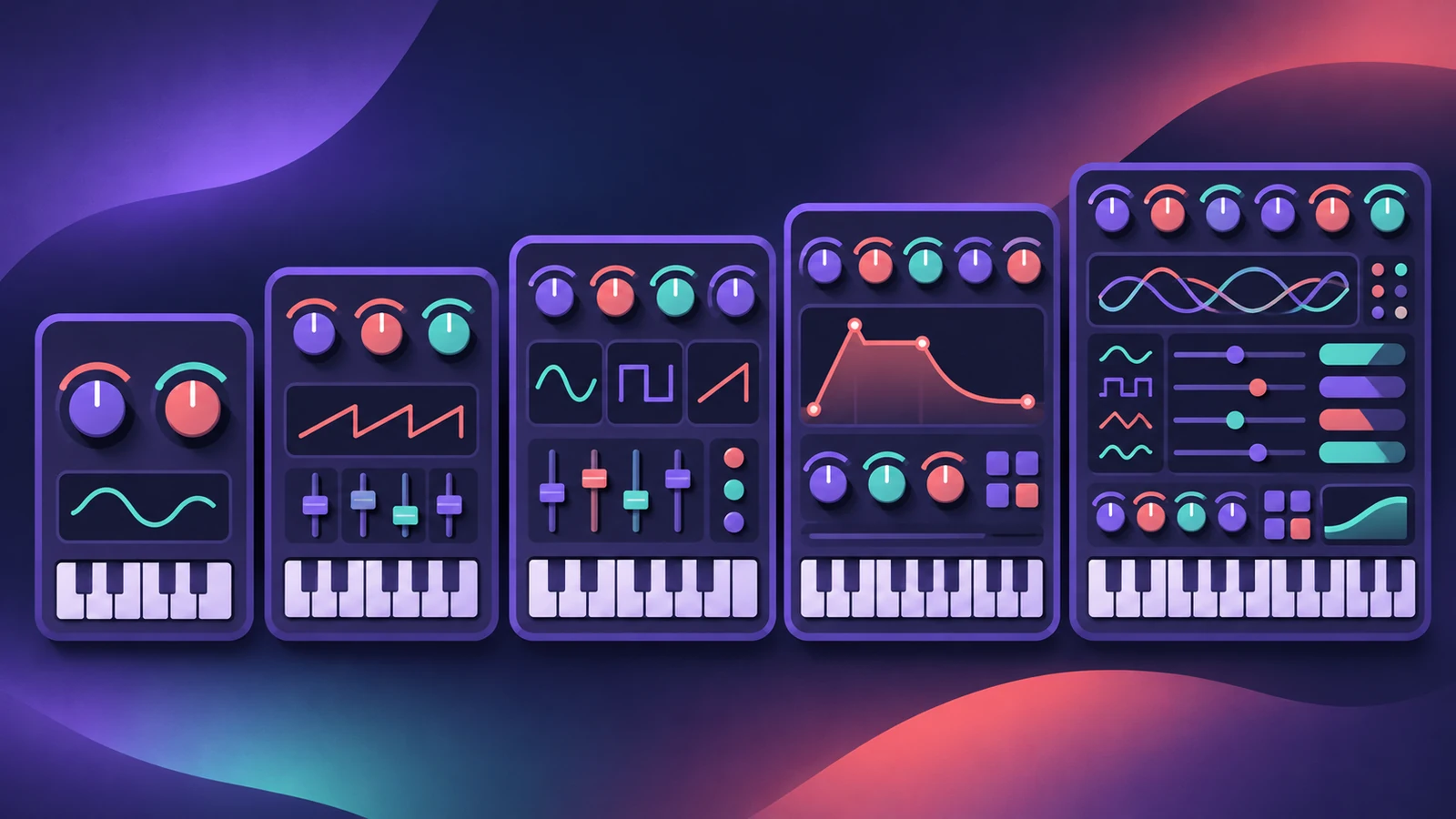
Logic Pro's synths range from simple to vast. Choose by how you want to work: a quick classic sound, deep modulation, sample manipulation or physical modeling.
 Owen Hartley
Learning synthesis
ES1
One oscillator plus sub-oscillator and a filter.
Quick classic sounds
Retro Synth
Four engines with mostly shared controls.
Deep virtual analog
ES2
Three oscillators, Digiwaves and a 10-slot mod matrix.
Huge, evolving layered sounds
Alchemy
Up to four sources with additive, spectral, granular, sampler and VA engines.
Organic plucks, bows and pads
Sculpture
Component modeling of a vibrating string.
| ES1 | Retro Synth | ES2 | Alchemy | Sculpture | |
|---|---|---|---|---|---|
| Synthesis | Subtractive | Analog, Sync, Table, FM | Virtual analog + Digiwaves | Additive, spectral, granular, sampler, VA | Component modeling |
| Complexity | Simple | Easy | Deep | Very deep | Deep |
| Good for | Basses, leads, plucks | Classic synth sounds | Evolving synth sounds | Pads, textures, everything | Acoustic-like and organic sounds |
From Apple's Logic Pro documentation, November 2026.
In short
New to synths? Start with ES1 or Retro Synth. For depth, try ES2; for big textures, Alchemy; for organic sounds, Sculpture.
Sources
- Apple — Logic Pro for iPad User Guide 1.1: ES1
- Apple — Logic Pro for iPad User Guide: Retro Synth
- Apple — Logic Pro for iPad User Guide: ES2
- Apple — Logic Pro for iPad User Guide: Alchemy
- Apple — Logic Pro User Guide: Sculpture overview
Checked November 2026. Logic ProFiles is independent of Apple; menu names can differ slightly between Logic Pro versions.
Frequently asked questions
What is the best Logic Pro synth for beginners?
+
ES1 or Retro Synth: ES1 has a simple subtractive layout, and Retro Synth shares most controls across its engines.
Which Logic Pro synth is the most powerful?
+
Alchemy, with up to four sources, several synthesis engines and morphing between them.
Related
- ES1 in Logic ProLearn Logic Pro's ES1 synth: oscillator and sub-oscillator, filter, envelopes, glide and LFO — a simple subtractive synth for analog basses, leads and plucks.
- Retro Synth in Logic ProRetro Synth in Logic Pro explained: a 16-voice synth with Analog, Sync, wavetable and FM engines, which engine to pick for leads, pads, basses and bells.
- ES2 in Logic ProHow ES2 works in Logic Pro: three oscillators with 100 Digiwaves, FM, sync and ring mod, the Oscillator Mix pad, 10 Mod Matrix slots and the Vector Envelope.
- Alchemy in Logic ProWhat Alchemy does in Logic Pro: four sources, additive, spectral, granular, sampler and VA engines, morphing, the arpeggiator, and what Logic Pro 12.3 added.
- Sculpture in Logic ProSculpture in Logic Pro models a vibrating string: how the string, the three objects and the Material Pad work, and why it's great for evolving pads and basses.
- Logic Pro compared — GarageBand, Ableton, FL Studio and moreCompare Logic Pro with GarageBand, Ableton, FL Studio, Cubase, Pro Tools, Studio One, Bitwig, Reason and REAPER: price, platforms and licensing.