Instruments
Sculpture in Logic Pro
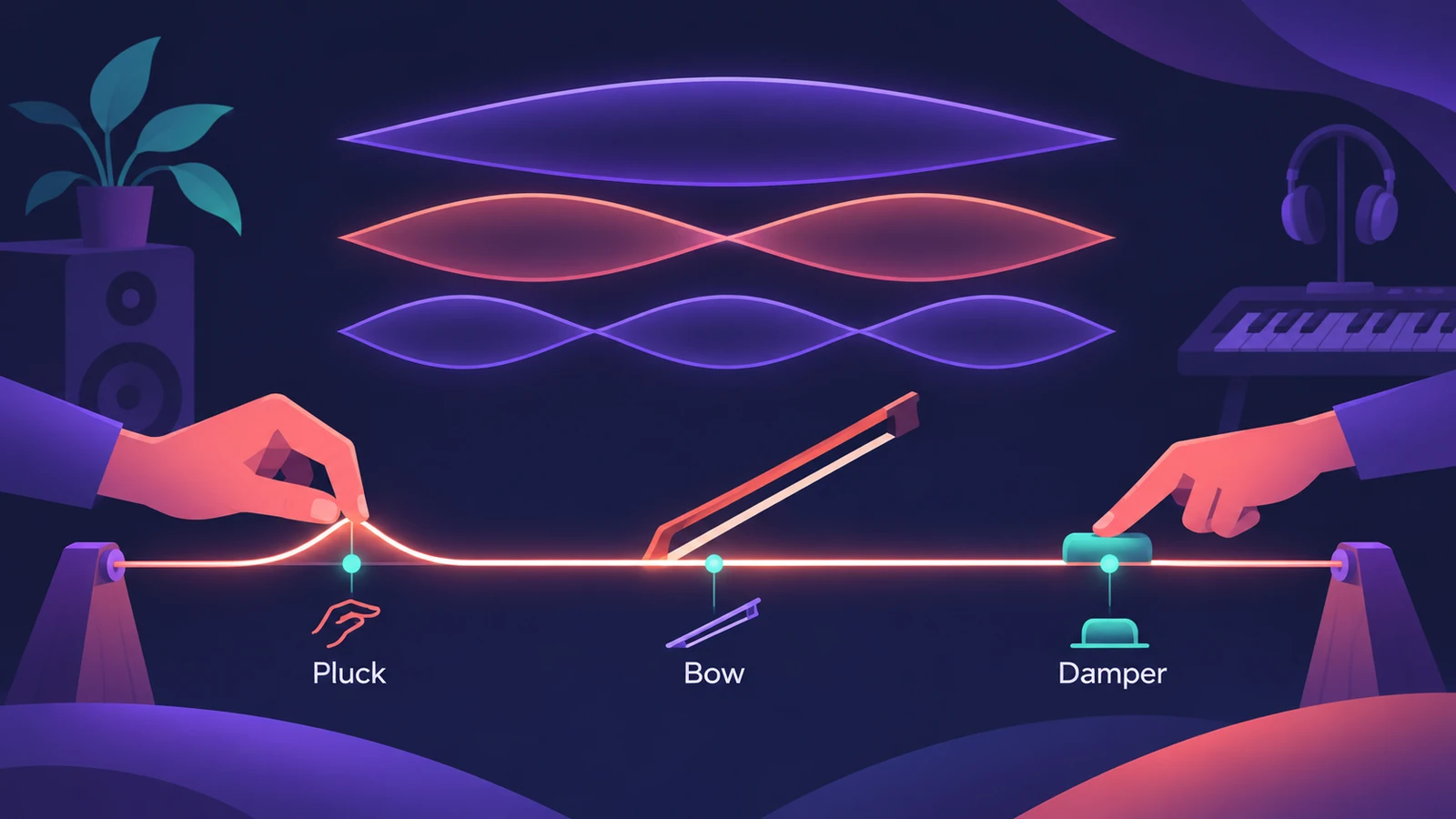
Sculpture doesn't use oscillators. It simulates the physical properties of a vibrating string — called component modeling — and lets objects such as a pluck, bow or strike set it in motion. That makes it good at acoustic sounds and at organic, constantly evolving pads.
 Owen Hartley
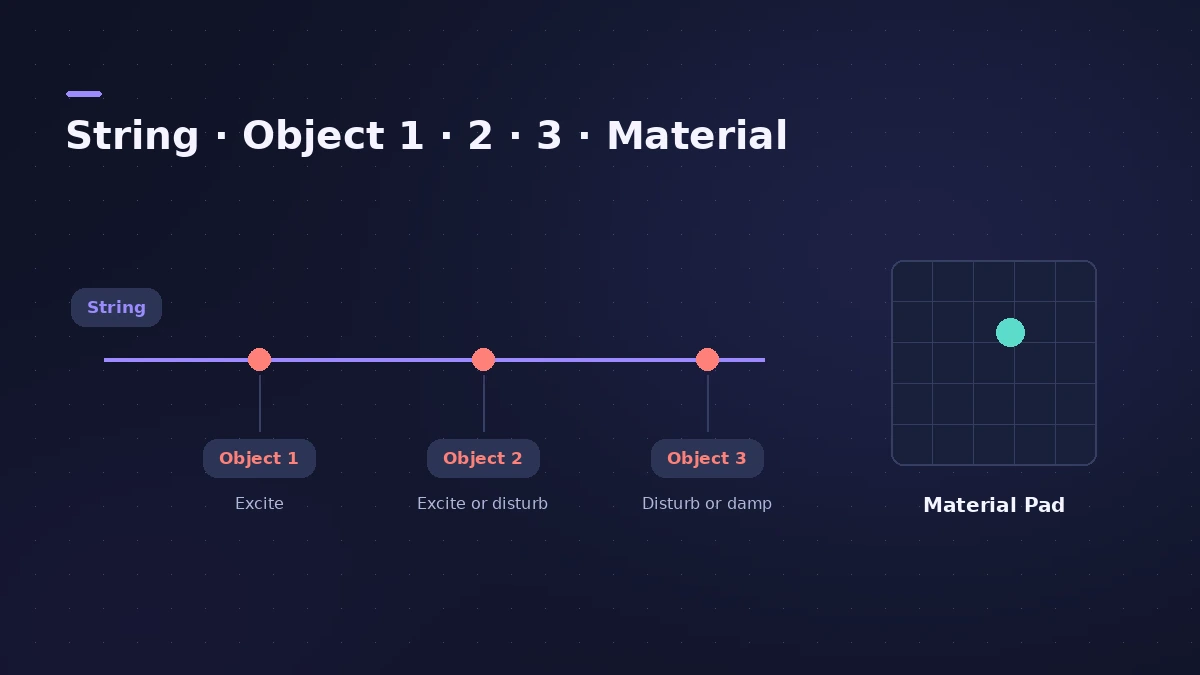
The three objects
| Object | Can do |
|---|---|
| Object 1 | Excite the string (velocity sensitive) |
| Object 2 | Excite, or disturb and damp |
| Object 3 | Disturb and damp |
Types include blow, pluck and bow, among others. Moving an object along the string changes the tone — much like picking a guitar string at a different spot.
The string and the Material Pad
The string sets the basic tone. The Material Pad defines what the string is made of, and several string parameters can morph between up to five morph points, which is where Sculpture's moving pads come from.
Related instruments
Physical modeling also drives Vintage Electric Piano, Vintage Clav and Vintage B3. For sample-based sound design, try Alchemy.
Sources
- Apple — Logic Pro User Guide: Sculpture overview
- Apple — Logic Pro for iPad User Guide: Sculpture objects
- Apple — Logic Pro for iPad User Guide: Sculpture excite objects 1 and 2
- Apple — Logic Pro for iPad User Guide: Sculpture string parameters
- Apple — Logic Pro for iPad User Guide: Component modeling synthesis
- Sound On Sound — Logic Pro: Getting the most out of Sculpture
Checked November 2026. Logic ProFiles is independent of Apple; menu names can differ slightly between Logic Pro versions.
Frequently asked questions
What kind of synthesis does Sculpture use?
+
Component modeling, a form of physical modeling that simulates a vibrating string and the objects acting on it.
Why does my Sculpture patch make no sound?
+
At least one object must excite or disturb the string — the string alone makes no sound.
What is Sculpture good for?
+
Recreating acoustic and electric instruments, and atmospheric, evolving pads.
Related
- Logic Pro synths comparedWhich Logic Pro synth to use: ES1 for learning, Retro Synth for classic sounds, ES2 for deep virtual analog, Alchemy for layers, Sculpture for modeling.
- MPE controllers in Logic ProRecord an MPE controller in Logic Pro: match the controller's MPE settings, use MIDI Mono Mode in Sculpture or ES2, set pitch bend range and edit per-note data.
- Alchemy in Logic ProWhat Alchemy does in Logic Pro: four sources, additive, spectral, granular, sampler and VA engines, morphing, the arpeggiator, and what Logic Pro 12.3 added.
- ES2 in Logic ProHow ES2 works in Logic Pro: three oscillators with 100 Digiwaves, FM, sync and ring mod, the Oscillator Mix pad, 10 Mod Matrix slots and the Vector Envelope.
- Vintage Electric Piano in Logic ProVintage Electric Piano in Logic Pro: choose a Rhodes, Wurlitzer or Hohner model, shape decay and bell, and add tremolo, chorus, phaser and drive to the sound.
- Retro Synth in Logic ProRetro Synth in Logic Pro explained: a 16-voice synth with Analog, Sync, wavetable and FM engines, which engine to pick for leads, pads, basses and bells.