Instruments
Velocity Processor in Logic Pro
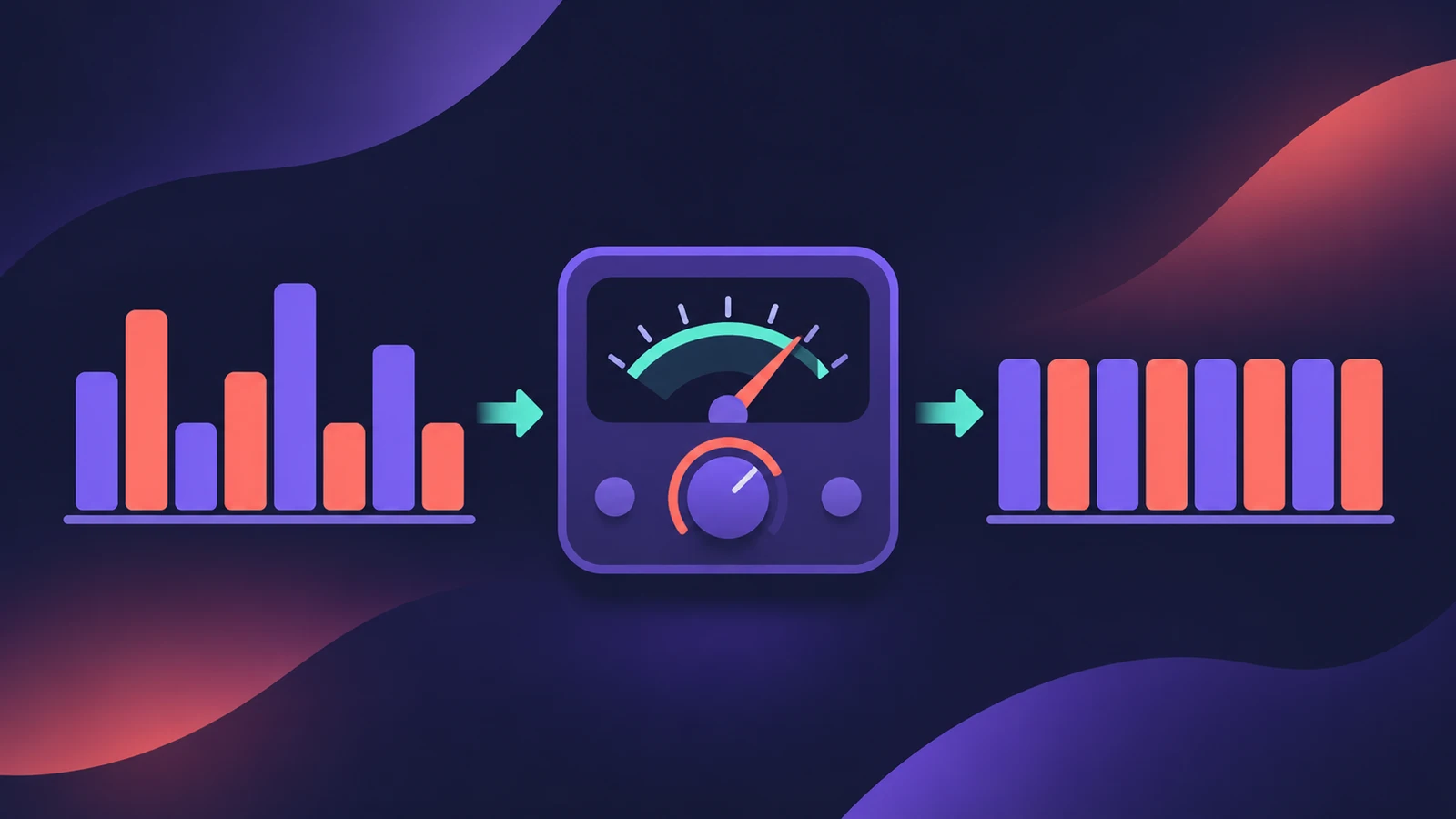
Velocity Processor changes MIDI velocity in real time. It can compress velocity like an audio compressor, limit it to a range, or add to and scale it — handy when a controller feels too light or too heavy, or a drum part needs evening out.
 Owen Hartley
Where to find it
MIDI FX slot > Velocity Processor
Velocity Processor modes
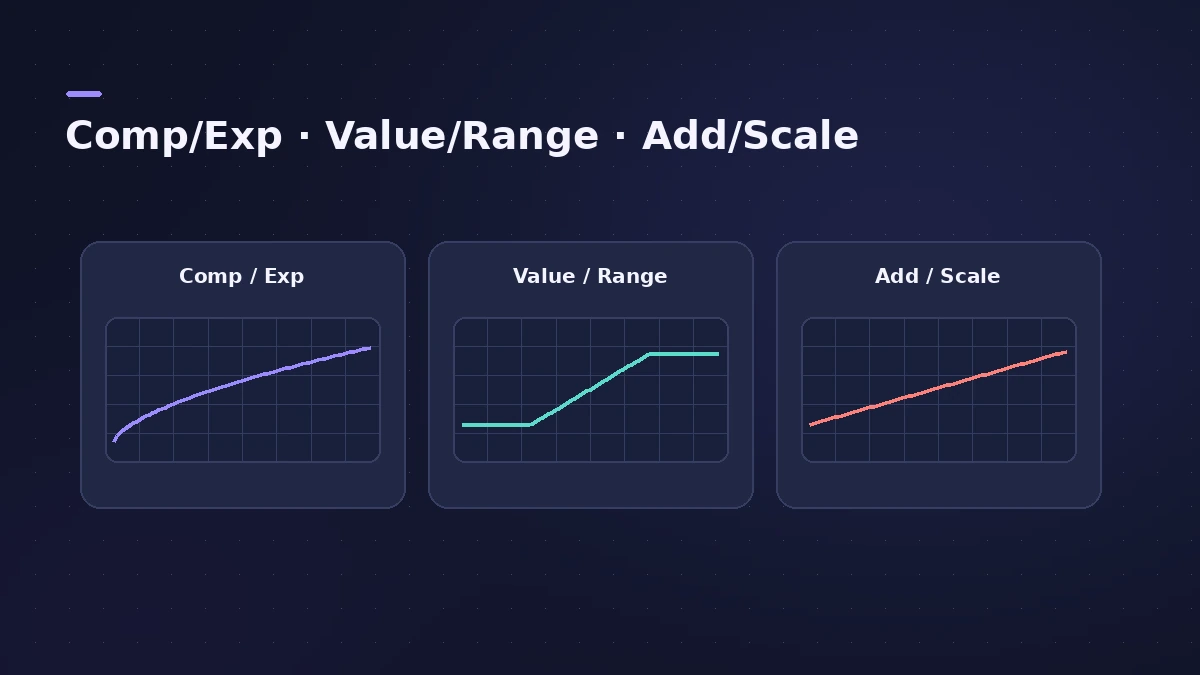
| Mode | Behaves like | Main controls |
|---|---|---|
| Comp/Exp | An audio compressor | Threshold, Ratio, Make-Up, Auto Gain |
| Value/Range | An audio limiter | Value, range |
| Add/Scale | Offset and scaling | Scale (0–200%), Add |
Step by step
-
1
Insert Velocity Processor
Choose it in the MIDI FX slot of the track you play or record on.
-
2
Choose what to process
Turn on Note ON, Note OFF or both.
-
3
Pick a mode
Comp/Exp compresses or expands like an audio compressor; Value/Range limits like a limiter; Add/Scale offsets or scales velocity.
-
4
Set the amounts
In Comp/Exp, set Threshold and Ratio (below 1 expands, above 1 compresses) and Make-Up; in Add/Scale, scale from 0–200% or add a value.
-
5
Limit to some notes
Use Note Range to process only part of the keyboard — for example only the hi-hat keys.
Common mistakes
- Compressing velocity on an expressive piano part until it sounds flat.
- Setting Scale far above 100% so most notes hit maximum velocity.
Fix recorded velocity instead
To change velocities of recorded notes, use the Piano Roll or the Event List; to randomise them, see humanize MIDI.
Sources
- Apple — Logic Pro for iPad User Guide: Velocity Processor
- Apple — Logic Pro for iPad User Guide 3.0: Velocity Processor note range
- Apple — Logic Pro for iPad User Guide 1.0: Velocity Processor Compress/Expand
- Apple — Logic Pro for iPad User Guide 3.0: Velocity Processor Add/Scale
- Sound On Sound — Plug-in And Play: Logic X MIDI plug-ins (Nov 2013)
Checked November 2026. Logic ProFiles is independent of Apple; menu names can differ slightly between Logic Pro versions.
Frequently asked questions
How do I make my MIDI keyboard play more evenly?
+
Insert Velocity Processor in Comp/Exp mode, set a threshold and a ratio above 1, and use Make-Up to set the level.
Can I limit how loud notes get?
+
Yes. Value/Range mode behaves like an audio limiter for velocity.
Related
- MIDI FX in Logic ProWhat each MIDI plug-in in Logic Pro does — Arpeggiator, Chord Trigger, Modifier, Modulator, Note Repeater, Randomizer, Scripter, Transposer, Velocity Processor.
- The Logic Pro Piano Roll EditorEdit MIDI in the Logic Pro Piano Roll: open it with P, add and move notes, change length and velocity, quantize selected notes and colour notes by velocity.
- Humanize MIDI in Logic Pro — the MIDI Transform windowHumanize MIDI in Logic Pro with the MIDI Transform window: choose the Humanize preset, set random Position, Velocity and Length, or try Random Velocity.
- How to record MIDI with a keyboard in Logic ProRecord MIDI from a keyboard in Logic Pro: arm an instrument track, record with a count-in, overdub, replace or take passes in Cycle mode, then quantize.
- Instruments in Logic ProGuides to Logic Pro's instruments: Session Players, Drummer, Synth Players, Chord ID, Drum Machine Designer, Sampler, Step Sequencer and Play Surface.