MainStage & Live
Ableton Link in MainStage 4
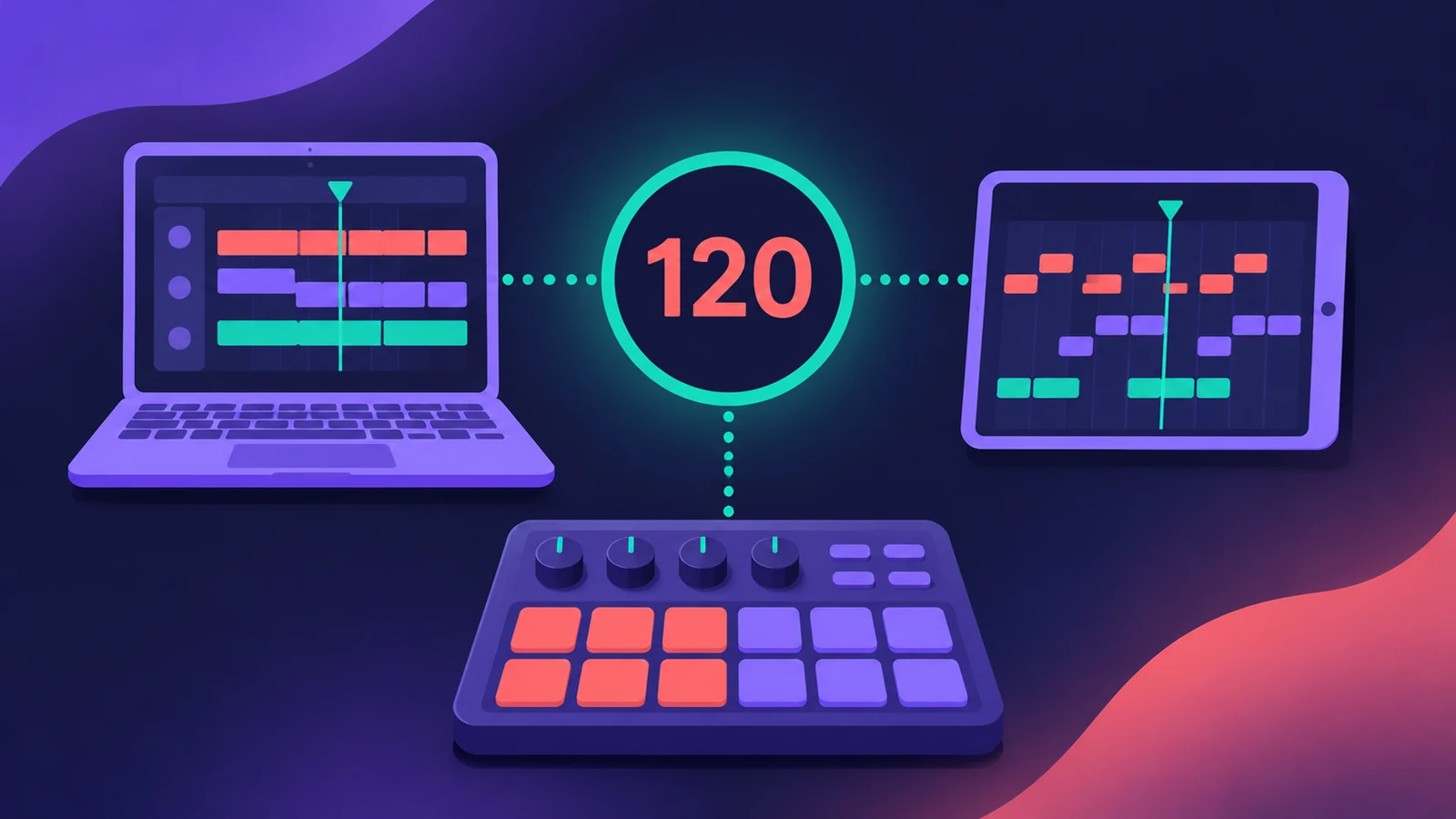
MainStage 4 can sync using Ableton Link, so it can share tempo with Link-compatible software and hardware. Unlike MIDI Clock's leader-and-follower model, any connected app can change the tempo.
 Owen Hartley
Where to find it
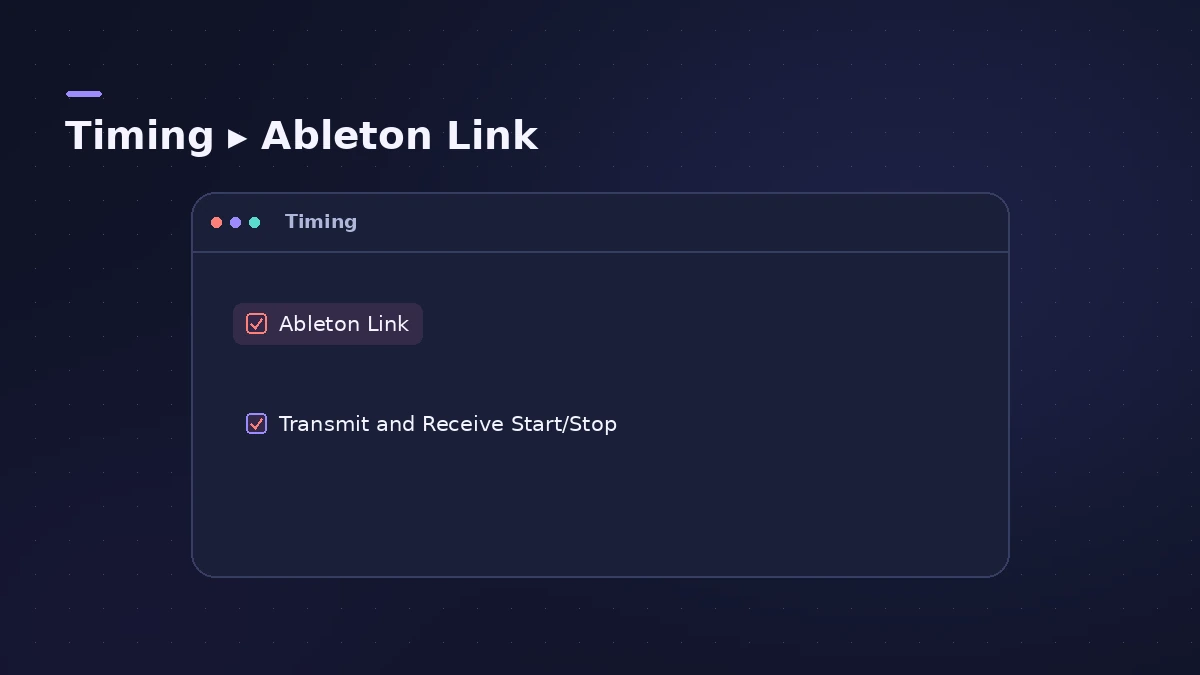
File > Concert Settings > Timing
The setting
Step by step
-
1
Open Concert Settings
With a concert open in Edit mode, choose File > Concert Settings.
-
2
Turn on Ableton Link
Under Timing, tick Ableton Link.
-
3
Allow network access
Grant MainStage network discovery permission when macOS asks.
-
4
Decide on start and stop
Choose Transmit and Receive Start/Stop to share transport, or leave it off so each app starts and stops on its own.
Common mistakes
- Looking for Link in the transport bar: CDM notes it isn't there — it's in Concert Settings.
Why leave start/stop off?
CDM gives the example of stopping an iPad app while MainStage keeps running. Apple's own pre-show advice is to disconnect from networks, so test Link carefully before relying on it live — see gig checklist.
Sources
- Apple Support — MainStage release notes
- CDM — Logic Pro 12 tweaks, MainStage 4 with Ableton Link (Jan 2026)
- Synth Anatomy — Logic Pro 12 and MainStage 4.0 are out as free updates (Jan 2026)
- Synthtopia — Logic Pro 12, MainStage 4 now available (Jan 2026)
Checked November 2026. Logic ProFiles is independent of Apple; menu names can differ slightly between Logic Pro versions.
Frequently asked questions
Does MainStage support Ableton Link?
+
Yes, from MainStage 4.
Where is the Ableton Link setting?
+
In File > Concert Settings, under Timing.
Related
- MainStage 4 — what it is and what's newMainStage 4 is Apple's live-performance app for Mac: concerts, patches and sets, Ableton Link sync and the new sound browser. $29.99 or in Apple Creator Studio.
- Play backing tracks in MainStagePlay backing tracks in MainStage with the Playback plug-in: add it to a patch, set or concert, load the file, choose Sync and trigger it from a button.
- Logic Pro vs Ableton Live 12 — price, platform and workflowLogic Pro vs Ableton Live 12: $199.99 once vs Intro, Standard and Suite, Mac-only vs Mac and Windows, timeline vs Session View. Checked Nov 2026.
- MainStage and live performancePlay Logic Pro's instruments on stage with MainStage 4: concerts and patches, backing tracks, MIDI controllers, Ableton Link and pre-gig checks.