Gear
Use a Launchpad with Logic Pro Live Loops
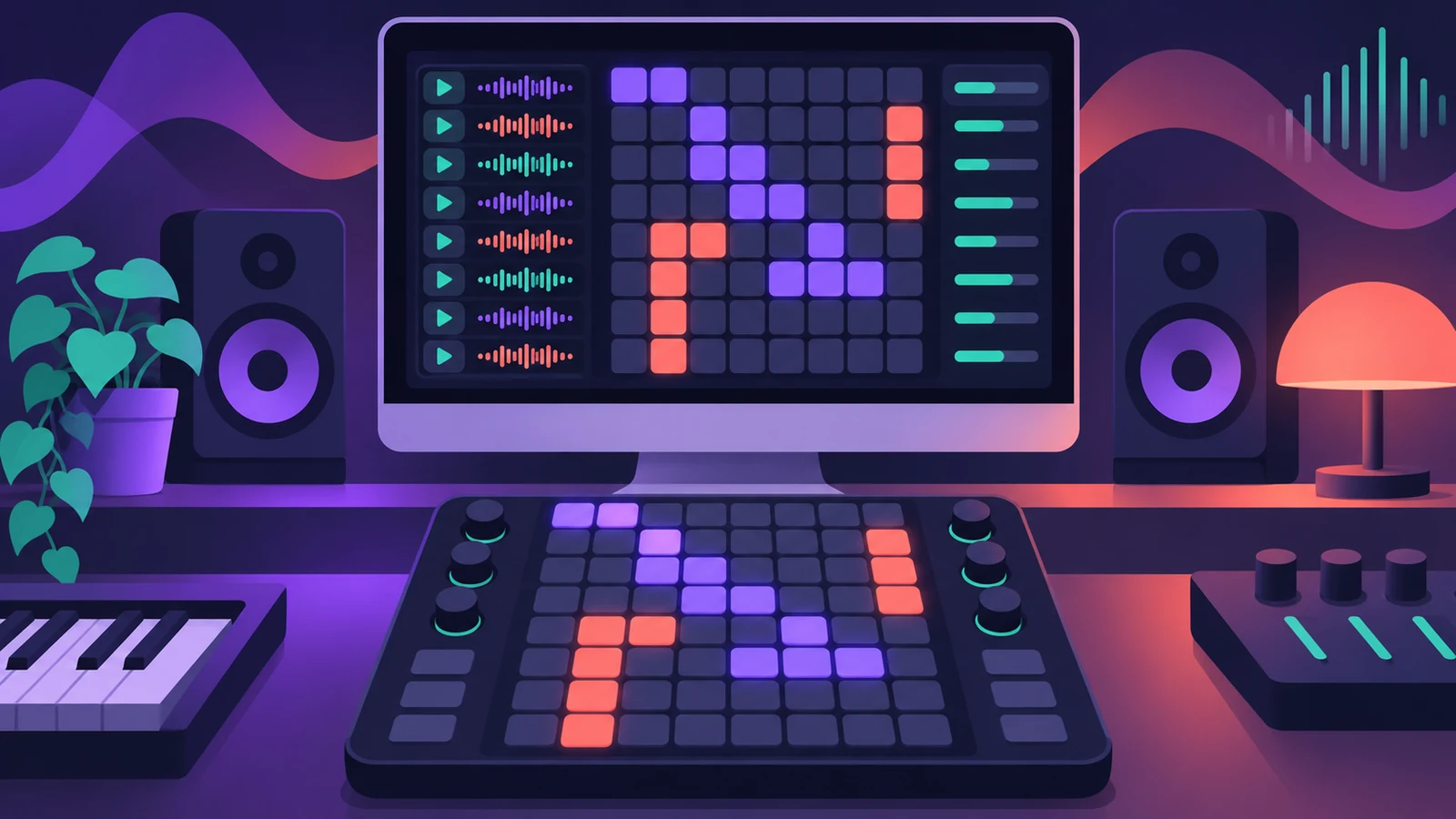
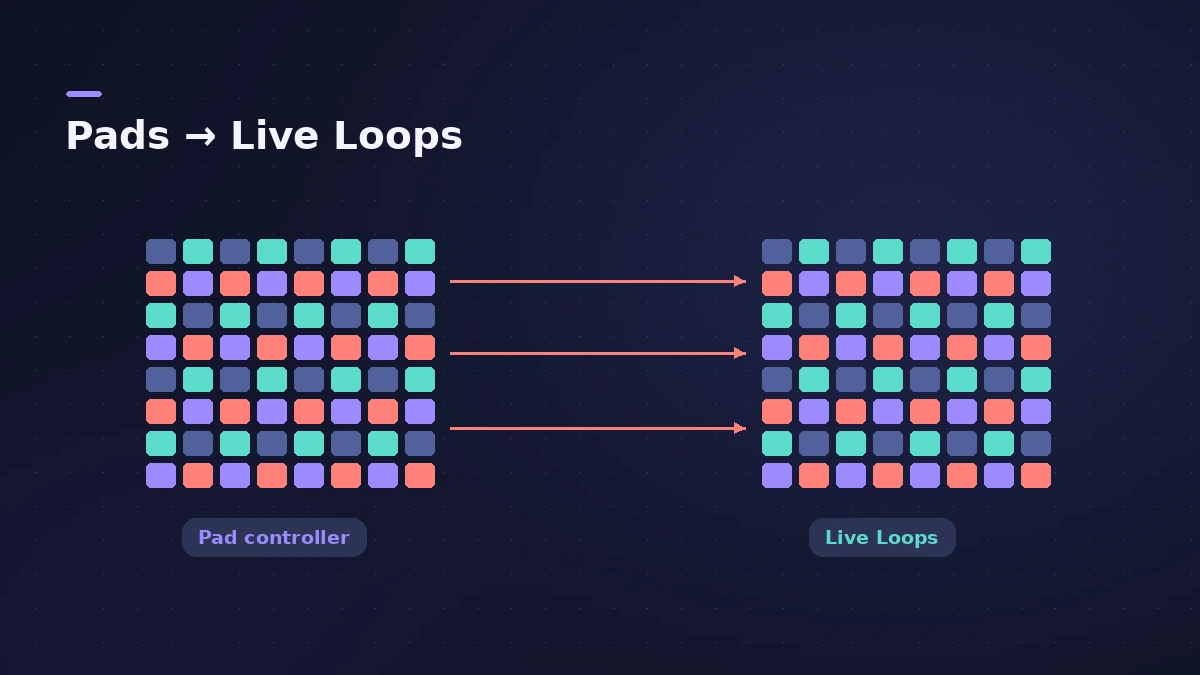
Apple's Control Surfaces guide supports the Novation Launchpad: you can control many Live Loops functions and mixing parameters in Logic Pro from its pad grid, and use more than one Launchpad at once.
 Owen Hartley
Where to find it
Logic Pro > Control Surfaces > Setup
Pads and Live Loops
New to Live Loops? Start with the Live Loops guide. No grid controller? Logic Remote on an iPad can trigger cells and scenes too.
Step by step
-
1
Connect the Launchpad
Connect it to your Mac and open a project that uses Live Loops.
-
2
Check it in Setup
Choose Logic Pro > Control Surfaces > Setup to see the device and its settings.
-
3
Set the orientation
If you turn the Launchpad on its side, change the Orientation parameter (for example, 90º Right). The device icon shows the current orientation.
-
4
Use Session mode
Apple's guide has a section on using the Launchpad in Session mode with Logic Pro, and an overview of its other modes.
Sources
- Apple — Control Surfaces Support Guide: Set up your Novation Launchpad
- Apple — Control Surfaces Support Guide for Logic Pro (contents)
- Apple — Control Surfaces Support Guide for Logic Pro (PDF)
Checked November 2026. Logic ProFiles is independent of Apple; menu names can differ slightly between Logic Pro versions.
Frequently asked questions
Does Logic Pro support Novation Launchpad?
+
Yes. Apple's Control Surfaces guide covers Launchpad setup, its modes and multi-device support.
What can a Launchpad control in Logic Pro?
+
Many Live Loops functions and mixing parameters, according to Apple.
Related
- Live Loops in Logic ProUse Live Loops in Logic Pro: start a grid, drag in loops and regions, trigger cells and scenes in time, then record the performance to the Tracks area.
- Control surfaces in Logic ProUse a control surface with Logic Pro: Mackie Control units are detected automatically, HUI devices are added in Control Surfaces > Setup, EuCon uses EuControl.
- Logic Remote — control Logic Pro from an iPad or iPhoneLogic Remote is Apple's free app that turns an iPad or iPhone into a Logic Pro mixer, transport and Touch Instrument. Connect over Wi-Fi or USB in a few taps.
- Gear for Logic ProGear for Logic Pro in 2026: which Mac or MacBook to buy, how much RAM you need, moving the Sound Library to an SSD, control surfaces, Logic Remote and Sidecar.