Learn Logic Pro
The Logic Pro 13 Browser — search, tags and Find Similar
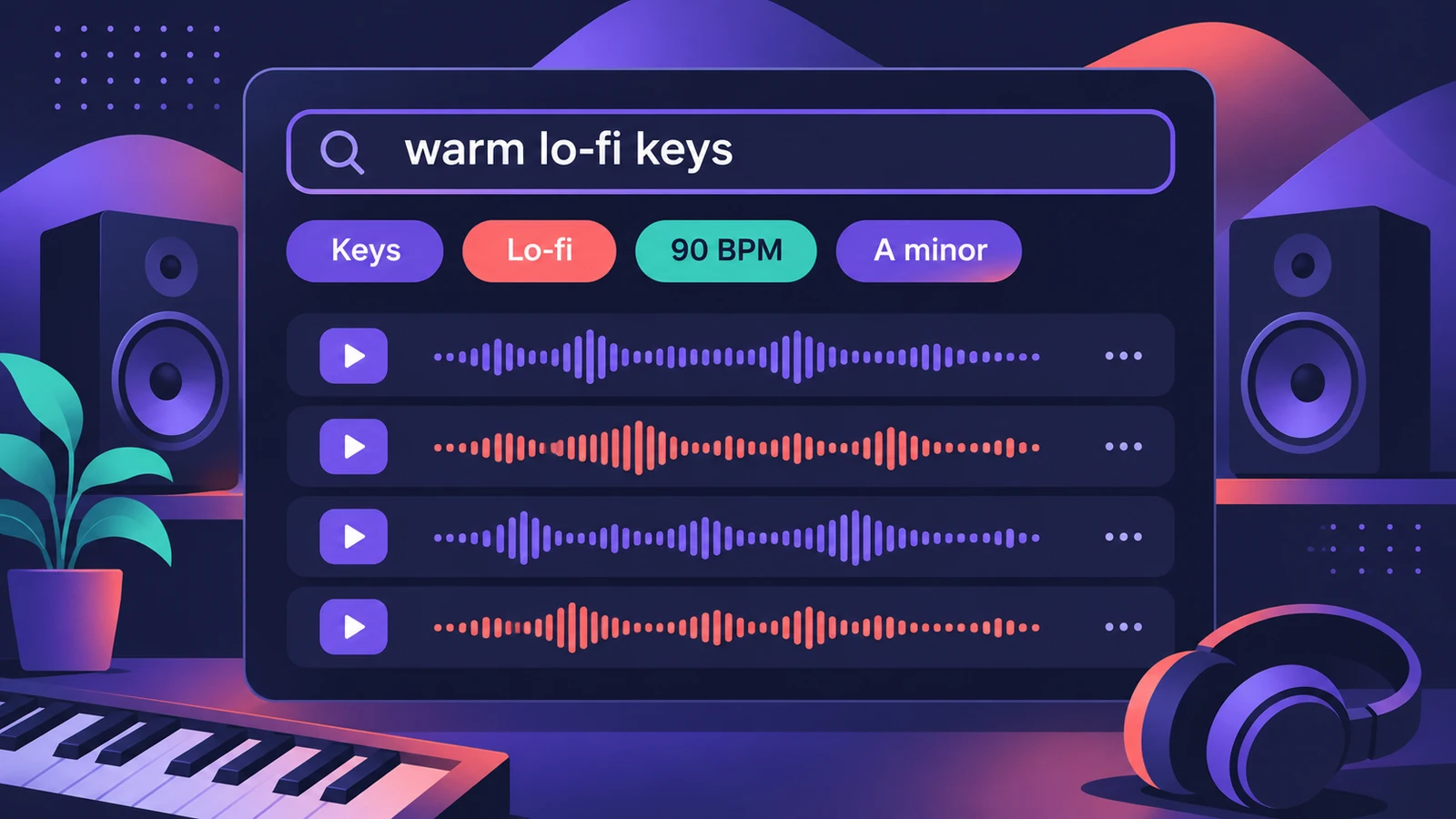
Logic Pro 13 replaces the separate places you used to look for sounds with one Browser. It holds the Sound Library, your own samples and patches, plug-in presets and downloaded Splice sounds, tags everything automatically and lets you search by describing a sound or by dragging in one you like. Press B to open it.
 Owen Hartley
What's in the Browser
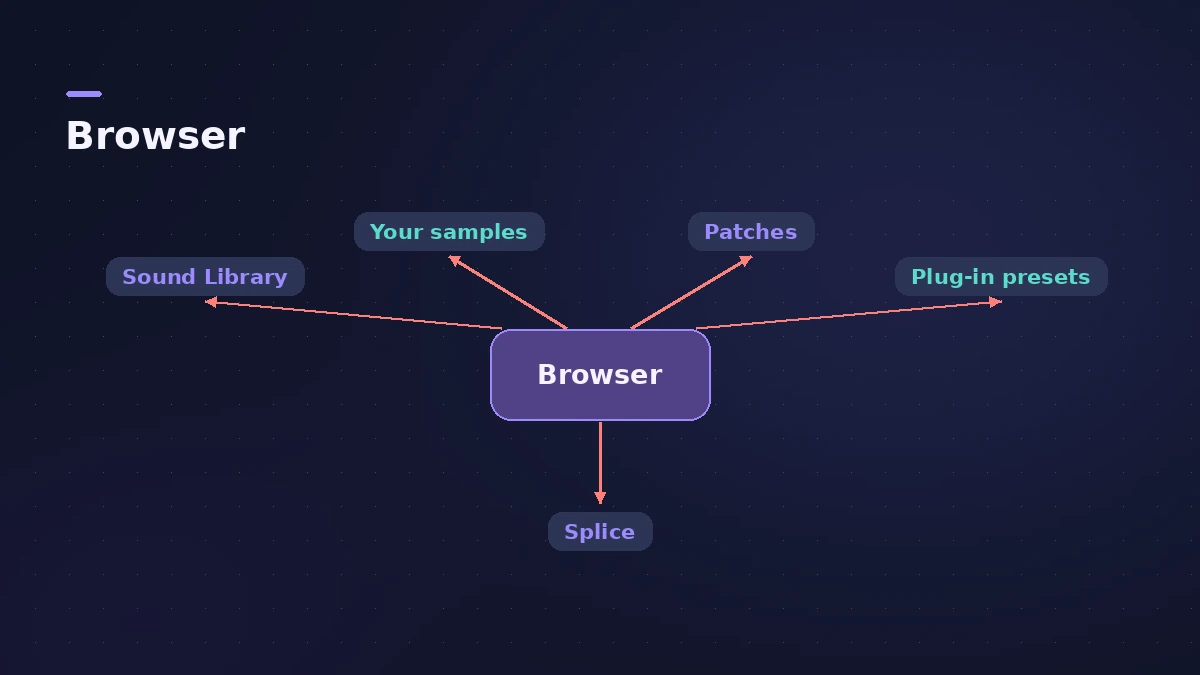
Apple's release notes describe one Browser for the Logic Pro Sound Library, your own samples and patches, plug-in presets, Sampler instruments and downloaded Splice sounds. Loops, one-shots and patches are now found in the same place, and you can mark anything as a favourite to find it again. You can also manage Sound Library downloads from here — see Sound Library.
Four ways to search
| Method | How |
|---|---|
| Filter tags | Type tags in the search field or pick them in All Filters |
| Describe it | Type a phrase such as "heavy techno drums" — Apple calls this music understanding |
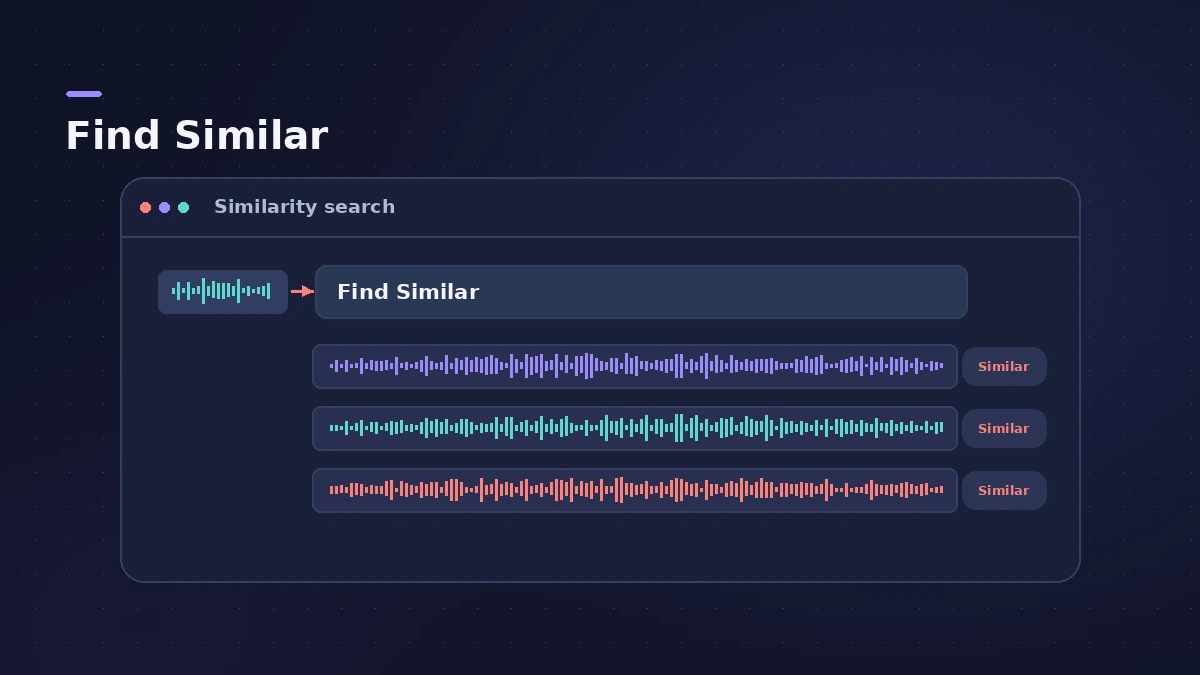
| Find Similar | Drag a sample into the search field, or Control-click it and choose Find Similar |
| Favourites | Mark sounds and filter by them later |
Describing sounds works well for some searches and less for others — CDM found its results hit-or-miss and notes that ordinary search is still there.
Your own sounds and Splice
When you add a folder of samples to the Browser as a Location, Logic Pro analyses it, finds loops and one-shots, detects tempo and key and adds tags, so your files can be searched like Apple Loops. You can edit those tags in the Info view. The Splice Sounds location stays in sync with the Splice app and imports Splice's tags.
Keys that changed in 13
| Key | Logic Pro 13 |
|---|---|
| B | Open or close the Browser |
| Command-F | Open the Browser with the search field selected |
| Y | Show or hide Smart Controls |
| F | Show or hide Flex |
| Command-K | Open the Play Surface |
The full list is in Logic Pro key commands. For how loops behave once they're in your project, see Apple Loops; for instrument and effect settings, see patches.
Sources
- Apple Support — Logic Pro for Mac release notes
- Apple — Logic Pro User Guide: What's new in Logic Pro for Mac 13
- MusicRadar — Apple goes all in on AI with Logic Pro 13 (Oct 2026)
- Production Expert — Logic Pro 13 splits drum stems into kit pieces and rebuilds the browser (Nov 2026)
- CDM — Logic Pro 13 hands-on (Nov 2026)
- Tutkit — Logic Pro 13: AI assistant only in the Creator Studio subscription (Nov 2026)
Checked November 2026. Logic ProFiles is independent of Apple; menu names can differ slightly between Logic Pro versions.
Frequently asked questions
How do I open the Browser in Logic Pro 13?
+
Press B. Command-F opens it with the search field selected.
Does the Browser need Apple silicon?
+
The Browser itself doesn't, but describing sounds in words, Find Similar, Link/Replace and analysing your own Locations need an Apple silicon Mac, according to Apple's release notes.
Why don't my Splice sounds show up?
+
The Splice Sounds location appears only when the Splice app is installed on the Mac and you've downloaded sounds with it.
Related
- How to use Apple Loops in Logic ProUse Apple Loops in Logic Pro: find loops in the Browser, add them to tracks, how they follow tempo and key, the four loop types and how to make your own loops.
- Logic Pro patches — load, edit and save your ownWhat a Logic Pro patch is, how to load and swap patches in the Browser or Library, save your own, merge only parts of a patch and restore legacy patches.
- Logic Pro Sound Library — download, install and move itManage the Logic Pro Sound Library: install sound packs, download everything, move it to an external SSD with Relocate Sound Library and fix a missing drive.
- What's new in Logic Pro 13Logic Pro 13 (5 Nov 2026): the AI Assistant, a unified Browser with Splice, drum-kit Stem Splitter, Play Surface, Liquid Glass, touch control and more.
- Learn Logic Pro — tutorials for beginnersLearn Logic Pro on Mac: a beginner tutorial, the interface, the Logic Pro 13 Browser, audio interface setup, key commands, loops, patches and saving projects.