Fix Problems
Apple Loops missing from the Loop Browser
When the Loop Browser is empty or new loops don't appear, Apple's long-standing fix is to rebuild the loop index. If that doesn't help, the loops may not be installed at all — or, for your own loops, they may be missing a descriptor.
 Owen Hartley
Applies to: Logic Pro 13, 12 and 11 for Mac (older advice still applies).
Most likely causes
- Loop index out of date after installing new content (most common)
- Loop packages not installed (common)
- Your own loops saved without a descriptor (occasional)
- Library on an external drive that isn't connected (occasional)
Rebuild the loop index
For how to browse, filter and drag loops into a project, see the Apple Loops guide.
Fixes, in order
1. Reindex All Loops
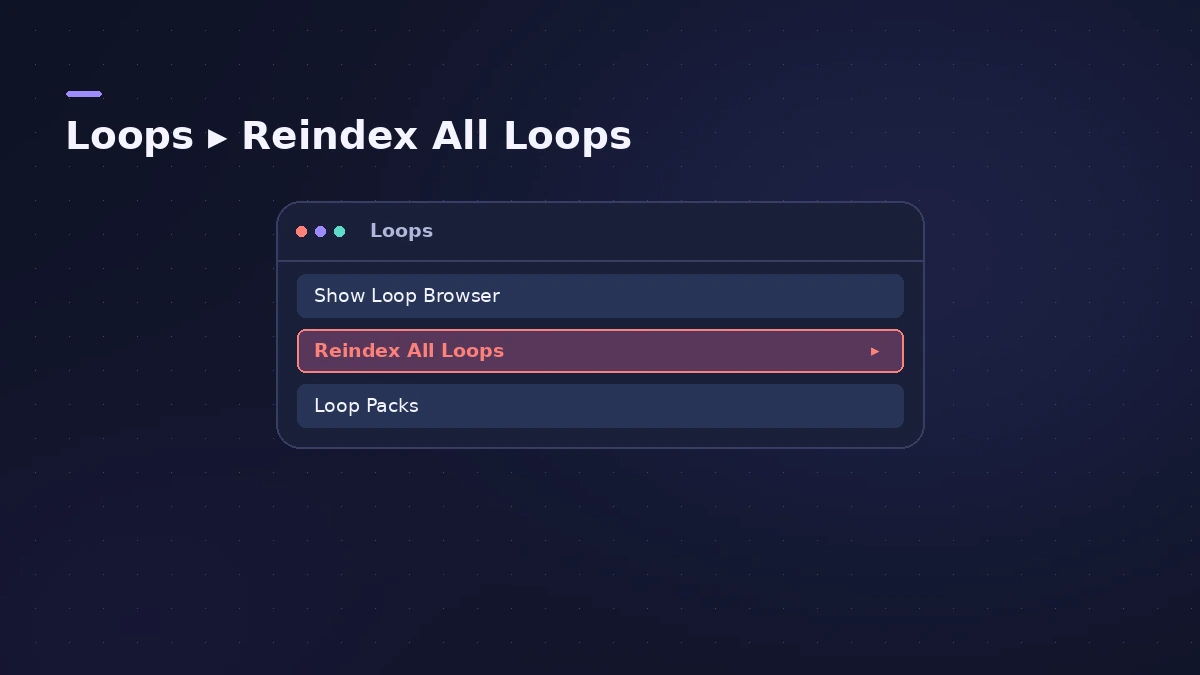
In the Loop Browser, open the Loops menu at the top and choose Reindex All Loops.
2. Check what's installed
Choose Logic Pro > Sound Library > Open Sound Library Manager and install any loop packages you're missing.
3. Connect the drive
If your sounds live on an external drive, connect it before opening Logic Pro.
4. Add a descriptor to your own loops
Users report that homemade loops only appear once at least one descriptor is set in Apple Loops Utility.
5. Test another user account
Users report loops showing for another macOS user — a sign the problem is in your account's settings, not the files.
Sources
- Apple Support (archived) — Loops may not appear in the Loop Browser: Reindex All Loops
- Apple Community — Apple Loops not showing in Loop Browser
- Apple Community — Homemade Apple Loops not in Loop Browser (descriptor)
- Apple Support — If you can't install additional content for Logic Pro for Mac and MainStage
Checked November 2026. Logic ProFiles is independent of Apple; menu names can differ slightly between Logic Pro versions.
Frequently asked questions
Where is Reindex All Loops?
+
In the Loops menu at the top of the Loop Browser.
Why don't my own loops show up?
+
Users report they need at least one descriptor set in Apple Loops Utility.
Reindexing never finishes — what now?
+
Users report indexing hanging for hours; check that the loops are installed and the drive they're on is connected.
Related
- How to use Apple Loops in Logic ProUse Apple Loops in Logic Pro: find loops in the Browser, add them to tracks, how they follow tempo and key, the four loop types and how to make your own loops.
- Sound Library won't download in Logic ProLogic Pro says it was not able to complete the download of sounds? Check free space, install packages one by one in the Sound Library Manager, update Logic Pro.
- Logic Pro Sound Library — download, install and move itManage the Logic Pro Sound Library: install sound packs, download everything, move it to an external SSD with Relocate Sound Library and fix a missing drive.
- Fix Logic Pro problems — errors, crashes and no soundStep-by-step fixes for Logic Pro on Mac: system overload, disk too slow, no sound, crashes, latency, missing plug-ins, MIDI keyboards and recording problems.