Tap tempo BPM counter
Tap the button or press T in time with the music. The counter averages your last taps and shows the tempo, rounded and unrounded.
 Owen Hartley
How it works
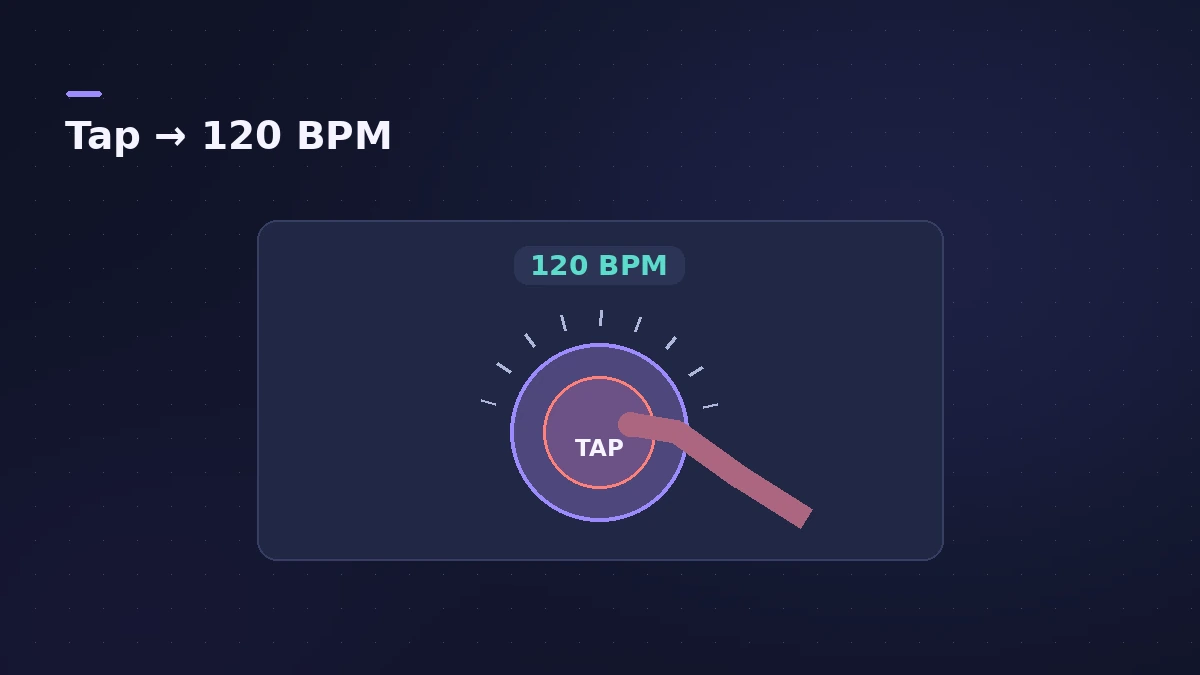
BPM = 60,000 ÷ average gap between taps in milliseconds. The counter averages up to the last eight gaps and starts over after a two-second pause.
Tap tempo inside Logic Pro
Logic Pro also has a Tap Tempo command. It has no default shortcut — assign one in Key Command Assignments (Option-K). The Tempo Interpreter (Edit > Tempo > Tempo Interpreter, with advanced editing options on) sets how taps are read; Apple's guide suggests a 1/4 note Tap Step usually works well. For audio you've already recorded, Smart Tempo can analyse the tempo instead.
Sources
- Apple — Logic Pro X 10.1 Help: Use the Tempo Interpreter (old)
- Packt — Scoring to Picture in Logic Pro: Using Tap Tempo
Checked November 2026. Logic ProFiles is independent of Apple; menu names can differ slightly between Logic Pro versions.
Frequently asked questions
Does Logic Pro have tap tempo?
+
Yes. Assign the Tap Tempo key command in Key Command Assignments; it has no default shortcut.
Why does my tapped tempo jump around?
+
A few taps average poorly. Tap at least eight beats and keep a steady pulse.
Related
- How to set tempo, key and time signature in Logic ProSet tempo, key and time signature in Logic Pro from the LCD, add tempo and key changes later in the song, and see what each setting changes in playback.
- Smart Tempo in Logic ProUse Smart Tempo in Logic Pro to record without a click and build a tempo map: choose Adapt, Keep or Automatic, fix the analysis with hints, multitrack.
- Bars to time calculatorWork out how long a number of bars lasts at any tempo and time signature, how long one bar is, and how many bars fit a target length such as a 30-second ad.
- Tempo change calculatorGoing from one BPM to another? See the speed change in percent, the new song length and how many semitones the pitch moves if speed and pitch change together.
- Audio calculatorsFree audio calculators for Logic Pro: buffer latency, file size, BPM to delay time, bars to time, tempo change, samples to ms and note frequency.