Editing
Audio File Editor in Logic Pro
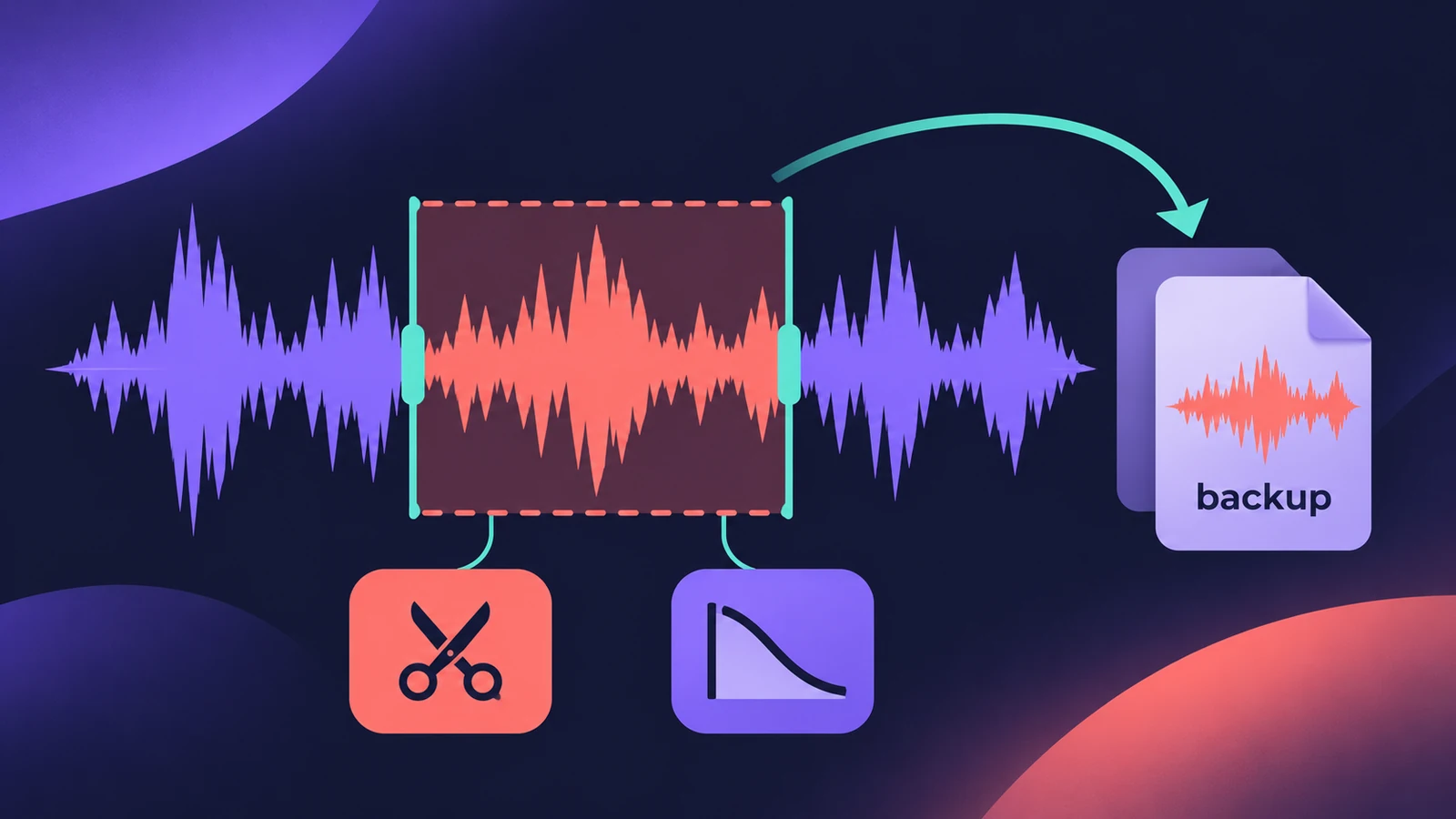
The Audio File Editor works on the audio file itself rather than on a region. Most of its edits are destructive — they change the original file — so Apple advises working on copies and using its backup command. It's the place for sample-level fixes, normalising and fades on the file.
 Owen Hartley
Where to find it
Audio File Editor (double-click an audio region, File tab)
Edit commands
| Command | What happens to the rest of the file |
|---|---|
| Cut | Removed to the Clipboard; following audio moves forward |
| Copy | Copied; nothing moves |
| Paste | Inserted; following audio moves back, selection replaced |
| Delete | Erased; a gap is left |
| Delete and Move | Erased; following audio moves forward |
Step by step
-
1
Back up the file first
Use the Audio File Editor's backup command before processing, so you can restore the original.
-
2
Select the area
Drag across the waveform to select the passage you want to change.
-
3
Edit
Cut, Copy, Paste, Delete or Delete and Move. Cut and Delete and Move close the gap; Delete leaves a gap.
-
4
Process
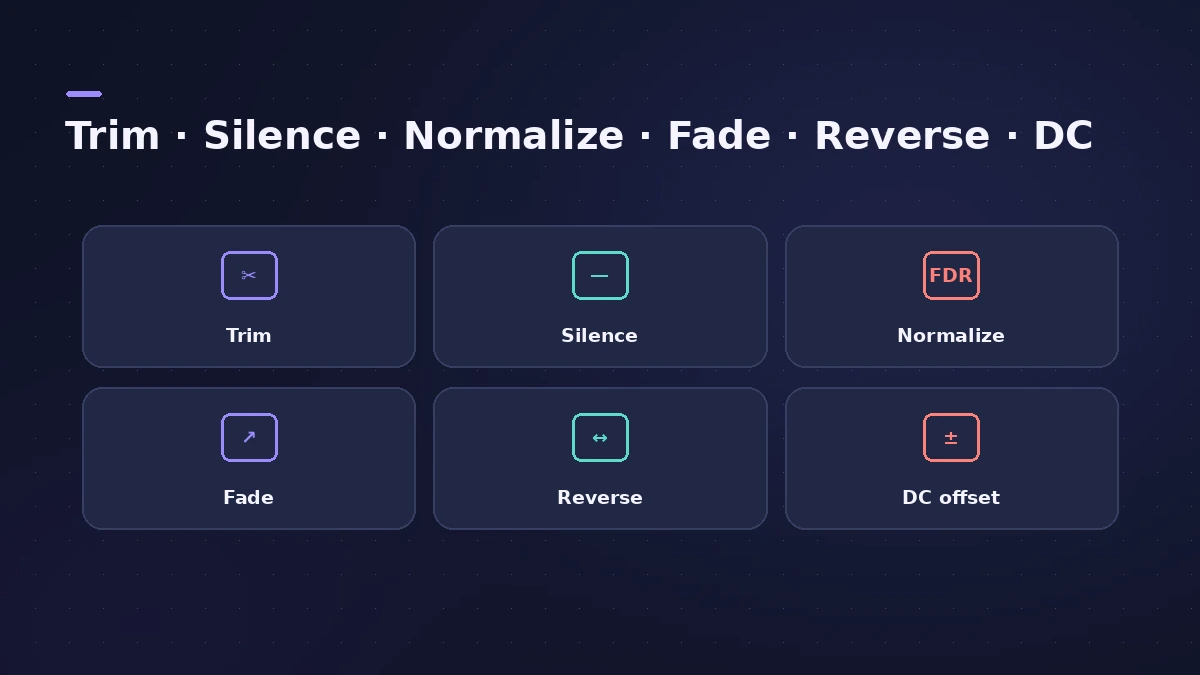
Use the functions to trim or silence, remove DC offset, set levels, normalise, fade, reverse or invert phase.
-
5
Undo if needed
Edits can be undone, but working on copies is still the safer route.
Common mistakes
- Processing the only copy of a recording — edits change the original file.
- Normalising to 0 dB and leaving no headroom; Apple suggests keeping 3–6 dB or more.
- Turning off the key-command warning and processing by accident.
Non-destructive alternatives
For level changes that don't touch the file, use region gain and normalize. For edits in the Tracks area, see split and join regions and fades.
Sources
- Apple — Logic Pro X 10.1 Help: Audio File Editor edit commands (old)
- Apple — Logic Pro User Guide for Mac: Audio File Editor topics
- Apple — Logic Pro X 10.1 Help: Normalize audio files (old)
- Apple — Logic Pro X User Manual: Normalize audio files (headroom)
- Apple — Logic Pro X 10.1 Help: Advanced editors overview (old)
Checked November 2026. Logic ProFiles is independent of Apple; menu names can differ slightly between Logic Pro versions.
Frequently asked questions
Are Audio File Editor edits destructive?
+
Most of them are — they change the original audio file. Apple recommends working with copies and making backups.
How does normalising work there?
+
Logic Pro finds the loudest point in the selection, works out how far it is from the maximum level and raises the whole selection by that amount.
Related
- Region gain and normalize in Logic ProChange audio region gain in Logic Pro with the Gain tool or Region inspector (−30 to +30 dB), and normalize regions to a Peak or Loudness target.
- How to reverse audio in Logic ProReverse audio in Logic Pro with the Reverse checkbox in the Region inspector, turn on advanced tools if it's missing, switch off Flex, bounce MIDI first.
- Fades and crossfades in Logic ProAdd fade-ins, fade-outs and crossfades in Logic Pro with the Fade tool or Region inspector, change curve and type, use speed fades and auto crossfades.
- Delete unused audio files in Logic ProShrink a Logic Pro project: delete inactive track alternatives, Select Unused in the Project Audio Browser, delete files, optimize audio and run Clean Up.
- Editing in Logic ProEdit audio and MIDI in Logic Pro: comp takes, quantize, Flex Time, Smart Tempo, change tempo or key, Stem Splitter, audio to MIDI, fades and Remove Silence.