Editing
Remove Silence in Logic Pro
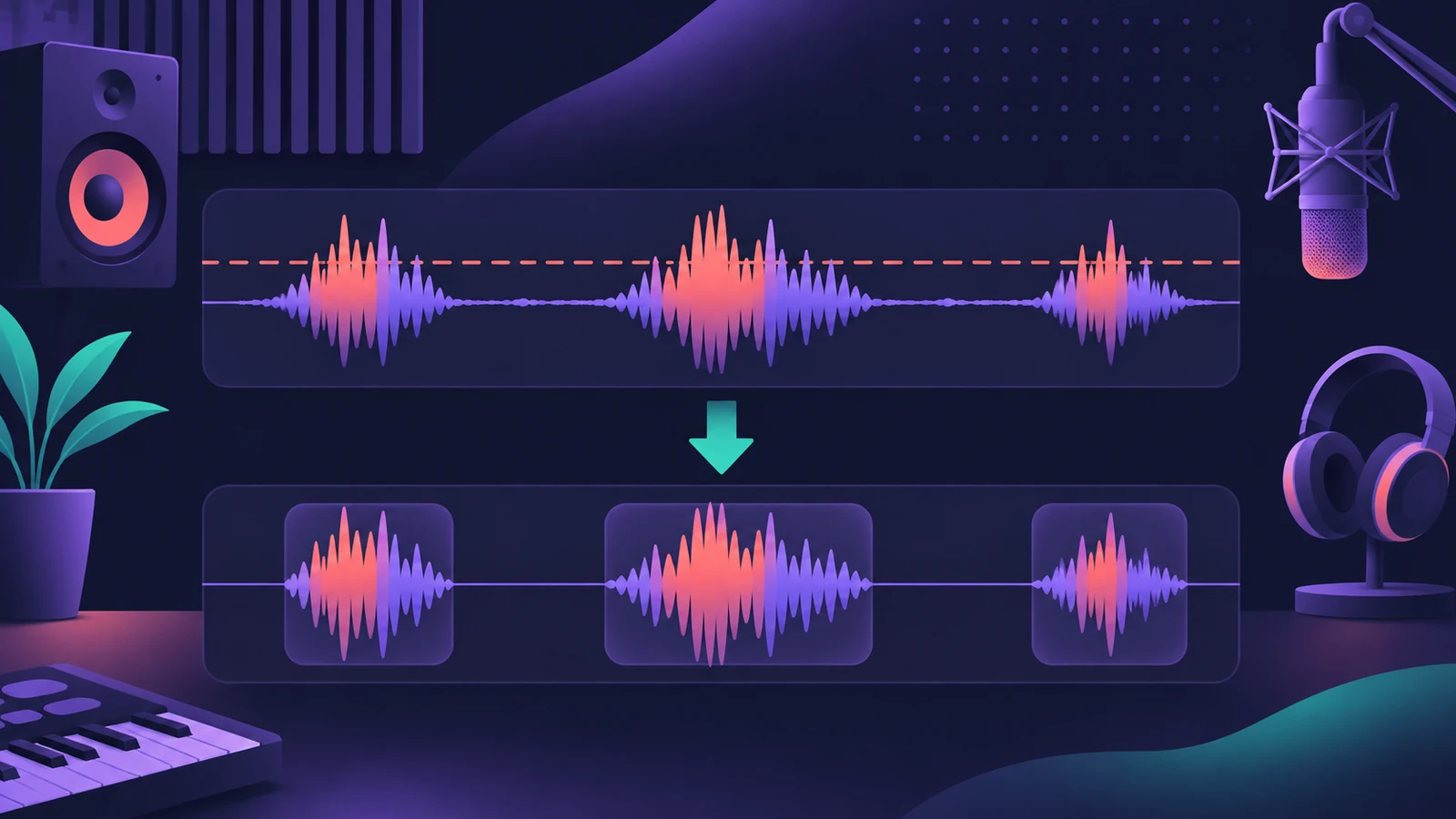
Remove Silence — called Strip Silence in older versions — cuts the quiet parts out of an audio region and keeps the rest as separate regions. It's quick for cleaning spill between tom hits, gaps in a vocal or the silence in a podcast. Everything below the threshold counts as silence; the timing of what's left doesn't move.
 Owen Hartley
Where to find it
Region shortcut menu > Remove Silence
Remove Silence parameters
| Parameter | What it does |
|---|---|
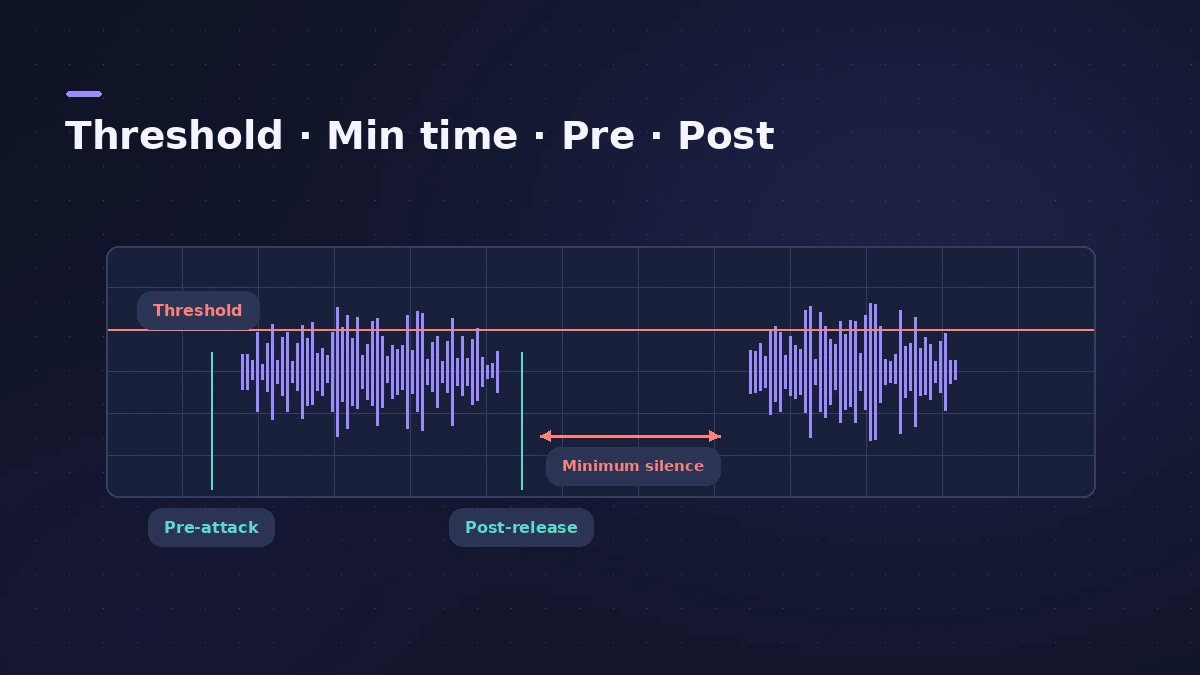
| Threshold | Level a passage must exceed to become a region |
| Minimum Time to Accept as Silence | How long audio must stay below the threshold to count as a gap |
| Pre Attack-Time | Adds a little before each region's start |
| Post Release-Time | Extends region ends so fading sounds aren't cut |
| Search Zero Crossings | Snaps start and end points to zero crossings |
Step by step
-
1
Open Remove Silence
Control-click the audio region (Apple's guide shows this in the Project Audio Browser) and choose Remove Silence.
-
2
Set the Threshold
Raise it for more, shorter regions; lower it for fewer, longer ones. The preview updates as you change it.
-
3
Set minimum silence time
Increase Minimum Time to Accept as Silence so short dips don't split a phrase.
-
4
Protect starts and tails
Add Pre Attack-Time for soft starts like vocals and Post Release-Time for cymbals, reverb tails and fading notes.
-
5
Apply
Click OK, then Replace to swap the original for the new regions in the Tracks area.
Common mistakes
- Threshold too high, chopping off quiet syllables and soft notes.
- No post-release time, so cymbals and reverb tails are cut short.
- Forgetting Search Zero Crossings, which helps avoid clicks at cut points.
Sources
- Apple — Logic Pro X 10.4 Help: Remove silence from audio regions (old)
- Apple — Logic Pro 9 manual: Removing silent passages from audio regions (old)
- Apple — Logic Pro User Guide for Mac 12.3 (table of contents)
Checked November 2026. Logic ProFiles is independent of Apple; menu names can differ slightly between Logic Pro versions.
Frequently asked questions
Is Strip Silence the same as Remove Silence?
+
Yes — Remove Silence is the current name for the feature older Logic Pro manuals call Strip Silence.
Does Remove Silence move my audio?
+
No. Replace keeps the relative timing of the new regions unchanged.
Related
- Fades and crossfades in Logic ProAdd fade-ins, fade-outs and crossfades in Logic Pro with the Fade tool or Region inspector, change curve and type, use speed fades and auto crossfades.
- How to split and join regions in Logic ProSplit regions in Logic Pro at the playhead, at the locators or with the Scissors tool, and join them back with Join or the Glue tool, for audio and MIDI.
- How to record drums in Logic ProRecord a drum kit in Logic Pro: start with overheads, add kick and snare mics, give each mic its own input and track, then group them in a Track Stack.
- Editing in Logic ProEdit audio and MIDI in Logic Pro: comp takes, quantize, Flex Time, Smart Tempo, change tempo or key, Stem Splitter, audio to MIDI, fades and Remove Silence.