Plug-ins
Plug-in Manager in Logic Pro
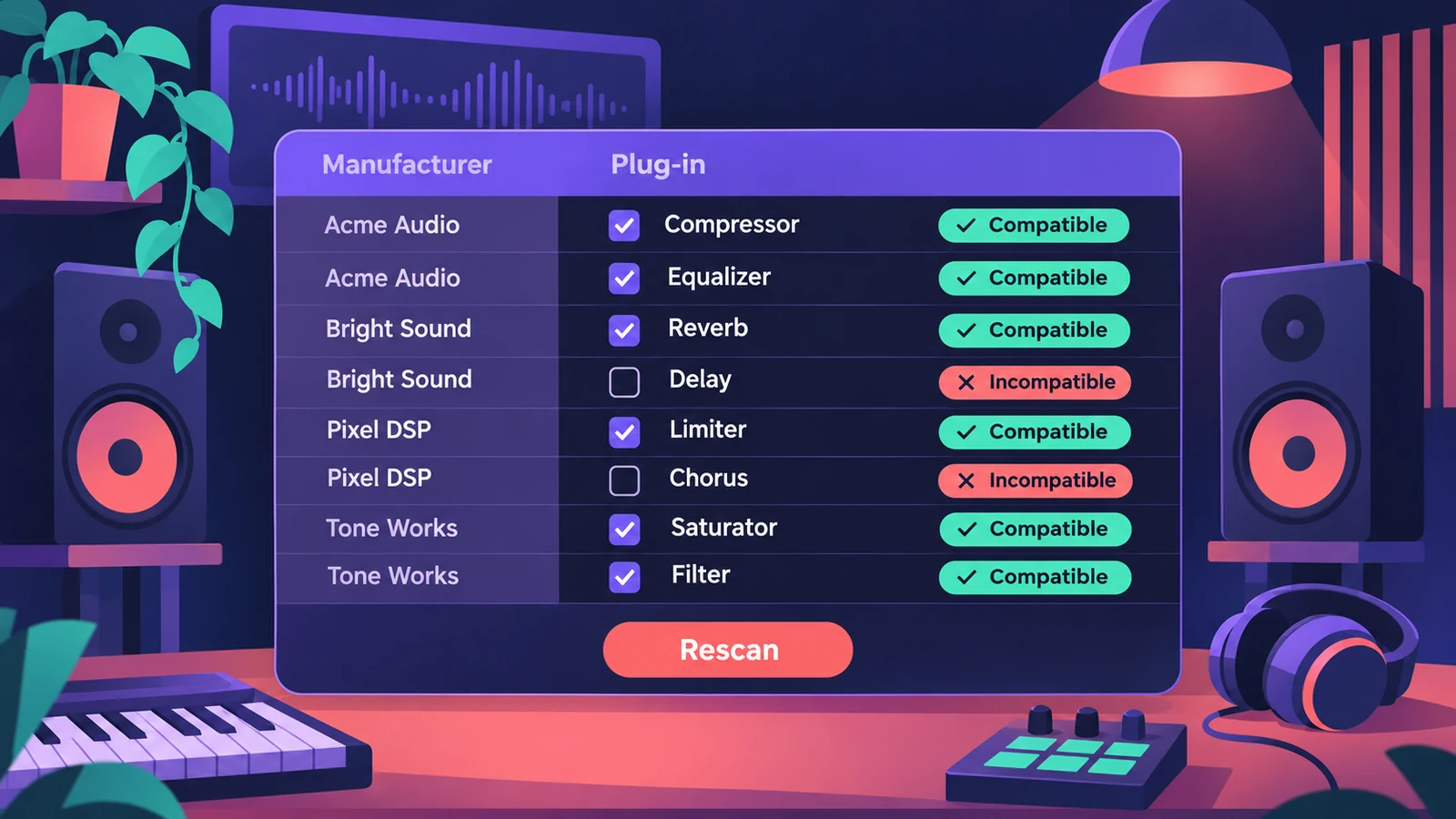
The Plug-in Manager lists every plug-in Logic Pro knows about — built-in ones by category, Audio Units by manufacturer — with each one's validation result. It's where you rescan a problem plug-in, reset all Audio Units, turn plug-ins off and build your own categories.
 Owen Hartley
Where to find it
Logic Pro > Settings > Plug-in Manager
Plug-in Manager buttons
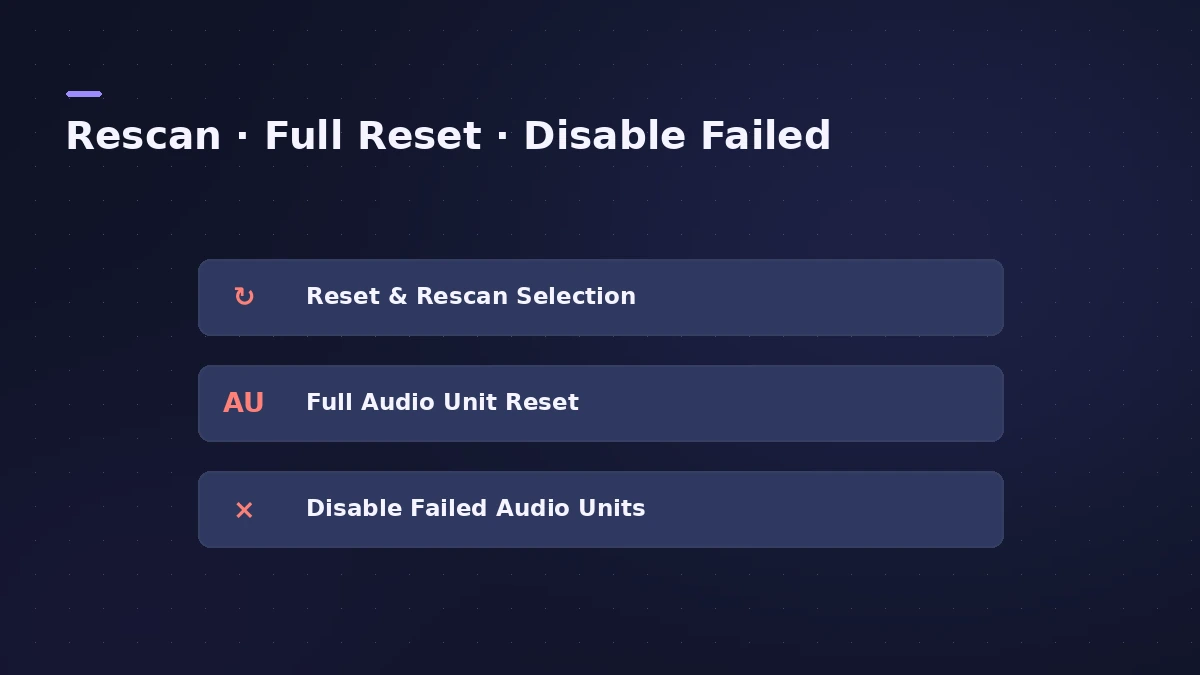
| Button | What it does |
|---|---|
| Reset & Rescan Selection | Rescans the selected plug-ins; they're enabled if they pass |
| Full Audio Unit Reset | Rescans all installed Audio Units when Logic Pro reopens |
| Disable Failed Audio Units | Turns off failed plug-ins you enabled manually |
| Use checkbox | Enables or disables a single plug-in |
Resetting Audio Units in Logic Pro also resets them for MainStage. In older versions the Plug-in Manager needed Show Advanced Tools; since Logic Pro 12 every feature is always available — see advanced settings.
Step by step
-
1
Open the Plug-in Manager
Choose Logic Pro > Settings > Plug-in Manager.
-
2
Find the plug-in
Click the manufacturer in the left column, or search by name.
-
3
Read the Compatibility column
It shows the validation result — for example "failed validation" or "not authorized".
-
4
Rescan or reset
Select the plug-in and click Reset & Rescan Selection; if it's missing entirely, click Full Audio Unit Reset and reopen Logic Pro.
-
5
Turn plug-ins on or off
Use the checkbox in the Use column to disable a plug-in, or to enable one that failed validation at your own risk.
Common mistakes
- Force-enabling failed plug-ins and forgetting — they can cause problems.
- Running a full reset while other audio apps are open; you can't use them during the scan.
- Ignoring "not authorized" — that's a licence issue, not a Logic Pro one.
Custom categories
Create your own categories with the + button and drag plug-ins into them; they appear in both the manufacturer list and your category. To install new plug-ins, see installing Audio Units.
Sources
- Apple Support — If you can't find a recently installed plug-in for Logic Pro for Mac
- Apple Support — Reset all Audio Units in Logic Pro
- Apple — Logic Pro X 10.4 Help: Use the Plug-in Manager (old)
- Apple — Logic Pro 9 User Manual: Audio Units validation (old)
- Apple — Logic Pro User Guide: What's new in Logic Pro for Mac 12
Checked November 2026. Logic ProFiles is independent of Apple; menu names can differ slightly between Logic Pro versions.
Frequently asked questions
Where is the Plug-in Manager in Logic Pro?
+
Choose Logic Pro > Settings (or Preferences in older macOS) > Plug-in Manager.
How do I make Logic Pro rescan all plug-ins?
+
Click Full Audio Unit Reset in the Plug-in Manager, then quit and reopen Logic Pro.
Can I use a plug-in that failed validation?
+
You can enable it manually in the Use column, but Apple warns it may cause problems; Disable Failed Audio Units turns them off again.
Related
- Where Logic Pro plug-ins are installedThird-party Audio Units for Logic Pro live in /Library/Audio/Plug-Ins/Components or the same folder in your home Library. How to find and remove them.
- How to install third-party plug-ins in Logic ProInstall third-party plug-ins for Logic Pro: it uses Audio Units, which go in the Components folder. Install, restart, check the Plug-in Manager.
- Audio Unit failed validation in Logic Pro — how to fix itA plug-in failed Audio Unit validation in Logic Pro? Rescan it in the Plug-in Manager, update or authorise it, clear the AU cache and check Rosetta.
- Plug-ins not showing in Logic Pro — how to make them appearInstalled a plug-in but Logic Pro doesn't list it? Check it's an Audio Unit in the Components folder, then rescan in the Plug-in Manager or reset the AU cache.
- Logic Pro keeps crashing or won't open — 14 fixesLogic Pro crashing, quitting or stuck on launch? Follow Apple's order: restart, update, isolate plug-ins with startup keys, reset settings, reinstall.