Logic Pro for iPad
Mastering Assistant in Logic Pro for iPad
Mastering Assistant analyses your finished mix and applies EQ, dynamics and loudness to make it ready to release. On iPad it arrived in version 1.1, and you get all four Character presets.
 Owen Hartley

Where to find it
Stereo output channel strip > Mastering Assistant
Character presets
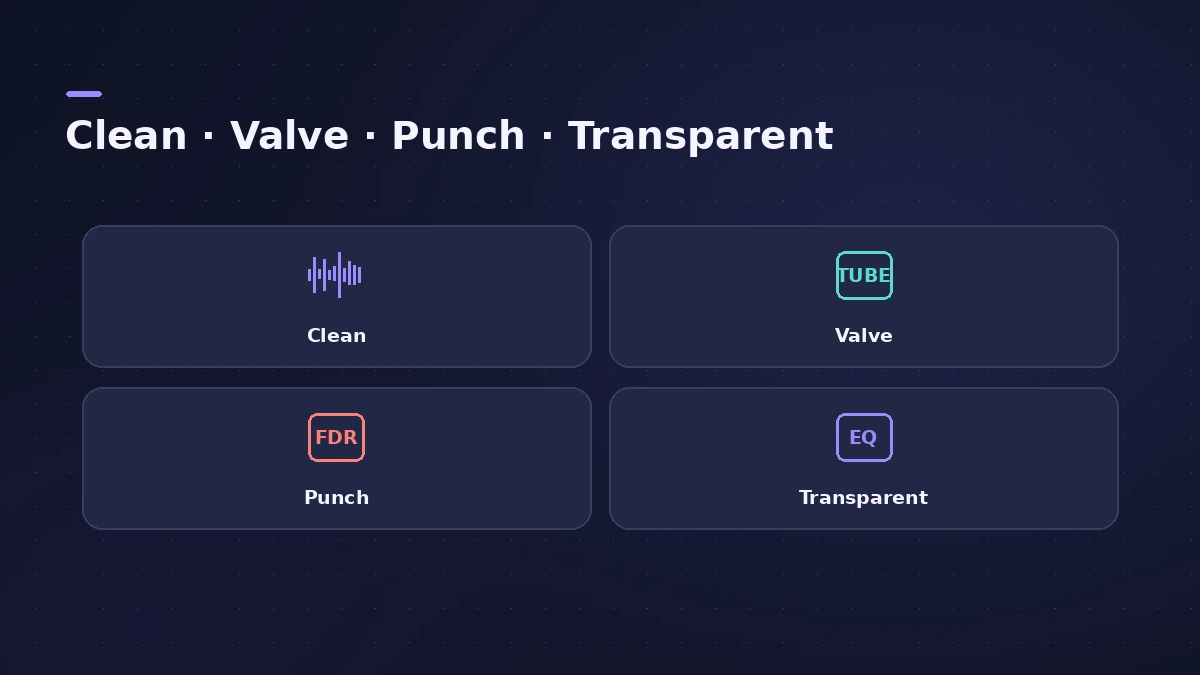
| Character | Apple's description, in short | Suggested for |
|---|---|---|
| Clean | Clean yet punchy | EDM, acoustic |
| Valve | Deep low end, refined highs | Acoustic, hip-hop |
| Punch | Aggressive, mid-range emphasis | Rock |
| Transparent | Default; modern, tight | Most genres |
Step by step
-
1
Add it to the stereo output
Insert Mastering Assistant on the stereo output channel strip from the Plug-ins area.
-
2
Let it analyse
Play the project so Mastering Assistant can analyse it; set locators first to analyse only the loudest section.
-
3
Choose a Character
Transparent is the default. Try Clean, Valve or Punch for a different sound.
-
4
Adjust in Details view
Open Details view to change loudness, the Auto EQ amount and stereo width.
-
5
Export
Bounce the project; the export settings can include or bypass Mastering Assistant.
Common mistakes
- Inserting it on a track instead of the stereo output.
- Pushing loudness so far that the master distorts.
Mastering in depth
For mastering principles and loudness targets, see mastering in Logic Pro and LUFS.
Sources
- Apple — Logic Pro for iPad Guide: Processing details when exporting projects
- Apple — Logic Pro for iPad Guide: Mastering Assistant overview
- Apple — Logic Pro for iPad Guide: Mastering Assistant parameters
- Apple — Use Mastering Assistant in Logic Pro
- Sound On Sound — Logic Pro's AI Mastering Assistant (2024)
- DJ Mag — Logic Pro 10.8 and iPad 1.1 add Mastering Assistant
Checked November 2026. Logic ProFiles is independent of Apple; menu names can differ slightly between Logic Pro versions.
Frequently asked questions
Which Character presets does Logic Pro for iPad have?
+
Clean, Valve, Punch and Transparent. Apple says these are available on iPad and on Macs with Apple silicon.
Which Character suits rock?
+
Apple suggests Punch — an aggressive sound with a subtle mid-range emphasis.
Related
- LUFS gain calculatorEnter your Integrated LUFS and True Peak from Logic Pro's Loudness Meter to see the gain to reach a target, the new peak, and how Spotify will play it.
- Mastering in Logic Pro with Mastering AssistantMaster your song in Logic Pro with Mastering Assistant: insert it on the stereo output, pick a Character, adjust EQ, loudness and width, then bounce the master.
- LUFS in Logic Pro — how loud for Spotify and Apple MusicMeasure LUFS in Logic Pro with the Loudness Meter and hit streaming targets: Spotify's -14 LUFS and -1 dB true peak, Apple's headroom advice and normalization.
- Export and share songs from Logic Pro for iPadExport a song from Logic Pro for iPad as WAV, AIFF or M4A, export stems as a zip or MIDI files, and share to Files, AirDrop, other apps or Voice Memos.
- Logic Pro for iPadLogic Pro for iPad guides: subscription, compatible iPads, Mac round-trips, AUv3 plug-ins, audio interfaces, Stem Splitter, exporting and fixes.