Compare
GarageBand vs Logic Pro for iPad
GarageBand is free on iPhone and iPad. Logic Pro for iPad comes with Apple Creator Studio and opens GarageBand songs directly — no import or conversion, it simply creates a new Logic Pro project from the song.
 Owen Hartley
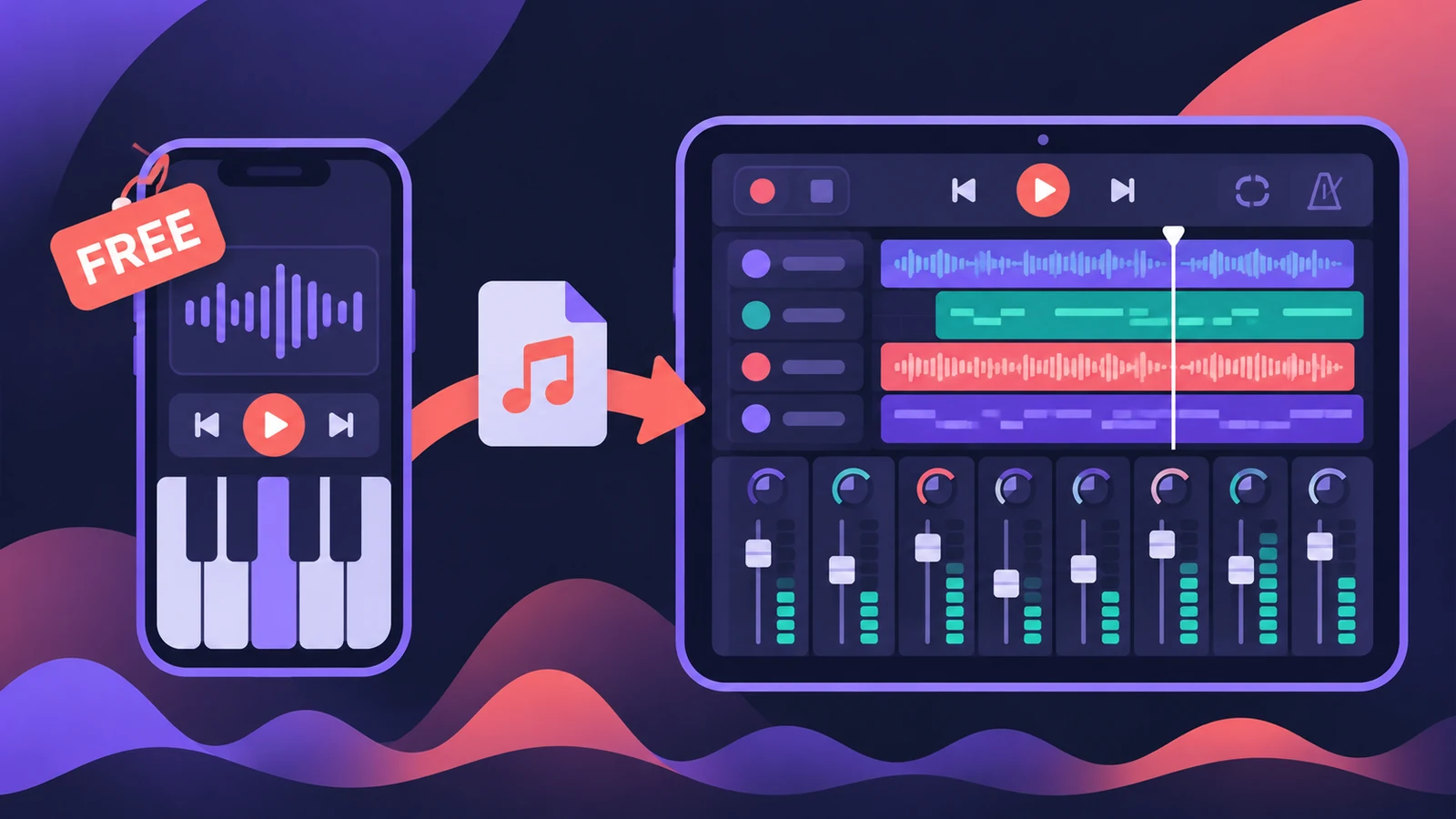
Sketching ideas on iPhone
GarageBand
Free and runs on iPhone as well as iPad.
Mixing and finishing on iPad
Logic Pro for iPad
Full plug-in collection and projects that open on a Mac.
Starting in GarageBand
Both
GarageBand songs open in Logic Pro for iPad.
| GarageBand (iPhone/iPad) | Logic Pro for iPad | |
|---|---|---|
| Price | Free | Included with Apple Creator Studio |
| Runs on | iPhone and iPad | iPad only |
| Opens the other's projects | — | Opens GarageBand songs |
| Working with Logic Pro for Mac | Add tracks to a Logic Pro project via iCloud | Projects open in Logic Pro for Mac |
| Third-party plug-ins | — | Audio Units V3 Extensions |
From the App Store and Apple Support (About Logic Pro for iPad; open GarageBand songs), November 2026.
Start free, move up later
GarageBand patches translate one-to-one into Logic Pro for iPad, so nothing you start is wasted. For the Mac side, see Logic Pro vs GarageBand; for iPad prices and models, see Logic Pro for iPad.
Sources
- Apple — GarageBand on the App Store (iPhone and iPad)
- Apple — GarageBand on the App Store (compatibility)
- Apple — GarageBand on the App Store (Logic Pro via iCloud)
- Apple Support — About Logic Pro for iPad (trial, cancel)
- Apple Support — About Logic Pro for iPad
- Apple Support — About Logic Pro for iPad (devices, AUv3)
- Apple — Logic Pro User Guide for iPad: Open GarageBand songs
- Apple Support — Open a GarageBand project in Logic Pro for iPad
- Apple — Apple Creator Studio (US)
Checked November 2026. Logic ProFiles is independent of Apple; menu names can differ slightly between Logic Pro versions.
Frequently asked questions
Can I open a GarageBand song in Logic Pro for iPad?
+
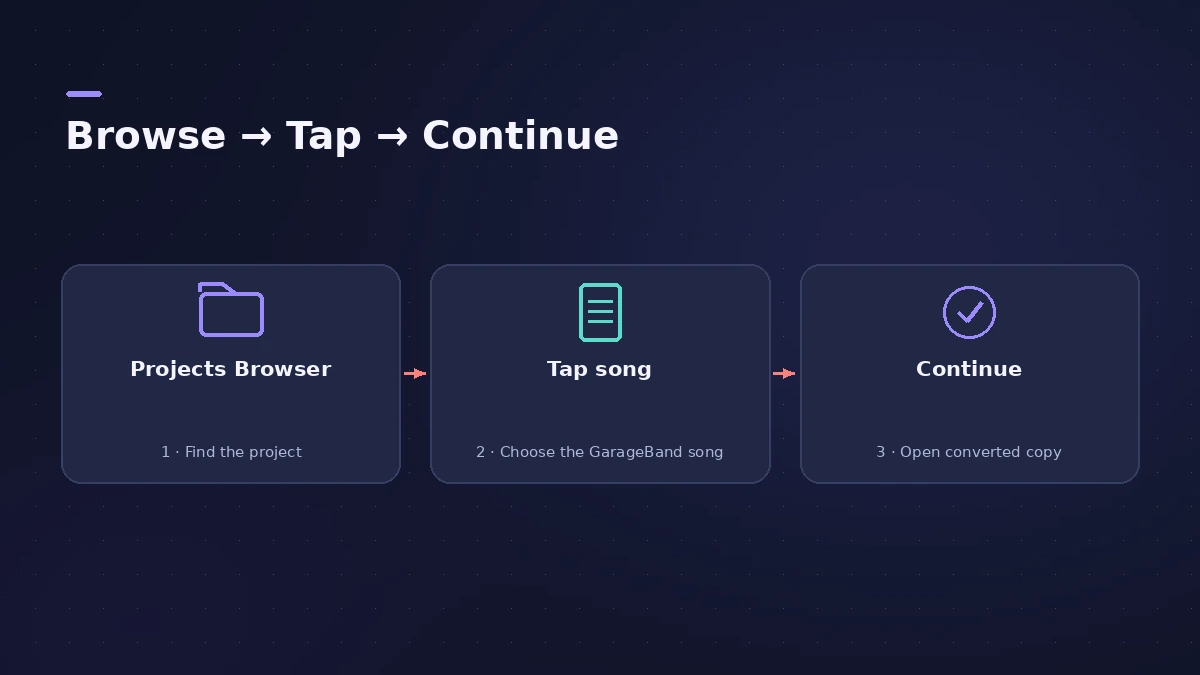
Yes. In the Projects Browser, tap the GarageBand song, then tap Continue. Logic Pro opens a converted copy.
Is Logic Pro for iPad free?
+
No. It's included with Apple Creator Studio; a free trial is offered when you first open it.
What happens to GarageBand's reverb and echo?
+
They're replaced by PlatinumVerb and Echo on busses 1 and 2.
Related
- Logic Pro for iPad for beginners — your first projectStart with Logic Pro for iPad: begin the trial, create a Tracks or Live Loops project, add loops and instruments, and learn with the built-in Lessons.
- Export and share songs from Logic Pro for iPadExport a song from Logic Pro for iPad as WAV, AIFF or M4A, export stems as a zip or MIDI files, and share to Files, AirDrop, other apps or Voice Memos.
- Logic Pro for iPad vs Logic Pro for MacLogic Pro for iPad vs Mac: Creator Studio at $12.99 a month vs $199.99 once, which iPads run it, what's Mac-only and how projects move between the two apps.
- Logic Pro vs GarageBand — what the upgrade buysLogic Pro vs GarageBand: price, Mac and iPad versions, what Logic Pro adds and how GarageBand projects open in Logic Pro without converting.
- Logic Pro for iPad versions — 1.0 to 3.4Logic Pro for iPad version history from 1.0 (May 2023) to 3.4: what each release added, which iPadOS it needs and how iPad versions pair with Logic Pro for Mac.
- Logic Pro compared — GarageBand, Ableton, FL Studio and moreCompare Logic Pro with GarageBand, Ableton, FL Studio, Cubase, Pro Tools, Studio One, Bitwig, Reason and REAPER: price, platforms and licensing.