Logic Pro for iPad
Logic Pro for iPad keyboard shortcuts
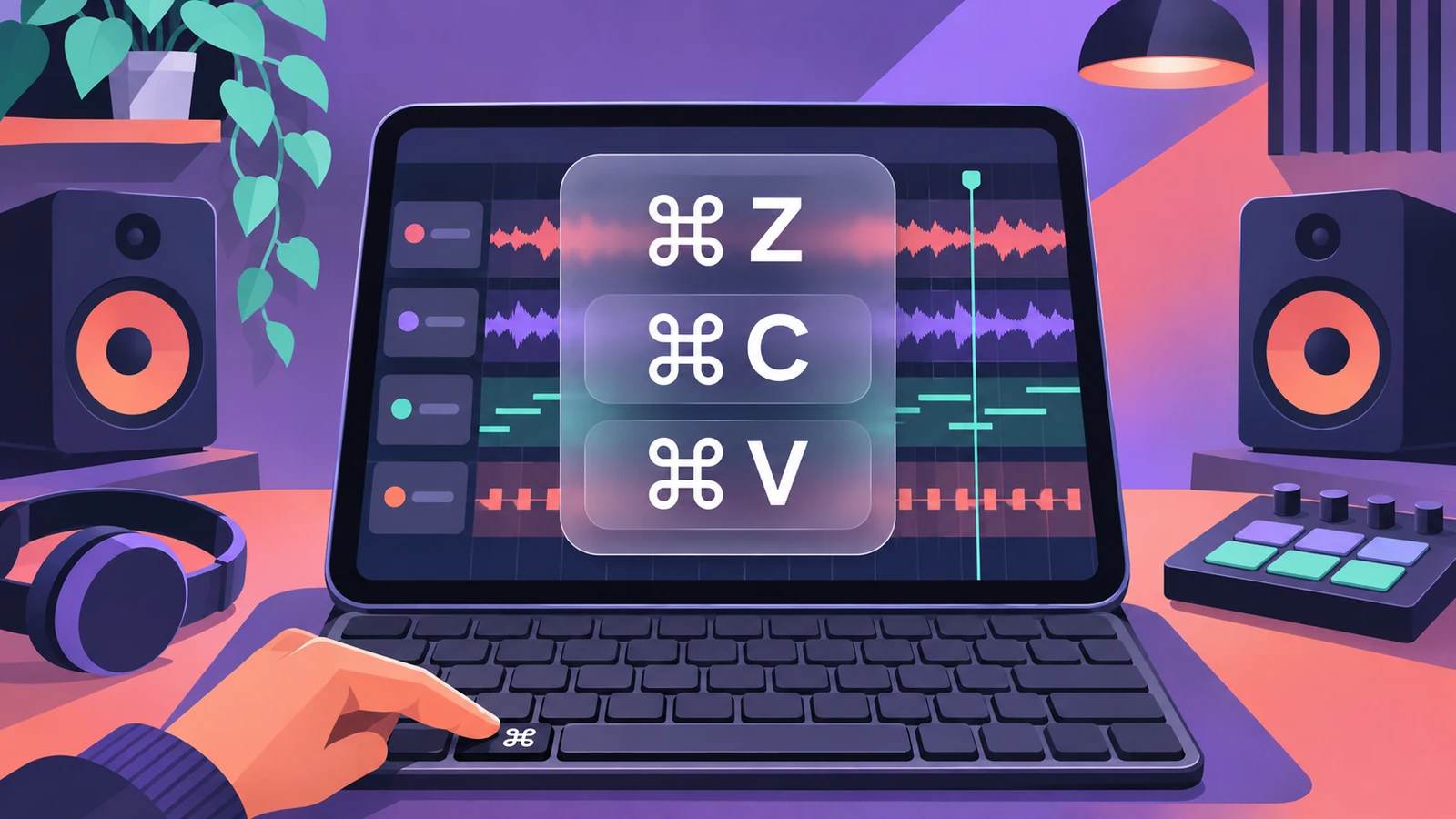
Connect a Magic Keyboard, a Bluetooth or USB keyboard — or use your Mac's keyboard with Universal Control — and Logic Pro for iPad gains many of the shortcuts you know from the Mac. Hold Command to see the ones that work where you are.
 Owen Hartley
Where to find it
External keyboard > hold Command
Main view shortcuts
| Show/hide | Key |
|---|---|
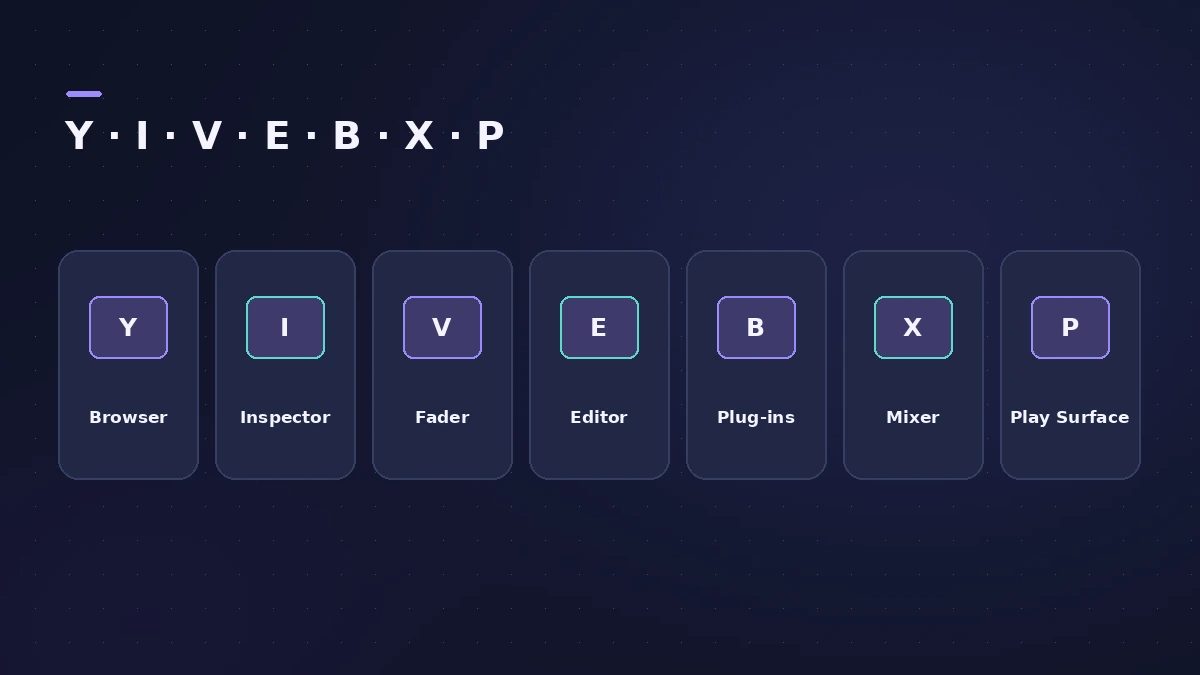
| Browser | Y |
| Inspector | I |
| Fader | V |
| Editor | E |
| Plug-ins area | B |
| Mixer | X |
| Play Surface | P |
| Logic Pro settings | Command-Comma |
| Learn MIDI | Command-L |
Step by step
-
1
Connect a keyboard
Pair a Bluetooth keyboard, connect one by USB, or turn on Universal Control to use your Mac's keyboard and trackpad.
-
2
Show the shortcuts
Press and hold Command until the list appears. Only shortcuts for the area with key focus are shown.
-
3
Move key focus
A grey frame marks the area with key focus. Press Command-Tab to move it to another view, such as the Mixer or Piano Roll.
-
4
Search for a command
Swipe down to reveal the menu bar, tap Help and type a command name to see its shortcut.
-
5
Use Shift with gestures
Holding Shift turns on a momentary Select mode while you use touch gestures.
Common mistakes
- Pressing a shortcut while focus is in a different area — check the grey frame first.
- Not seeing the menu bar — Apple says to select Windowed Apps or Stage Manager in iPad settings.
Mac shortcuts
Moving between Mac and iPad? Compare with the Logic Pro for Mac shortcuts.
Sources
- Apple — Logic Pro for iPad Guide: Keyboard shortcuts overview
- Apple — Logic Pro for iPad Guide 1.1: Keyboard shortcuts overview
- Apple — Logic Pro for iPad Guide: Shortcuts for the main views
- Apple — Logic Pro for iPad Guide: Global keyboard shortcuts
- Apple — Logic Pro for iPad Guide: Use an external keyboard
Checked November 2026. Logic ProFiles is independent of Apple; menu names can differ slightly between Logic Pro versions.
Frequently asked questions
How do I see all keyboard shortcuts in Logic Pro for iPad?
+
Hold the Command key on your external keyboard; press Command or Esc to close the list.
Can I use my Mac's keyboard with Logic Pro on iPad?
+
Yes, with Universal Control — move the pointer past the edge of your Mac's screen and it appears on the iPad.
Related
- Logic Pro shortcuts — the default key commands worth learningThe Logic Pro key commands worth learning first: transport, recording, windows, editing, tracks and export from Apple's U.S. preset, and how to change them.
- Apple Pencil in Logic Pro for iPadUse Apple Pencil in Logic Pro for iPad: draw automation and notes precisely, double-tap to switch edit modes, Scribble names and hover on iPad Pro.
- Logic Pro for iPad for beginners — your first projectStart with Logic Pro for iPad: begin the trial, create a Tracks or Live Loops project, add loops and instruments, and learn with the built-in Lessons.
- Logic Pro for iPadLogic Pro for iPad guides: subscription, compatible iPads, Mac round-trips, AUv3 plug-ins, audio interfaces, Stem Splitter, exporting and fixes.