Logic Pro for iPad
Piano Roll Editor in Logic Pro for iPad
The Piano Roll Editor shows a MIDI region's notes on a grid. On iPad you choose an edit mode with function buttons, then tap and drag — with your finger or Apple Pencil — to add, move, trim and shape notes.
 Owen Hartley

Where to find it
MIDI region > Editors button
Function buttons
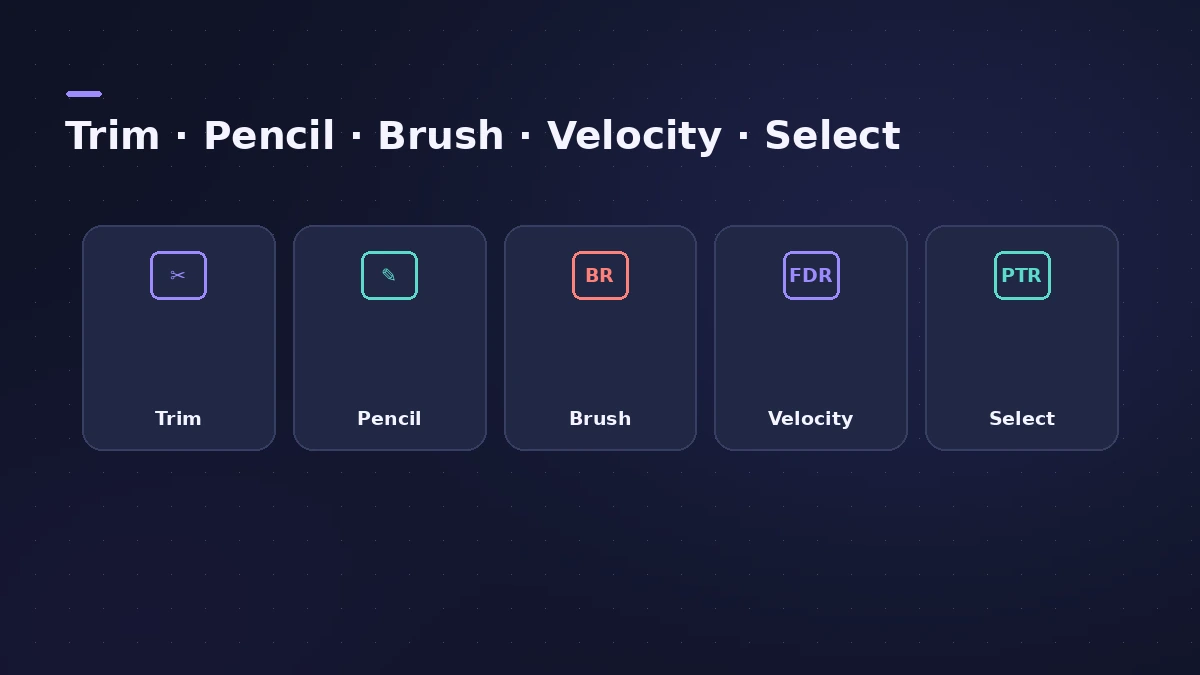
| Button | Use it to |
|---|---|
| Trim | Trim, move or copy notes (default) |
| Pencil | Add and delete notes |
| Brush | Add a series of notes |
| Velocity | Change note velocities |
| Select | Select multiple notes |
Step by step
-
1
Open the editor
Select a MIDI region and tap the Editors button to open it in the Piano Roll.
-
2
Add notes
Use the Pencil button to add single notes, or the Brush button to paint a series of notes.
-
3
Edit velocity
Tap the Velocity button and drag to change how hard notes are played.
-
4
Select several notes
Turn on the Select button to select multiple notes, then move, copy or transpose them together.
-
5
Set Snap and quantize
Choose a Snap value — independent of the Tracks area — and quantize timing or pitch from the editor's functions.
Common mistakes
- Editing with the wrong function button active — check which button is highlighted.
- Expecting the Tracks area Snap value to apply — the Piano Roll has its own.
More precision
Apple Pencil makes note placement easier — see Apple Pencil on iPad. The Mac version is covered in Piano Roll.
Sources
- Apple — Logic Pro for iPad Guide: Piano Roll Editor overview
- Apple — Logic Pro for iPad Guide: Add notes in the Piano Roll Editor
- Apple — Logic Pro for iPad Guide: table of contents
- Apple — Logic Pro for iPad Guide: Use Apple Pencil
Checked November 2026. Logic ProFiles is independent of Apple; menu names can differ slightly between Logic Pro versions.
Frequently asked questions
How do I preview notes while editing on iPad?
+
Tap the vertical keyboard on the left to play notes; it also highlights the key of the selected note.
Can I edit automation in the Piano Roll on iPad?
+
Yes. Switch to Automation view in the editor to edit region automation.
Related
- The Logic Pro Piano Roll EditorEdit MIDI in the Logic Pro Piano Roll: open it with P, add and move notes, change length and velocity, quantize selected notes and colour notes by velocity.
- Apple Pencil in Logic Pro for iPadUse Apple Pencil in Logic Pro for iPad: draw automation and notes precisely, double-tap to switch edit modes, Scribble names and hover on iPad Pro.
- How to make beats in Logic Pro for iPadMake beats in Logic Pro for iPad: load a Drum Machine Designer kit, program Step Sequencer patterns, add velocity and note repeat, then try Beat Breaker.
- Logic Pro for iPadLogic Pro for iPad guides: subscription, compatible iPads, Mac round-trips, AUv3 plug-ins, audio interfaces, Stem Splitter, exporting and fixes.