Logic Pro for iPad
Logic Pro for iPad subscription
Logic Pro for iPad is now included with Apple Creator Studio, along with Logic Pro for Mac, Final Cut Pro, Pixelmator Pro, Motion, Compressor and MainStage. You can still reactivate a standalone Logic Pro for iPad subscription if you don't want Creator Studio.
 Owen Hartley
What you pay
| Plan (US) | Price | Includes |
|---|---|---|
| Apple Creator Studio, monthly | $12.99 | Logic Pro for Mac and iPad, Final Cut Pro, Pixelmator Pro, Motion, Compressor, MainStage |
| Apple Creator Studio, yearly | $129 | Same |
When you subscribe to Creator Studio, an existing standalone Logic Pro for iPad subscription won't auto-renew on its next billing date, and you can ask for a prorated refund for the rest of it. Logic Pro for iPad supports Family Sharing. Full details are in Apple Creator Studio explained.
Manage or cancel
In the Settings app, tap your Apple Account, then Subscriptions, tap the subscription and change or cancel it. If you can't subscribe while using a VPN, Apple suggests checking the VPN or other security software.
After you cancel
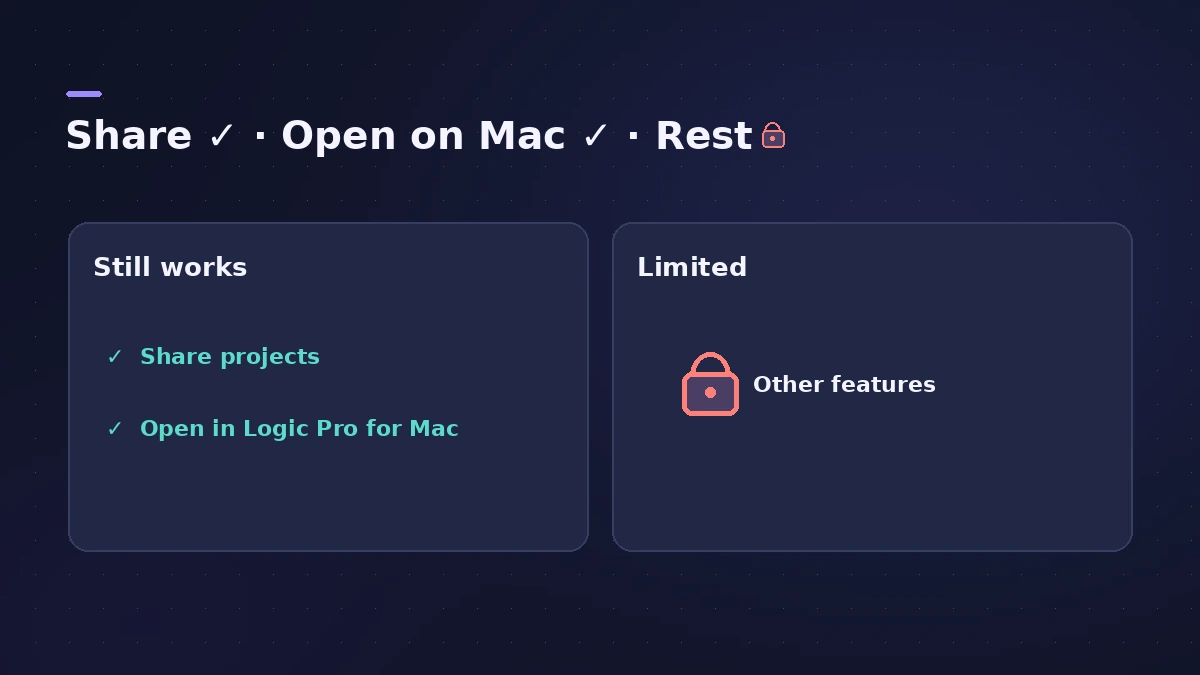
You keep full access until the billing period ends. Then you can still share a project with another person and open it in Logic Pro for Mac — so nothing you made is locked away. Everything else is limited until you resubscribe.
Sources
- Apple Support — About Logic Pro for iPad (Creator Studio)
- Apple Support — About Logic Pro for iPad
- Apple Support — About Logic Pro for iPad (hardware, plug-ins)
- Apple — Logic Pro User Guide for iPad: Start a Logic Pro subscription
- Apple — Apple Creator Studio (US)
- Apple Support — Apple Creator Studio (Nov 2026)
- Apple — Logic Pro: Make Music (Logic Pro for iPad) on the App Store
Checked November 2026. Logic ProFiles is independent of Apple; menu names can differ slightly between Logic Pro versions.
Frequently asked questions
How much is Logic Pro for iPad?
+
It comes with Apple Creator Studio, $12.99 a month or $129 a year in the US.
Is there a free trial?
+
Yes. When you open Logic Pro for iPad for the first time you can sign up for a free, full-featured trial.
What happens if I cancel?
+
You keep full access until the end of the billing period. After that you can still share a project and open it in Logic Pro for Mac; everything else is limited until you resubscribe.
Related
- Apple Creator Studio explained for Logic Pro usersApple Creator Studio for Logic Pro users: what the $12.99 a month bundle includes, the free trial, Family Sharing, iPad access and what happens if you cancel.
- Logic Pro subscription vs one-time purchase: which should you choose?Buy Logic Pro once for $199.99 or subscribe to Apple Creator Studio? Cost over time, iPad access, the AI Assistant and what happens if you stop paying.
- Which iPads run Logic Pro?Logic Pro for iPad needs an A12 Bionic or later: iPad Pro, iPad Air 3rd gen+, iPad mini 5th gen+, iPad 8th gen+. Session Players and Stem Splitter need M1.
- Logic Pro for iPadLogic Pro for iPad guides: subscription, compatible iPads, Mac round-trips, AUv3 plug-ins, audio interfaces, Stem Splitter, exporting and fixes.