Logic Pro for iPad
Logic Pro for iPad not working
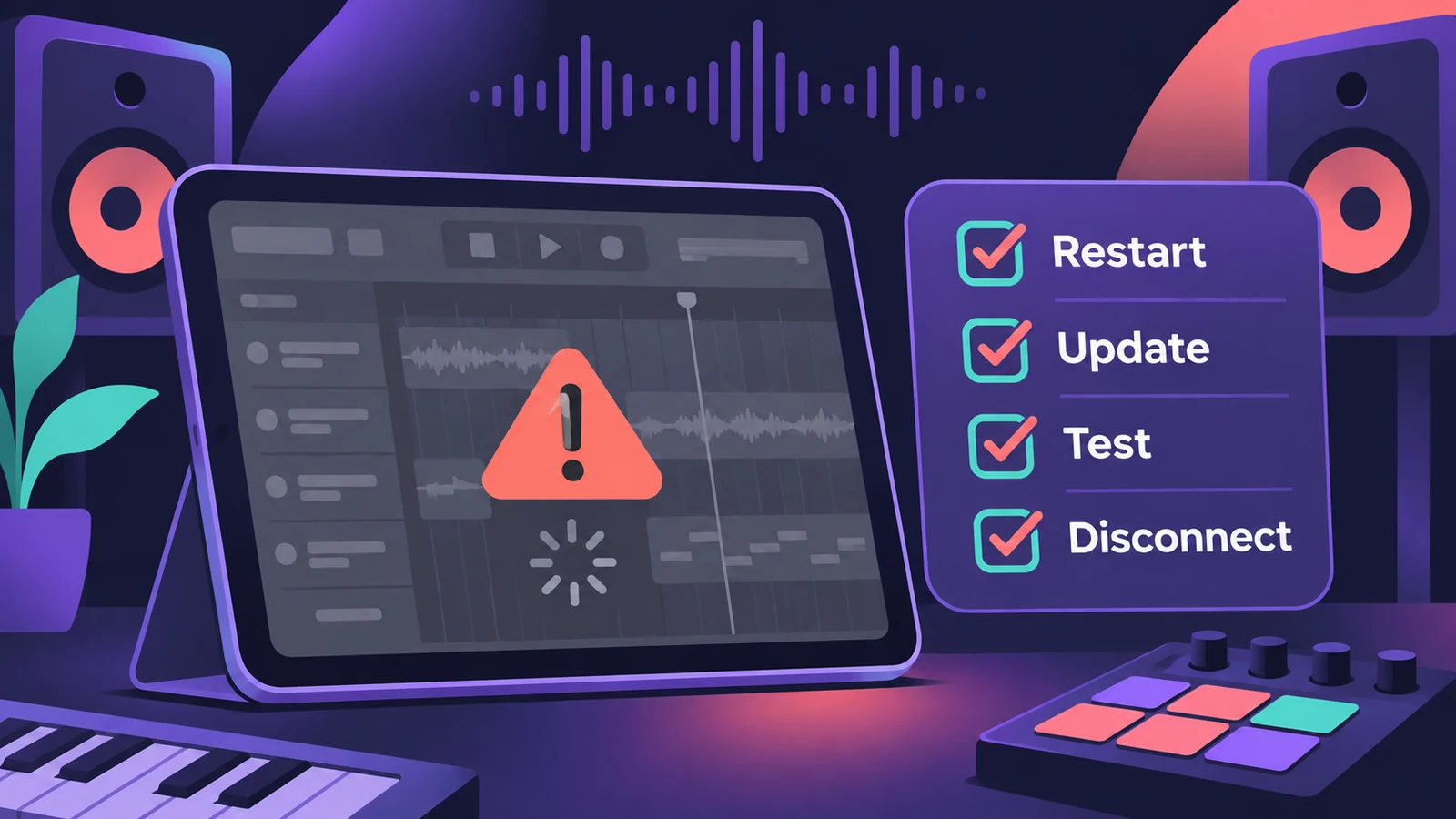
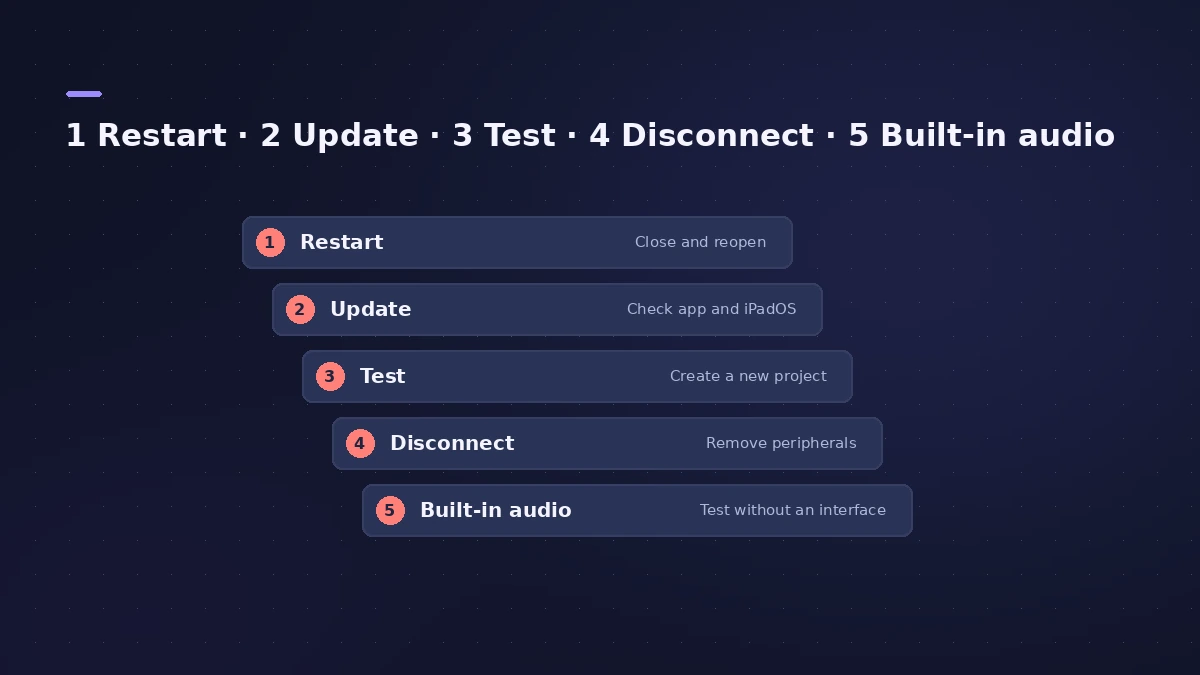
When Logic Pro for iPad won't open, won't play your project or behaves oddly, Apple's own checklist is short: restart and update, test with a new project, then take external hardware out of the picture. Work through it in order.
 Owen Hartley
Applies to: Logic Pro for iPad 3.x on iPadOS 26.
Most likely causes
- Out-of-date iPadOS or app (common)
- A damaged or outdated third-party plug-in in the project (common)
- An external audio interface or storage device (common)
- Mac-only features in a project shared from Logic Pro for Mac (occasional)
The order matters
Working on the same project on a Mac too? Check moving projects between Mac and iPad — some features aren't supported on both. Mac problems are covered in Logic Pro crashing.
Fixes, in order
1. Restart your iPad
Turn it off, then turn it back on.
2. Update iPadOS
Settings > General > Software Update shows your version and any update.
3. Update Logic Pro for iPad
In the App Store, tap your profile icon; if Logic Pro appears under Available Updates, tap Update.
4. Test with a new project
Create a Tracks or Live Loops project, add Apple Loops and try to recreate the issue — add the same third-party plug-in if one is involved.
5. Disconnect external devices
Turn off the iPad, disconnect all external devices, then turn it on again.
6. Use the iPad's built-in audio
More > Settings > App Settings > Audio: set Input to iPad Microphone and Output to Speaker. If that fixes it, the device needs an update or service.
Sources
- Apple Support — If Logic Pro for iPad isn't working
- Apple Support — If Logic Pro for iPad isn't working (step list)
- Apple Support — If Logic Pro for iPad isn't working (disconnect devices)
- Apple Support — If Logic Pro for iPad isn't working (iPad and Mac)
- Apple Support — If Logic Pro for iPad isn't working (update the app)
- Apple — Logic Pro User Guide for iPad: Best practices for projects from Logic Pro for Mac
Checked November 2026. Logic ProFiles is independent of Apple; menu names can differ slightly between Logic Pro versions.
Frequently asked questions
Why won't Logic Pro for iPad open my Mac project?
+
Some Mac features aren't supported on iPad — surround, external MIDI tracks and sample rates above 96 kHz among them.
How do I know if a plug-in is the problem?
+
Add it to a new test project. If the problem comes back, the plug-in may be damaged or need updating.
Related
- Use an audio interface or MIDI keyboard with Logic Pro for iPadConnect an audio interface, mic or MIDI keyboard to Logic Pro for iPad: Autoselect picks the device; App Settings > Audio sets inputs, outputs and buffer.
- Move Logic Pro projects between Mac and iPadMove Logic Pro projects between Mac and iPad: copy files into the project, bounce third-party plug-ins and avoid the Mac-only features iPad can't open.
- Logic Pro keeps crashing or won't open — 14 fixesLogic Pro crashing, quitting or stuck on launch? Follow Apple's order: restart, update, isolate plug-ins with startup keys, reset settings, reinstall.
- Fix Logic Pro problems — errors, crashes and no soundStep-by-step fixes for Logic Pro on Mac: system overload, disk too slow, no sound, crashes, latency, missing plug-ins, MIDI keyboards and recording problems.