MainStage & Live
Using Logic Pro sounds in MainStage
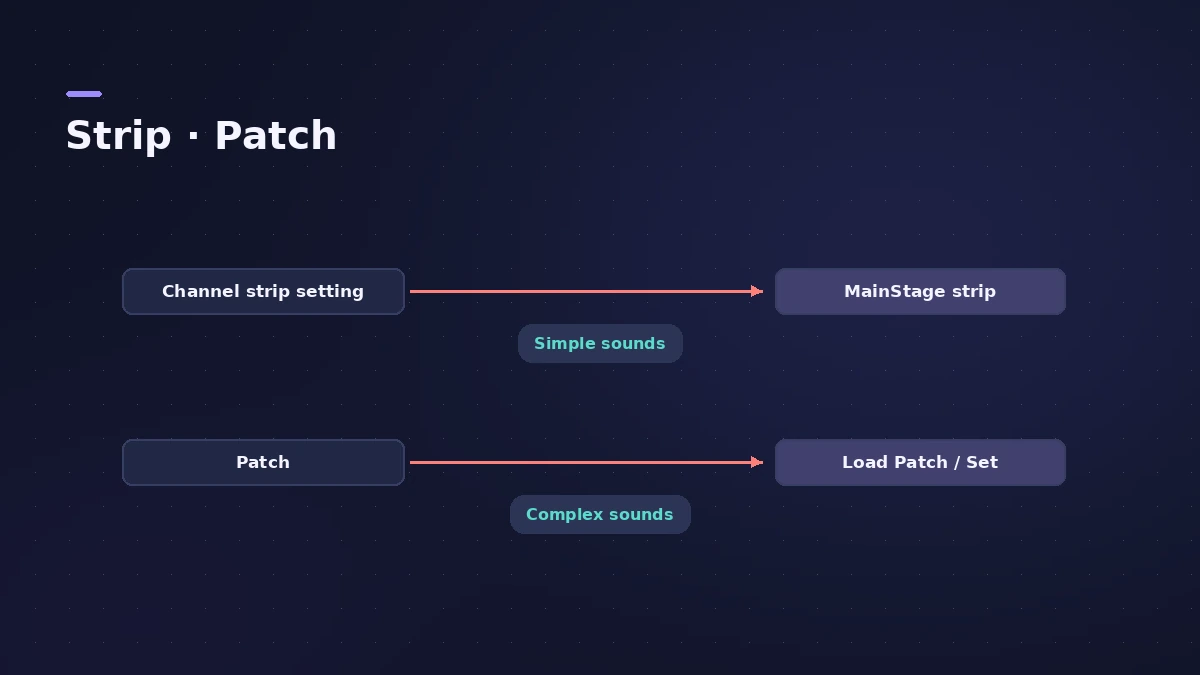
Logic Pro and MainStage share the same instruments and effects, so a sound you build in the studio can go on stage. The easiest route is a saved channel strip setting; for multi-output instruments, users recommend saving a patch.
 Owen Hartley

Where to find it
Channel strip > Settings
Which method to use
| Sound | Save as | Load in MainStage |
|---|---|---|
| Single instrument and inserts | Channel strip setting | Channel Strip Library |
| Multi-output instrument | Patch | Load Patch/Set |
| Sound with sends | Recreate effects | Aux or inserts |
Step by step
-
1
Save in Logic Pro
Use the channel strip Settings button to save a channel strip setting.
-
2
Load in MainStage
Choose it from the Channel Strip Library or the Settings menu at the top of the channel strip.
-
3
Rebuild send effects
If the sound used sends, recreate the effects on the channel strip or a MainStage aux — sends aren’t part of the strip.
-
4
Use patches for multi-output instruments
For instruments with several outputs, users report saving a patch in Logic Pro and using Load Patch/Set in MainStage.
-
5
Check volume and content
Users note volume may not carry over, and missing sound packs make sounds differ.
Common mistakes
- Copying a patch that relied on a bus effect and wondering why it sounds dry.
- Using a setting with plug-ins not usable in MainStage — they appear struck through.
Organise for the gig
Put the sounds into sets in concert setup. For keyboard splits, see splits and layers.
Sources
- Apple — MainStage User Guide: Choose channel strip settings
- Apple — MainStage User Guide: Channel Strip Inspector
- Teragon Audio — Exporting channel strips from Logic Pro to MainStage
- Eric Barfield — Transferring files from Logic Pro to MainStage
- Eric Barfield — Copying and pasting patches in MainStage
Checked November 2026. Logic ProFiles is independent of Apple; menu names can differ slightly between Logic Pro versions.
Frequently asked questions
Do Logic Pro and MainStage use the same plug-ins?
+
Yes, they share instruments and effects, though some plug-ins (such as surround effects) can’t be used in MainStage.
Why does a copied patch sound different?
+
Commonly because send or bus effects weren’t copied, or content isn’t installed on that Mac.
Related
- How to set up a MainStage concertSet up a MainStage concert: connect your gear, choose a template, add patches and sets, assign your controller, then switch to Perform mode before the gig.
- Keyboard splits and layers in MainStageCreate keyboard splits and layers in MainStage: add channel strips, set Low and High Key in the Layer Editor, use Learn, floating splits and set-level splits.
- Logic Pro patches — load, edit and save your ownWhat a Logic Pro patch is, how to load and swap patches in the Browser or Library, save your own, merge only parts of a patch and restore legacy patches.
- Logic Pro vs MainStage — which do you need?Logic Pro vs MainStage: Logic Pro records and mixes songs; MainStage ($29.99, or in Creator Studio) plays the same instruments and plug-ins live on stage.
- MainStage and live performancePlay Logic Pro's instruments on stage with MainStage 4: concerts and patches, backing tracks, MIDI controllers, Ableton Link and pre-gig checks.