MainStage & Live
How to set up a MainStage concert
Every MainStage gig starts with a concert. Connect your keyboard controller, audio interface and instruments first, create the concert from a template, add your sounds as patches, then use Perform mode on stage.
 Owen Hartley
Where to find it
File > New (Command-N)
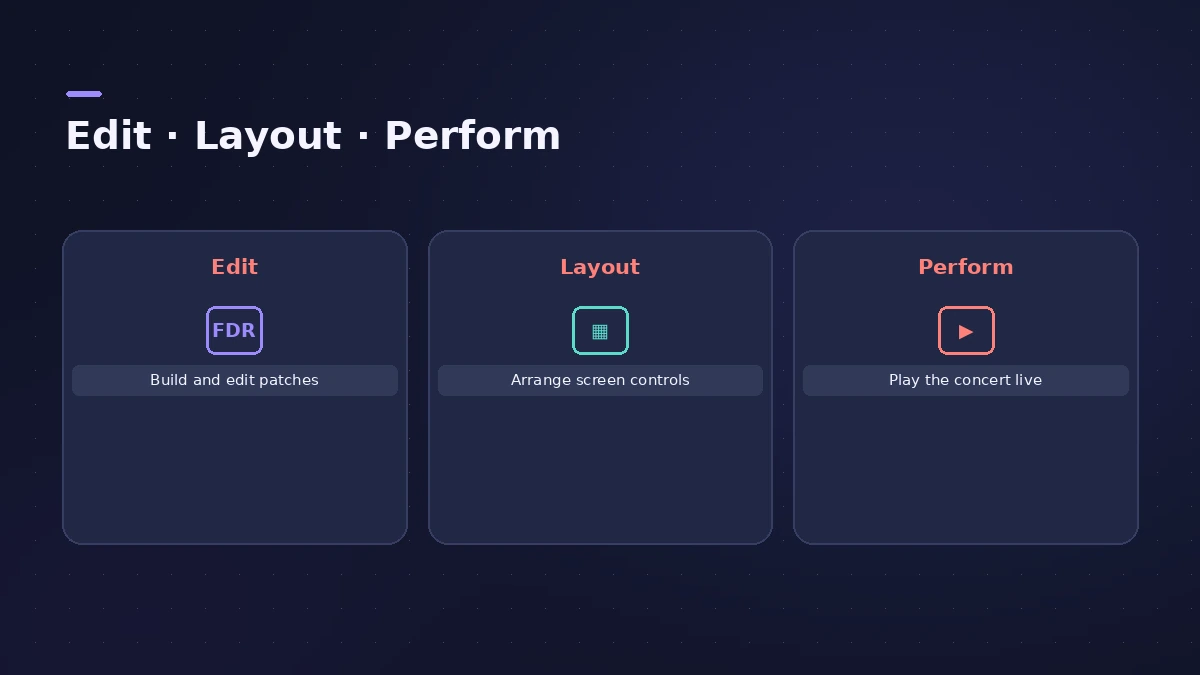
Build, then perform
Step by step
-
1
Connect your hardware
Connect the keyboard controller, audio interface and any instruments or microphones before you start.
-
2
Choose a template
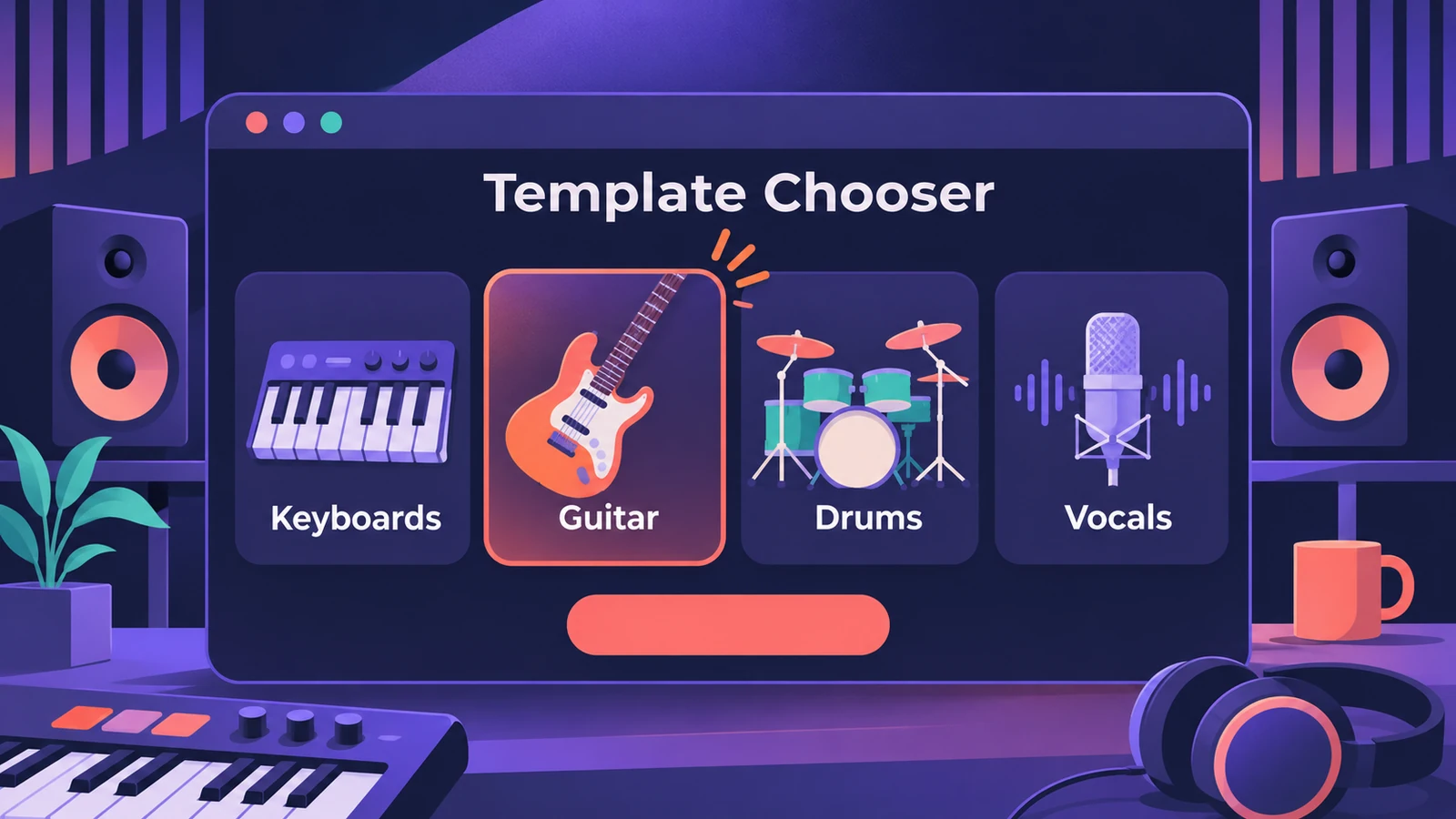
Choose File > New. Pick audio input and output devices, then a template for Keyboards, Guitar Rigs, Drums, Vocals or another category.
-
3
Add and edit patches
In Edit mode, add patches for the sounds you need and add channel strips, instruments and effects to each.
-
4
Organise them in sets
Order patches in the Patch List and group them into sets — for example, one set per song.
-
5
Assign your controller
Map screen controls to parameters and assign your hardware's knobs and faders — see the controller guide.
-
6
Perform
Choose View > Perform in Full Screen (Command-4). Press Esc to leave.
Common mistakes
- Expecting Edit mode from a Quick Start template: Quick Start templates open the new concert in Perform mode so you can play straight away; others open in Edit mode.
- Opening an older concert without saving: Concerts from earlier MainStage versions open as untitled and need saving in the current version.
Before the gig
Apple recommends testing the concert with exactly the hardware you'll use on stage — at the venue if you can. See MainStage gig checklist.
Sources
- Apple — MainStage User Guide: Getting started
- Apple — MainStage User Guide: Create a concert
- Apple — MainStage User Guide: Quick Start templates open in Perform mode
- Apple — MainStage User Guide: Workflow basics
- Apple — MainStage User Guide: Open and close concerts
- Apple — MainStage User Guide: Use Perform mode
- Apple — MainStage User Guide: The basics of Perform mode
Checked November 2026. Logic ProFiles is independent of Apple; menu names can differ slightly between Logic Pro versions.
Frequently asked questions
What is a concert in MainStage?
+
The file that holds all your patches, sets and the layout for a performance.
How many patches can a concert hold?
+
The number is limited only by available memory.
Related
- Using Logic Pro sounds in MainStageBring Logic Pro sounds into MainStage: save and load channel strip settings, load whole patches, and fix sounds that change when sends weren't copied.
- Keyboard splits and layers in MainStageCreate keyboard splits and layers in MainStage: add channel strips, set Low and High Key in the Layer Editor, use Learn, floating splits and set-level splits.
- Changing patches live in MainStageSwitch patches in MainStage while you play: arrow keys, Next Patch and Prev Patch actions on a foot switch, program changes and Silence Previous Patch.
- Assign a MIDI controller in MainStageAssign your MIDI controller's knobs, faders and buttons in MainStage with Learn: select a control, click Assign & Map, move it — press buttons three times.
- Play backing tracks in MainStagePlay backing tracks in MainStage with the Playback plug-in: add it to a patch, set or concert, load the file, choose Sync and trigger it from a button.
- MainStage 4 — what it is and what's newMainStage 4 is Apple's live-performance app for Mac: concerts, patches and sets, Ableton Link sync and the new sound browser. $29.99 or in Apple Creator Studio.
- MainStage and live performancePlay Logic Pro's instruments on stage with MainStage 4: concerts and patches, backing tracks, MIDI controllers, Ableton Link and pre-gig checks.