MainStage & Live
MainStage CPU and memory tips
Clicks, dropouts or slow patch changes on stage usually mean MainStage is short of CPU or memory. Test your concert before the gig, watch the meters and use the settings Apple provides for live stability.
 Owen Hartley
Where to find it
MainStage > Settings > Audio
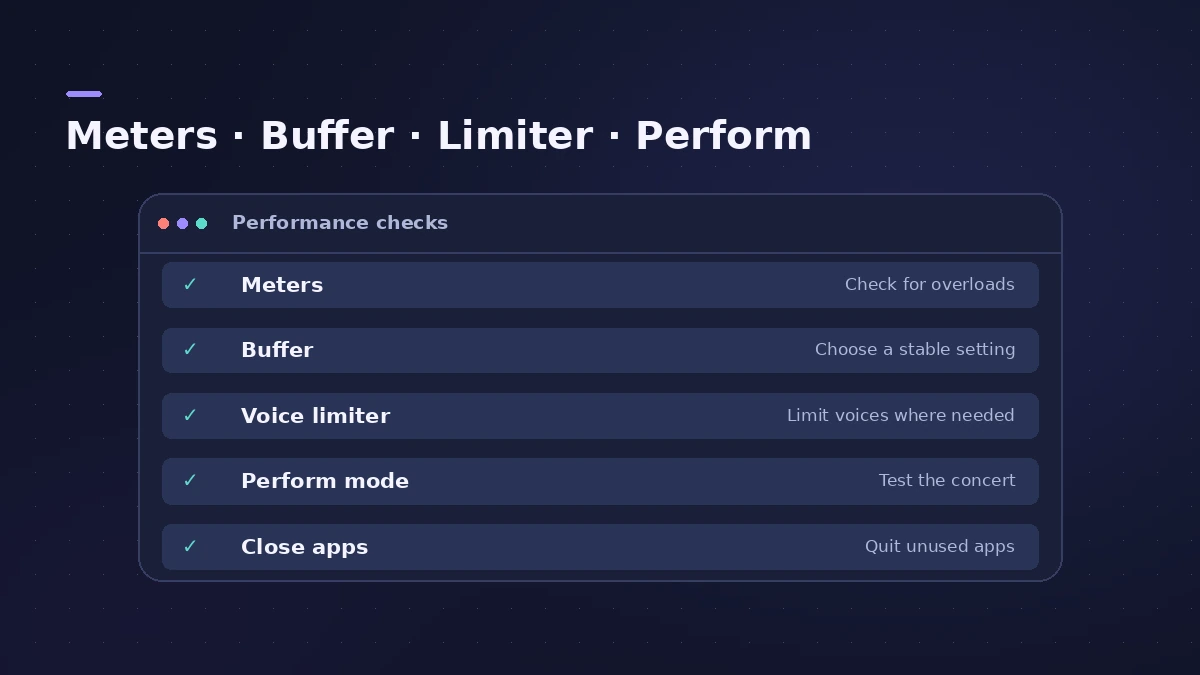
Stability checklist
| Setting | Where |
|---|---|
| CPU and Memory meters | Settings > Display |
| I/O Buffer Size | Settings > Audio > Advanced |
| Voice limiter | Settings > Audio |
| Perform in Full Screen | Settings > Display |
Step by step
-
1
Show the meters
Turn on toolbar CPU and Memory meters, and memory use in the Patch List, in Display settings.
-
2
Set the buffer
Smaller I/O buffers reduce latency but work the CPU harder; increase it if you hear artifacts.
-
3
Use the voice limiter
The voice limiter stops the oldest voices to avoid dropouts at high CPU load.
-
4
Play in Perform mode
Perform mode disables Auto Save, Spotlight and Time Machine.
-
5
Close other apps
Apple recommends not running other CPU- or RAM-heavy apps while performing.
Common mistakes
- Testing patches one by one but never playing the whole set in order.
- Relying on the I/O Safety Buffer — Apple notes it increases latency.
Before the gig
Run through the gig checklist and keep troubleshooting steps handy.
Sources
- Apple — MainStage User Guide: Audio settings
- Apple — MainStage 3.6.2 Guide: Audio settings (voice limiter, feedback)
- Apple — MainStage 3.5 Guide: Perform mode
- Apple — MainStage 3.6.2 Guide: Display settings
- Apple — MainStage User Guide: Sampler memory management
- Apple — MainStage User Guide: System requirements and performance
- KeyboardTEK — CPU management tips for MainStage
- Brian Li — Six ways to reduce CPU usage in MainStage
Checked November 2026. Logic ProFiles is independent of Apple; menu names can differ slightly between Logic Pro versions.
Frequently asked questions
What buffer size should I use in MainStage?
+
There is no single value; KeyboardTEK suggests starting at 128 or 256 and adjusting.
How do large sample libraries fit in memory?
+
Sampler can stream from disk with virtual memory, loading only the start of each sample into RAM.
Related
- MainStage gig checklistApple's checks before playing live with MainStage: test audio and MIDI, close other apps, go offline, use the same hardware, then switch to Perform mode.
- MainStage not working: fixes in orderFix MainStage in Apple's order: update, check device compatibility, test built-in audio, bypass Audio Units, try a new concert, then reset preferences.
- Logic Pro system overload — how to find the cause and fix itLogic Pro says System Overload? Use the Performance Meter to see if CPU or disk is the cause, then fix it with the buffer, freezing and Sampler settings.
- MainStage and live performancePlay Logic Pro's instruments on stage with MainStage 4: concerts and patches, backing tracks, MIDI controllers, Ableton Link and pre-gig checks.