MainStage & Live
Live looping with MainStage Loopback
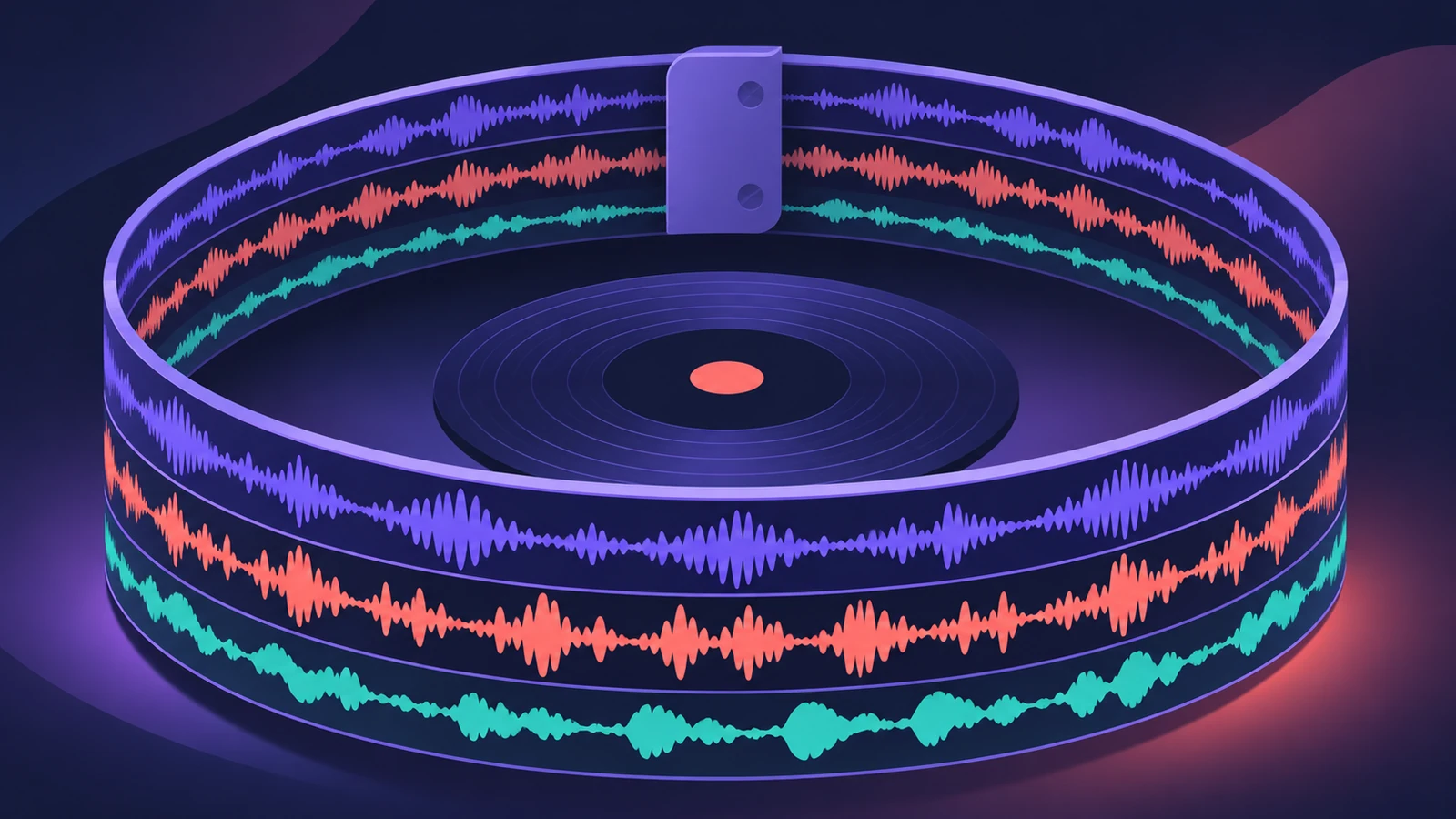
Loopback records a virtual tape loop, plays it back and lets you overdub new layers while it repeats. Put it on one channel strip to loop a single instrument, or on an aux to loop several sources at once.
 Owen Hartley
Where to find it
Audio effect slot > Delay > Loopback
Loopback controls
| Control | What it does |
|---|---|
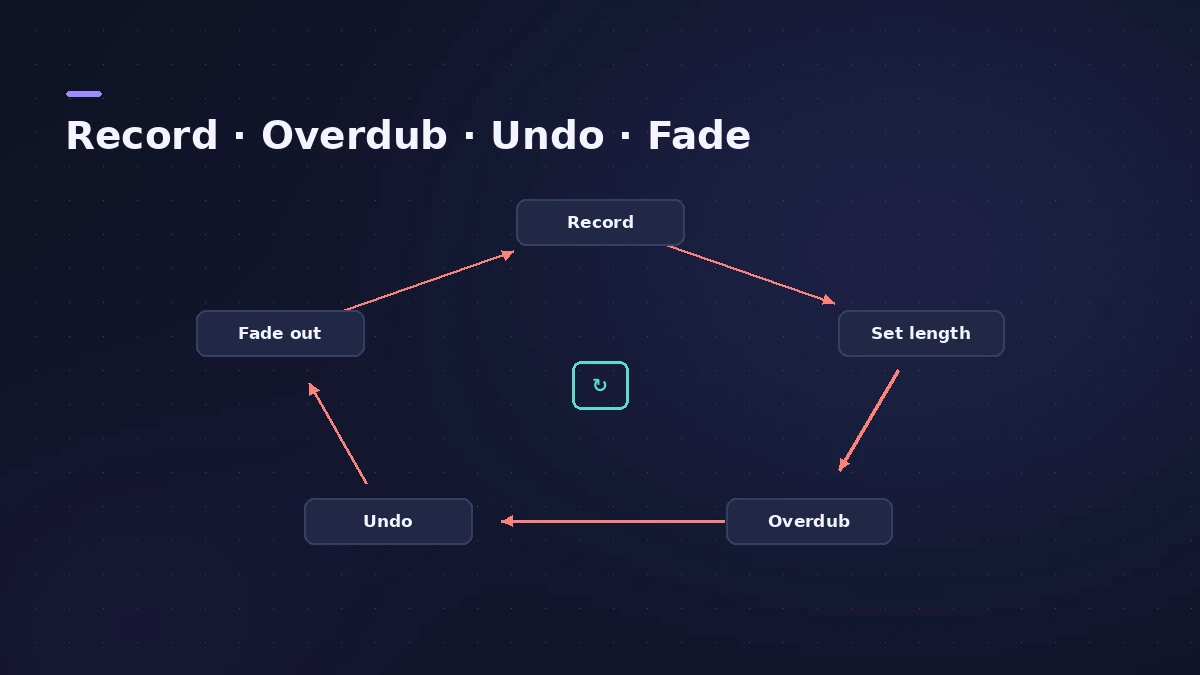
| Record | Records, sets length, then toggles overdub |
| Play/Stop | Plays or stops immediately |
| Undo | Removes the latest take |
| Fade Out | Fades and clears the loop |
| Snap To | Starts and stops on beat, bar or loop |
| Sync | Follow the MainStage tempo or not |
Step by step
-
1
Add Loopback
Click an audio effect slot, choose Delay > Loopback > Stereo.
-
2
Choose sync
With Sync on, Loopback follows the MainStage tempo and you can set the length first; with it off, the first take sets length and tempo.
-
3
Record and overdub
Click Record to start, click again to set the length and start overdubbing; further clicks toggle recording.
-
4
Quantize starts
Set Snap To to Beat, Bar or Loop so starts and stops land in time.
-
5
Fix and finish
Undo removes the last take; Fade Out lowers the loop over the Fade Time and clears it.
Common mistakes
- Hearing nothing through Loopback — Apple suggests changing the Monitor setting in the Action menu.
- Trying to change the length after recording — clear the tape loop first.
Loops as backing tracks
Export a loop as an audio file and play it with the Playback plug-in — see backing tracks. Map Record and Undo to a foot switch with MIDI controller.
Sources
- Apple — MainStage User Guide: Loopback overview
- Apple — MainStage User Guide: Add a Loopback instance
- Apple — MainStage User Guide: Loopback transport and function controls
- Apple — MainStage User Guide: Loopback Sync, Snap To and Play From
- Apple — MainStage User Guide: Loopback information display
- Apple — MainStage User Guide: Loopback Action menu
Checked November 2026. Logic ProFiles is independent of Apple; menu names can differ slightly between Logic Pro versions.
Frequently asked questions
Can Loopback loop several instruments?
+
Yes. Insert it on an aux channel strip used as a send effect and send other channel strips to it.
Can I save a loop?
+
Use Export Tape Loop in the Action menu to save it as an AIFF file.
Related
- Play backing tracks in MainStagePlay backing tracks in MainStage with the Playback plug-in: add it to a patch, set or concert, load the file, choose Sync and trigger it from a button.
- Assign a MIDI controller in MainStageAssign your MIDI controller's knobs, faders and buttons in MainStage with Learn: select a control, click Assign & Map, move it — press buttons three times.
- Using MainStage as a guitar rigUse MainStage as a live guitar rig: connect your guitar, start from a guitar template with Amp Designer and Pedalboard, bypass pedals by foot, and tune.
- MainStage and live performancePlay Logic Pro's instruments on stage with MainStage 4: concerts and patches, backing tracks, MIDI controllers, Ableton Link and pre-gig checks.