Gear
Choosing a MIDI keyboard controller for Logic Pro
Any class-compliant USB MIDI keyboard plays Logic Pro's instruments. What differs is how much of Logic Pro its knobs and buttons control out of the box.
 Owen Hartley
Levels of integration
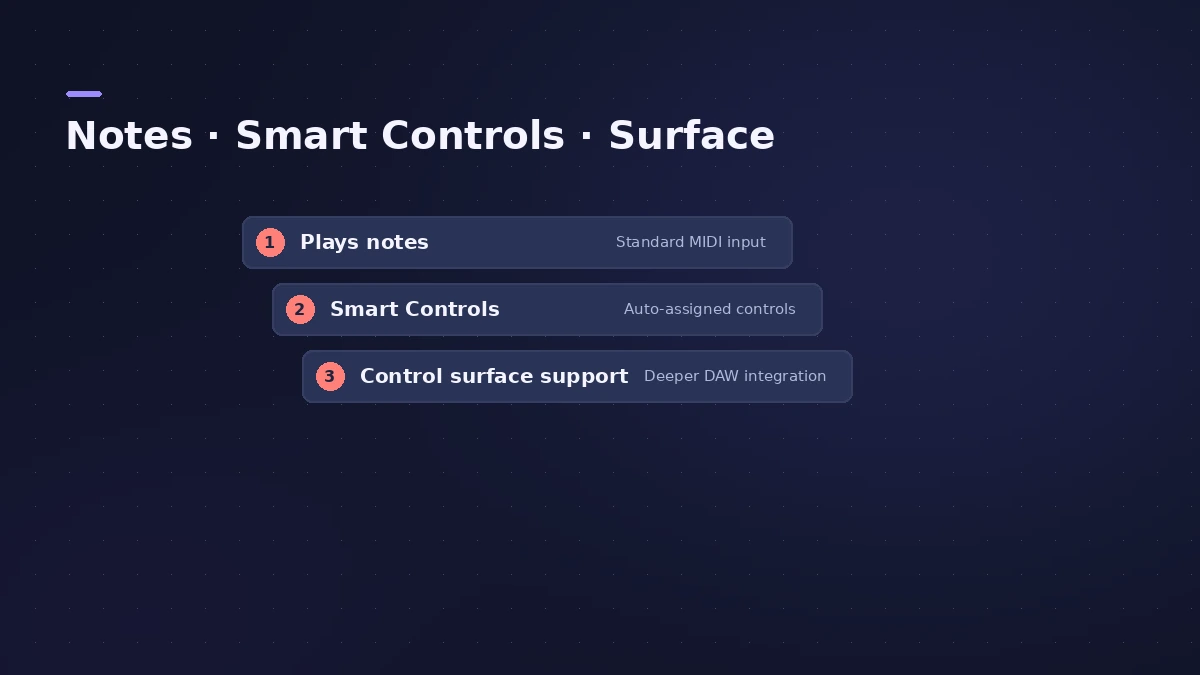
| Level | What you get |
|---|---|
| Plain MIDI | Notes, velocity, pitch bend and mod wheel |
| Automatic assignment | Knobs and sliders mapped to Smart Controls |
| Control surface support | Transport, mixing and more, via scripts or a maker's plug-in |
Apple notes that the first time you connect a supported USB MIDI controller, Logic Pro asks whether to use it as a control surface — choose Auto Assign or No. Many USB keyboards also act as control surfaces, and Logic Pro includes scripting support for dozens of models; some makers supply their own plug-in. See control surfaces.
Other things to check
A class-compliant keyboard needs no driver. For per-note expression, look at MPE controllers; for a cable-free setup, Bluetooth MIDI. Recording itself is covered in record with a MIDI keyboard.
Sources
- Apple — Connect a USB music keyboard to Logic Pro for Mac
- Apple — Logic Pro: Automatic assignment for USB MIDI controllers
- Apple — Logic Pro Control Surfaces Support: overview
- Audio Modeling — What does USB Class Compliant mean?
- Apple — Audio MIDI Setup: Set up Bluetooth MIDI devices
Checked November 2026. Logic ProFiles is independent of Apple; menu names can differ slightly between Logic Pro versions.
Frequently asked questions
Will my MIDI keyboard’s knobs work in Logic Pro?
+
For supported USB controllers, Logic Pro can assign knobs and sliders to Smart Controls automatically; otherwise you can map them yourself.
Do I need a driver?
+
Not for a USB class-compliant keyboard; it works without extra software.
Related
- How to record MIDI with a keyboard in Logic ProRecord MIDI from a keyboard in Logic Pro: arm an instrument track, record with a count-in, overdub, replace or take passes in Cycle mode, then quantize.
- Control surfaces in Logic ProUse a control surface with Logic Pro: Mackie Control units are detected automatically, HUI devices are added in Control Surfaces > Setup, EuCon uses EuControl.
- MPE controllers in Logic ProRecord an MPE controller in Logic Pro: match the controller's MPE settings, use MIDI Mono Mode in Sculpture or ES2, set pitch bend range and edit per-note data.
- Connect a Bluetooth MIDI keyboard to Logic ProConnect a Bluetooth LE MIDI keyboard or controller to your Mac for Logic Pro using Audio MIDI Setup's MIDI Studio, or link a Mac and iPad over Bluetooth MIDI.
- Gear for Logic ProGear for Logic Pro in 2026: which Mac or MacBook to buy, how much RAM you need, moving the Sound Library to an SSD, control surfaces, Logic Remote and Sidecar.