Gear
Sync external gear to Logic Pro's MIDI clock
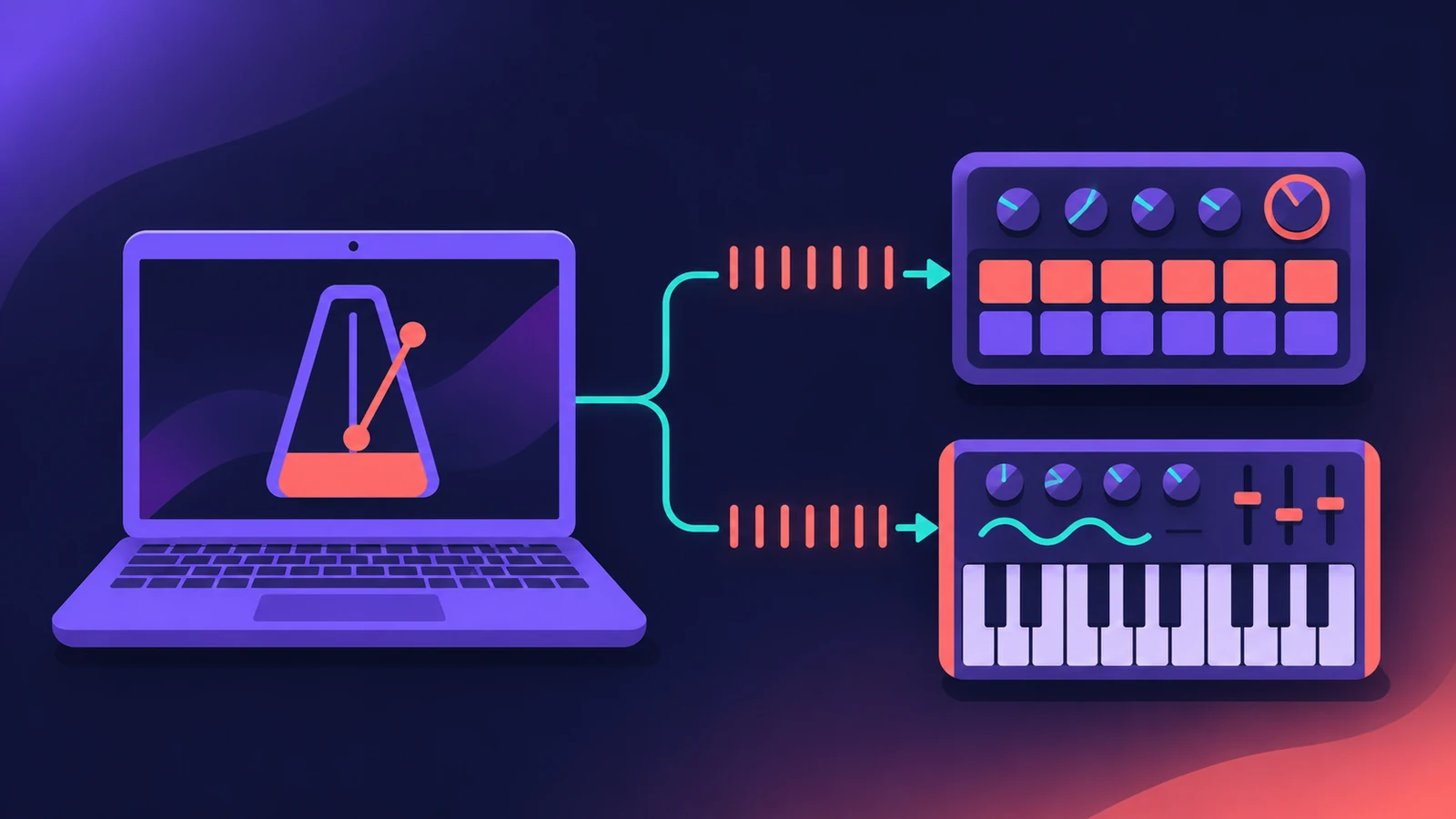
To keep a drum machine, groovebox or synth arpeggiator in time with Logic Pro, send it MIDI clock. Logic Pro 10.4.5 and later can set clock options separately for up to 16 external MIDI devices.
 Owen Hartley
Where to find it
File > Project Settings > Synchronization > MIDI
Settings per device
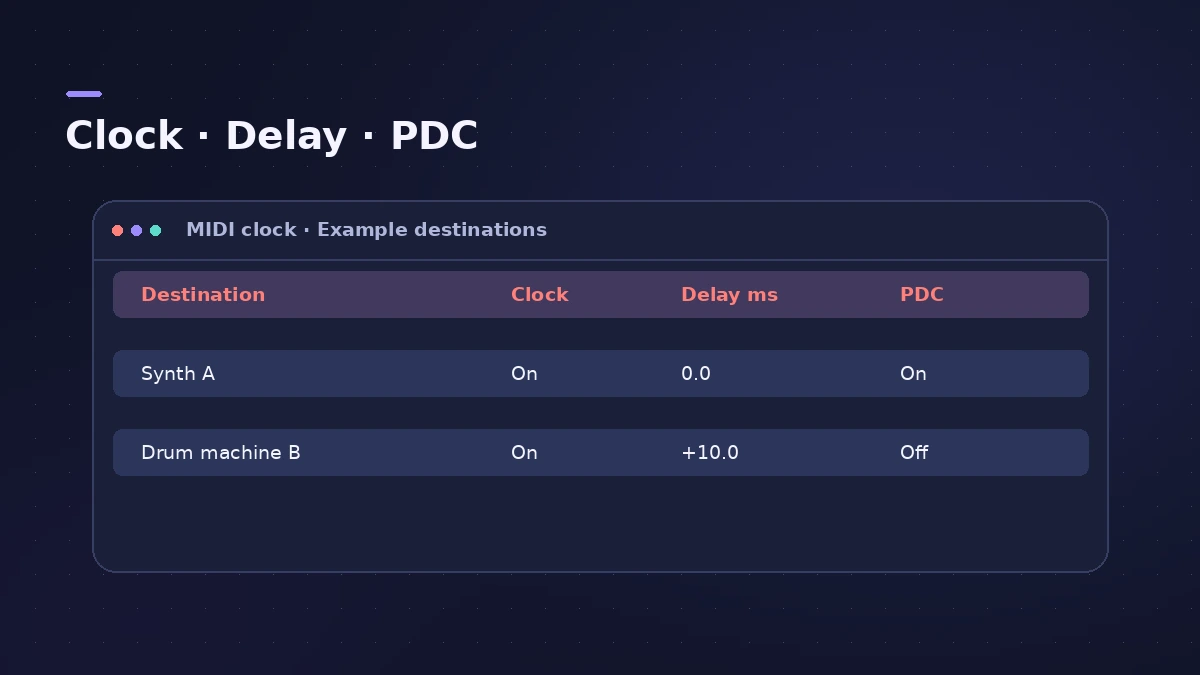
| Column | What it does |
|---|---|
| Destination | The port or device that receives clock |
| Clock | Turns MIDI clock on for that device |
| Delay [ms] | Sends clock earlier (negative) or later (positive) |
| PDC | Applies plug-in delay compensation |
Step by step
-
1
Open MIDI sync settings
Choose File > Project Settings > Synchronization, then click the MIDI tab. The settings are saved with the project.
-
2
Add a destination
Click a pop-up menu in the Destination column and choose the device or port.
-
3
Turn on Clock
Select the Clock checkbox for that device.
-
4
Set a delay if needed
Drag the Delay [ms] value. Negative values send clock earlier, positive values later.
-
5
Turn on PDC
If the project uses plug-ins, select PDC for the device to apply plug-in delay compensation.
-
6
Choose the clock mode
Pick Pattern to start a pattern on the device, or a Song mode to follow your song position.
-
7
Set the device to external sync
On the drum machine or synth, set it to follow external MIDI clock, then press Play in Logic Pro.
Common mistakes
- Device starts in the wrong place: In Pattern mode, enter the pattern length in bars so starts line up.
- Hardware drifting late: Use a negative Delay value for that destination to send clock earlier.
- Using clock for video: For picture or another DAW, use MTC instead of MIDI clock.
MTC and MMC
The same tab can send MIDI Timecode (MTC) and MIDI Machine Control (MMC) to each device independently — MTC for syncing to video or another DAW, MMC to control an external recorder's transport.
Sources
- Apple — Sync multiple MIDI devices to Logic Pro for Mac
- Apple — Logic Pro X 10.1 Help: MIDI Synchronization settings (old)
Checked November 2026. Logic ProFiles is independent of Apple; menu names can differ slightly between Logic Pro versions.
Frequently asked questions
How many devices can Logic Pro send clock to?
+
Up to 16 external MIDI devices, each with its own settings, in Logic Pro 10.4.5 or later.
What happens if I start in the middle of the song?
+
In Song mode Logic Pro sends a Song Position Pointer and then Continue, so the device starts at the same spot.
Related
- How to record a hardware synth in Logic ProPlay and record hardware synths in Logic Pro: External Instrument for MIDI out and audio in, latency compensation and printing the synth to an audio track.
- Time display in Logic Pro: bars, beats and SMPTERead Logic Pro's LCD: bars, beats, divisions and ticks, SMPTE timecode with frames, display modes, giant time display, frame rate and SMPTE offset settings.
- Audio MIDI Setup on Mac for Logic Pro usersUse the Mac's Audio MIDI Setup app with Logic Pro: set an interface's sample rate and bit depth, configure speakers, add MIDI devices and test MIDI connections.
- Gear for Logic ProGear for Logic Pro in 2026: which Mac or MacBook to buy, how much RAM you need, moving the Sound Library to an SSD, control surfaces, Logic Remote and Sidecar.