Gear
Audio MIDI Setup on Mac for Logic Pro users
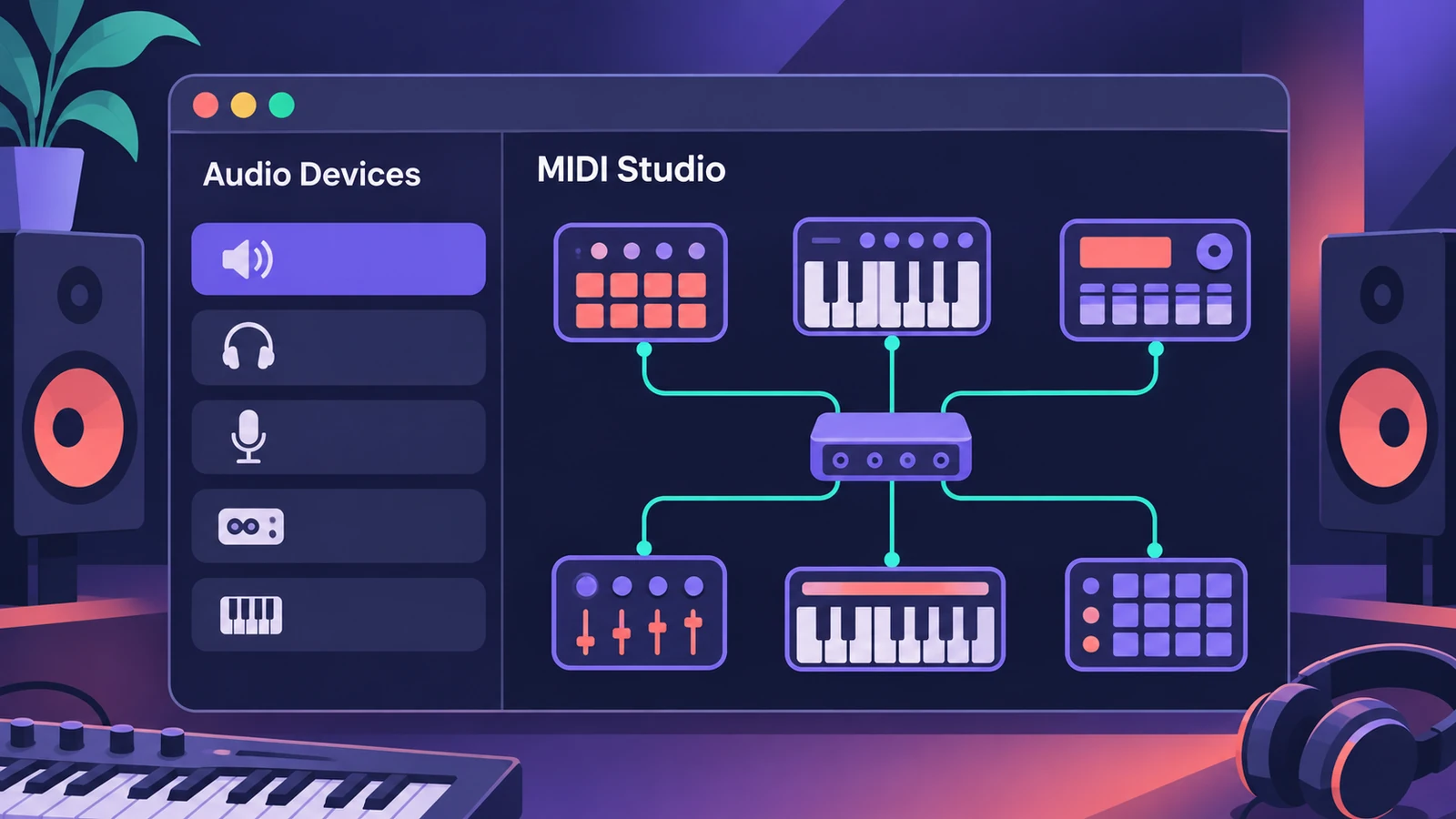
Audio MIDI Setup is the Mac utility that sits between your hardware and Logic Pro. It sets an interface's format, shows which devices macOS can see, and lets you describe and test MIDI gear.
 Owen Hartley
Where to find it
Finder > Go > Utilities > Audio MIDI Setup
The two windows
| Window | Use it to |
|---|---|
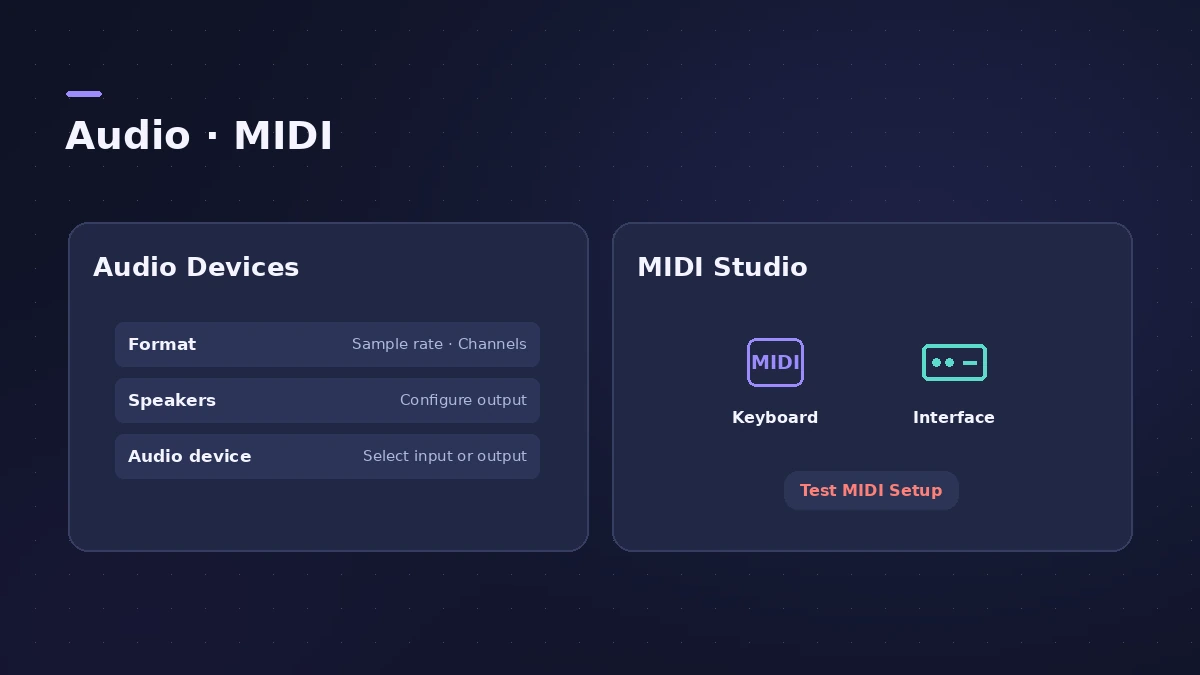
| Audio Devices | Set format, choose system in/out, configure speakers, create aggregate devices |
| MIDI Studio | See MIDI devices, add external gear, rescan, test, set up Bluetooth and network MIDI |
Step by step
-
1
Open the app
In the Finder choose Go > Utilities, then open Audio MIDI Setup. Choose Window > Show Audio Devices.
-
2
Check the device appears
Select your interface in the sidebar. If it isn’t listed, check the connection and install any software that came with it.
-
3
Set the format
Choose the sample rate and bit depth in the Format pop-up menu.
-
4
Choose system input and output
Control-click the device and choose whether to use it for sound input, sound output or alerts.
-
5
Open MIDI Studio
Choose Window > Show MIDI Studio to see connected MIDI devices and interfaces.
-
6
Add or rescan MIDI devices
Use Rescan MIDI if a connected device is missing. Gear plugged into a MIDI interface’s DIN ports needs adding with Add External MIDI Device.
-
7
Test the connection
Click Test MIDI Setup to send test messages to and from a device.
Common mistakes
- Skipping the maker's software: If a device doesn't appear or work, check the connection and install any software included with it.
- Expecting DIN gear to appear: Devices on a MIDI interface's ports aren't identified until you add them.
- Confusing Sound settings with Audio MIDI Setup: Sound settings pick a device; Audio MIDI Setup configures it.
Next
To combine interfaces, build an aggregate device. For wireless keyboards, see Bluetooth MIDI.
Sources
- Apple — Audio MIDI Setup: Audio Devices window
- Apple — Audio MIDI Setup: Set up audio devices
- Apple — Audio MIDI Setup: MIDI Studio window
- Sweetwater — Audio MIDI Setup for Mac
Checked November 2026. Logic ProFiles is independent of Apple; menu names can differ slightly between Logic Pro versions.
Frequently asked questions
Where is Audio MIDI Setup?
+
In Applications > Utilities, or from the Finder via Go > Utilities.
Why doesn’t gear on my MIDI interface show up?
+
Devices connected by MIDI cables aren’t identified in MIDI Studio until you add them as external MIDI devices.
Related
- Use two audio interfaces in Logic Pro with an aggregate deviceCombine two audio interfaces or USB mics into one aggregate device in Audio MIDI Setup, set the clock source and drift correction, then select it in Logic Pro.
- Connect a Bluetooth MIDI keyboard to Logic ProConnect a Bluetooth LE MIDI keyboard or controller to your Mac for Logic Pro using Audio MIDI Setup's MIDI Studio, or link a Mac and iPad over Bluetooth MIDI.
- MIDI keyboard not working in Logic Pro — 9 fixesLogic Pro not responding to your MIDI keyboard? Check USB and drivers, rescan in Audio MIDI Setup, reset all MIDI drivers and arm a software instrument track.
- Audio interface not showing in Logic ProAudio interface missing from Logic Pro's device menu? Check System Information and Audio MIDI Setup, install the driver, test built-in audio.
- Gear for Logic ProGear for Logic Pro in 2026: which Mac or MacBook to buy, how much RAM you need, moving the Sound Library to an SSD, control surfaces, Logic Remote and Sidecar.