Gear
Use two audio interfaces in Logic Pro with an aggregate device
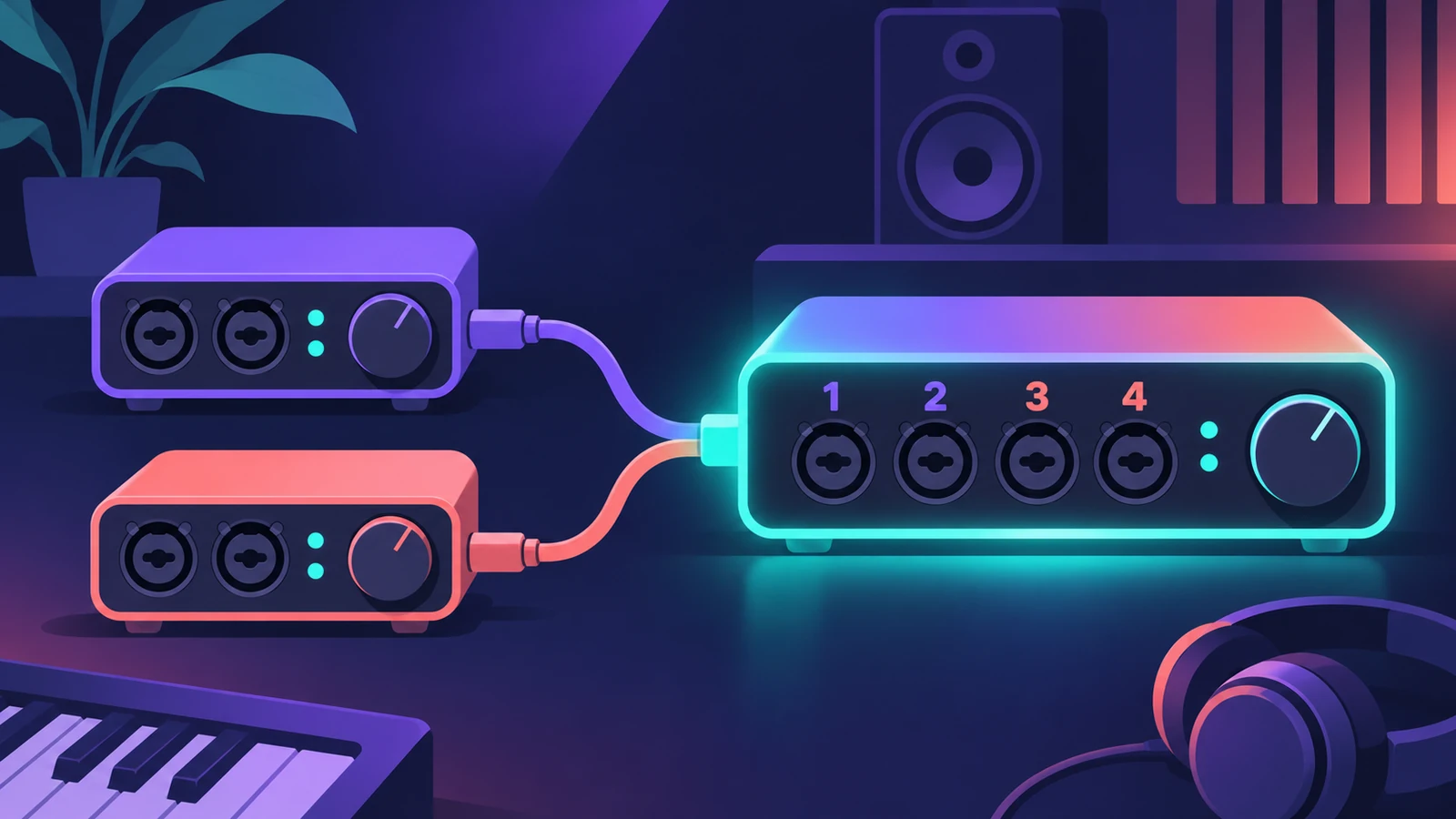
An aggregate device makes several audio devices appear as one, so Logic Pro can use all their inputs and outputs at once — for example an eight-channel interface plus a two-channel one as ten channels.
 Owen Hartley
Where to find it
Audio MIDI Setup > Audio Devices > Add (+)
How channels are numbered

Apple's example: an eight-channel device plus a two-channel device works as one ten-channel device. Inputs from the first device you tick come first.
Step by step
-
1
Connect every device
Connect all the interfaces or USB mics to your Mac before you start.
-
2
Open Audio MIDI Setup
In the Finder choose Go > Utilities, then open Audio MIDI Setup.
-
3
Create the aggregate device
Click Add (+) at the bottom of the Audio Devices sidebar and choose Create Aggregate Device. Double-click it to rename it.
-
4
Tick the devices in order
Select the Use checkbox for each device. The order you tick them sets the order of inputs and outputs in Logic Pro.
-
5
Match the sample rate
Set every device to the same sample rate, matching the device chosen as Clock Source.
-
6
Set drift correction
If the devices aren’t synchronised with word clock, choose the most reliable as Clock Source and turn on Drift Correction for the others.
-
7
Choose it in Logic Pro
In Logic Pro > Settings > Audio > Devices, choose the aggregate device as Output Device, check the Input Device, then click Apply.
Common mistakes
- Mixed sample rates: All devices in an aggregate device need the same sample rate.
- Drift correction with word clock: If the devices are clocked together with word clock cables, turn Drift Correction off.
- Making one just for in and out: Logic Pro can already use separate devices for input and output without an aggregate device.
Find each input
Keep Audio MIDI Setup open while you work: each subdevice is colour coded to its channel numbers, so you can tell which Logic Pro input is which device.
Sources
- Apple — Create an Aggregate Device to combine multiple audio devices
- Apple — Audio MIDI Setup: Combine audio devices into an aggregate device
- Apple — Audio MIDI Setup: Set aggregate device settings
Checked November 2026. Logic ProFiles is independent of Apple; menu names can differ slightly between Logic Pro versions.
Frequently asked questions
Can I record two USB mics at once in Logic Pro?
+
Yes. Combine them into an aggregate device, then give each track its own input.
Should Drift Correction be on for every device?
+
Apple’s guide says to turn it on for devices that aren’t synchronised through hardware.
Related
- Choosing an audio interface for Logic ProWhat to look for in an audio interface for Logic Pro: class-compliant drivers, enough inputs, phantom power for condenser mics, direct ports and latency.
- Audio MIDI Setup on Mac for Logic Pro usersUse the Mac's Audio MIDI Setup app with Logic Pro: set an interface's sample rate and bit depth, configure speakers, add MIDI devices and test MIDI connections.
- How to set up an audio interface in Logic ProConnect a USB or Thunderbolt audio interface to Logic Pro: choose input and output devices, set the I/O buffer, allow mic access and pick track inputs.
- Headphone cue mix in Logic ProGive a singer their own headphone mix in Logic Pro: pre-fader sends to an aux, the aux output to spare outputs, Copy Fader to Send and Sends on Faders.
- Gear for Logic ProGear for Logic Pro in 2026: which Mac or MacBook to buy, how much RAM you need, moving the Sound Library to an SSD, control surfaces, Logic Remote and Sidecar.