Gear
Choosing an audio interface for Logic Pro
Logic Pro works with any audio interface that macOS recognises through Core Audio. The real choices are how many inputs you need, whether your mics need phantom power, and whether the interface needs a driver at all.
 Owen Hartley
What matters
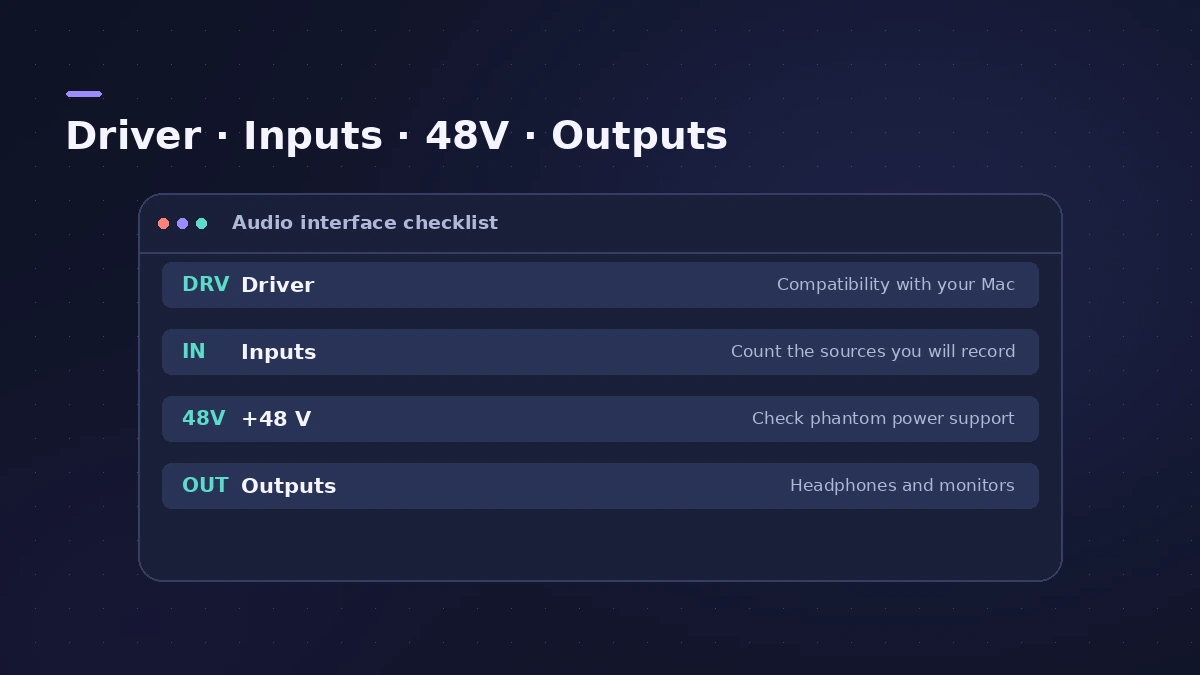
| Question | Why it matters |
|---|---|
| Is it class compliant? | It works on macOS without installing a driver |
| How many inputs? | One per mic or instrument you record at the same time |
| Does it have +48V? | Most XLR condenser mics need 48V phantom power |
| Outputs | Headphones plus a pair for studio monitors |
Sweetwater explains that a class-compliant device is designed to work with macOS without a driver, while some devices still need one. Class-compliant interfaces also tend to work with iPad, which matters if you use Logic Pro for iPad.
Connecting it
Plug it straight into the Mac where you can — Cult of Mac warns that USB hubs can cause problems. Then pick it in Logic Pro's audio settings, as described in audio interface setup. If the Mac doesn't see it, go to audio interface not recognized. To see what buffer size means for latency, try the buffer latency calculator.
Sources
- Sweetwater — How do I update drivers on my Mac?
- Audio Modeling — What does USB Class Compliant mean?
- Apple Developer — Technical Note TN2274: USB Audio on the Mac
- Cult of Mac — Getting started with a USB audio interface
- Thomann — Condenser vs dynamic microphones
- Apple — Create an Aggregate Device to combine multiple audio devices
Checked November 2026. Logic ProFiles is independent of Apple; menu names can differ slightly between Logic Pro versions.
Frequently asked questions
Do I need drivers for my interface on a Mac?
+
Not if it is class compliant — it works with macOS without a driver. Some devices aren’t and need the maker’s driver.
Can I use two interfaces at once in Logic Pro?
+
Yes, by combining them into an aggregate device in Audio MIDI Setup.
Related
- How to set up an audio interface in Logic ProConnect a USB or Thunderbolt audio interface to Logic Pro: choose input and output devices, set the I/O buffer, allow mic access and pick track inputs.
- Audio interface not showing in Logic ProAudio interface missing from Logic Pro's device menu? Check System Information and Audio MIDI Setup, install the driver, test built-in audio.
- Buffer latency calculatorConvert Logic Pro's I/O buffer size to milliseconds at any sample rate. See one-buffer and input-plus-output delay for 32 to 1024 samples, with the formula.
- Use two audio interfaces in Logic Pro with an aggregate deviceCombine two audio interfaces or USB mics into one aggregate device in Audio MIDI Setup, set the clock source and drift correction, then select it in Logic Pro.
- Gear for Logic ProGear for Logic Pro in 2026: which Mac or MacBook to buy, how much RAM you need, moving the Sound Library to an SSD, control surfaces, Logic Remote and Sidecar.