Gear
Headphones for Logic Pro: open-back or closed-back?
The main split is open-back versus closed-back. Closed-back keep sound in and out, which matters whenever a mic is live; open-back leak but are popular for long mixing sessions.
 Owen Hartley
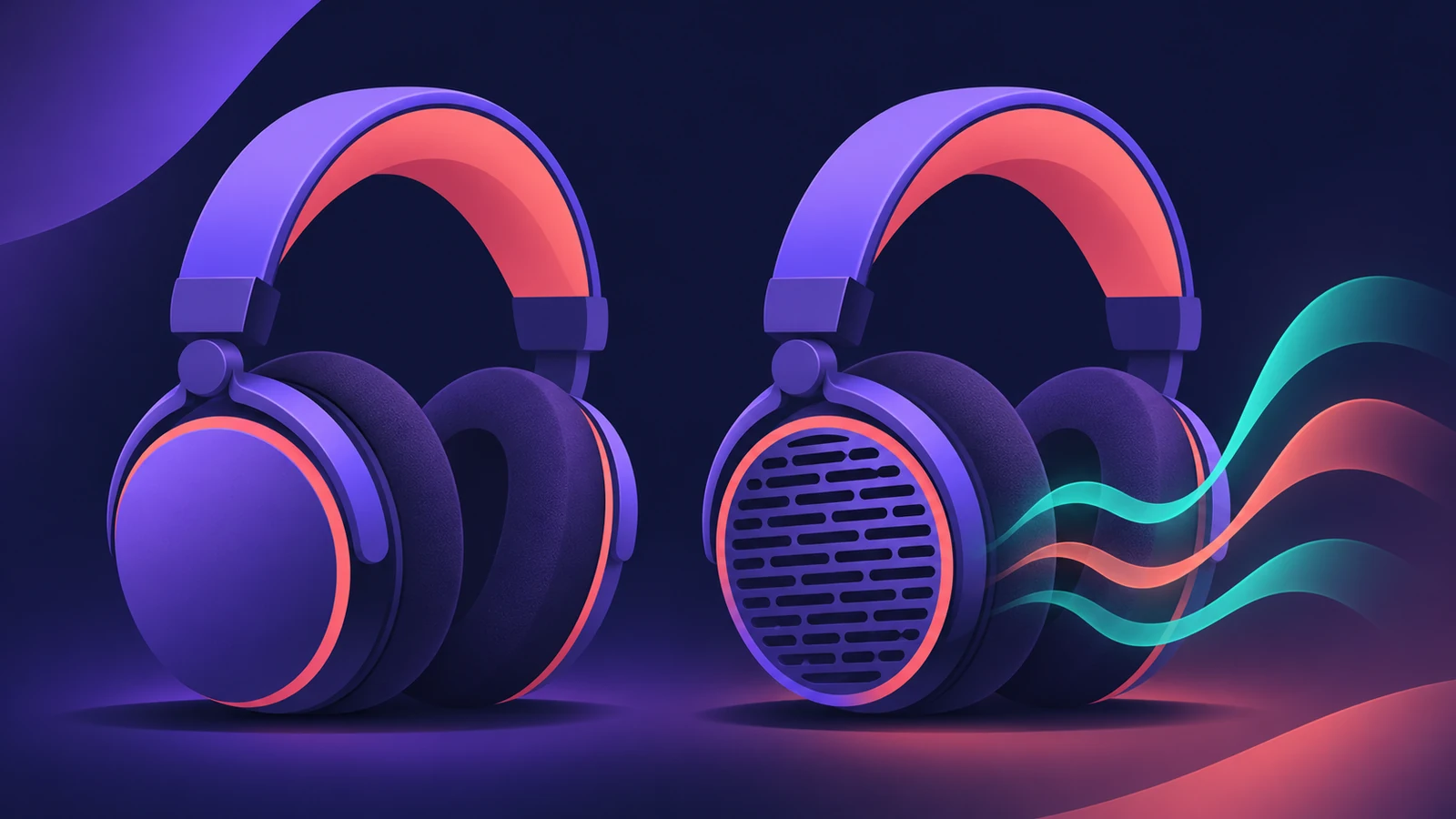
Open or closed?
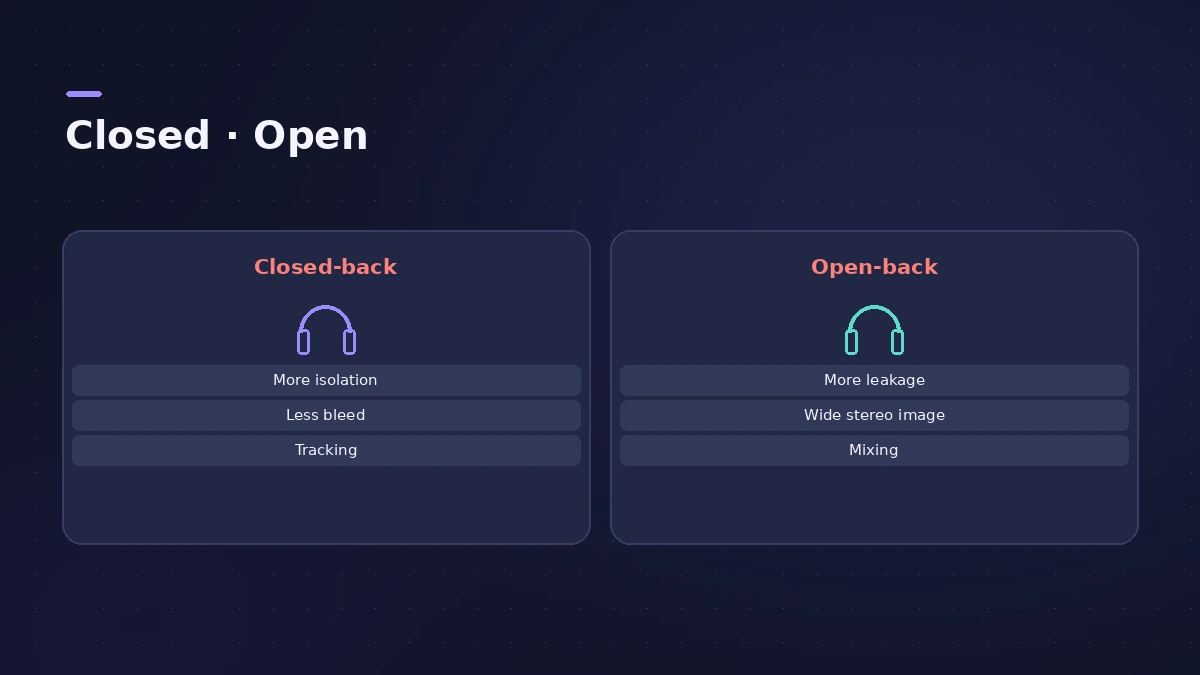
| Closed-back | Open-back | |
|---|---|---|
| Isolation | High — sound stays in | Low — sound leaks both ways |
| Recording with mics | Yes: no bleed | Not recommended |
| Mixing | Fine, especially in noisy rooms | Popular in quiet rooms for long sessions |
Shure and Scan both point to closed-back headphones whenever a microphone is open. Blackout Audio notes open-back models give better spatial information and comfort in a quiet room. Set up the singer's mix with a headphone mix.
Headphones for spatial audio
In a Dolby Atmos project, Logic Pro's Dolby Atmos plug-in on the master offers binaural monitoring formats, so you can mix spatial audio on headphones without a speaker array. For wireless headphone problems, see Bluetooth headphones.
Sources
- Shure — Open-back vs closed-back headphones
- Scan — Studio headphones buyer's guide
- Blackout Audio — Open-back vs closed-back headphones for mixing
- Apple — Listen to a binaural Logic Pro spatial audio mix
- Sound On Sound — Logic Pro: Getting started in Atmos
Checked November 2026. Logic ProFiles is independent of Apple; menu names can differ slightly between Logic Pro versions.
Frequently asked questions
Can I record vocals with open-back headphones?
+
It’s not recommended: open-back headphones leak, and the backing track can bleed into the microphone.
Can I mix Dolby Atmos on headphones in Logic Pro?
+
Yes. Logic Pro’s Dolby Atmos plug-in has binaural monitoring formats for headphones.
Related
- Headphone cue mix in Logic ProGive a singer their own headphone mix in Logic Pro: pre-fader sends to an aux, the aux output to spare outputs, Copy Fader to Send and Sends on Faders.
- AirPods and Bluetooth headphones in Logic ProUsing AirPods or Bluetooth headphones with Logic Pro? Why there's a delay you can't fix, why playback can change speed, and what to use instead for recording.
- Place your studio monitors for mixingSet up studio monitors for mixing in Logic Pro: equilateral triangle, about 30° toe-in, tweeters at ear height, symmetrical in the room and off the desk.
- Gear for Logic ProGear for Logic Pro in 2026: which Mac or MacBook to buy, how much RAM you need, moving the Sound Library to an SSD, control surfaces, Logic Remote and Sidecar.