Fix Problems
AirPods and Bluetooth headphones in Logic Pro
Bluetooth adds latency that Logic Pro can't remove — Apple says to use Bluetooth headphones or speakers for mixing or listening only. Here's what to expect, what to check when they misbehave, and what to use when you record.
 Owen Hartley

Applies to: Logic Pro 13, 12 and 11 for Mac with AirPods or other Bluetooth headphones and speakers.
Most likely causes
- Bluetooth transmission latency (can't be changed in Logic Pro) (always)
- Headphones selected as input as well as output (common)
- Output device switched when headphones connect or disconnect (common)
Why Logic Pro can't fix it
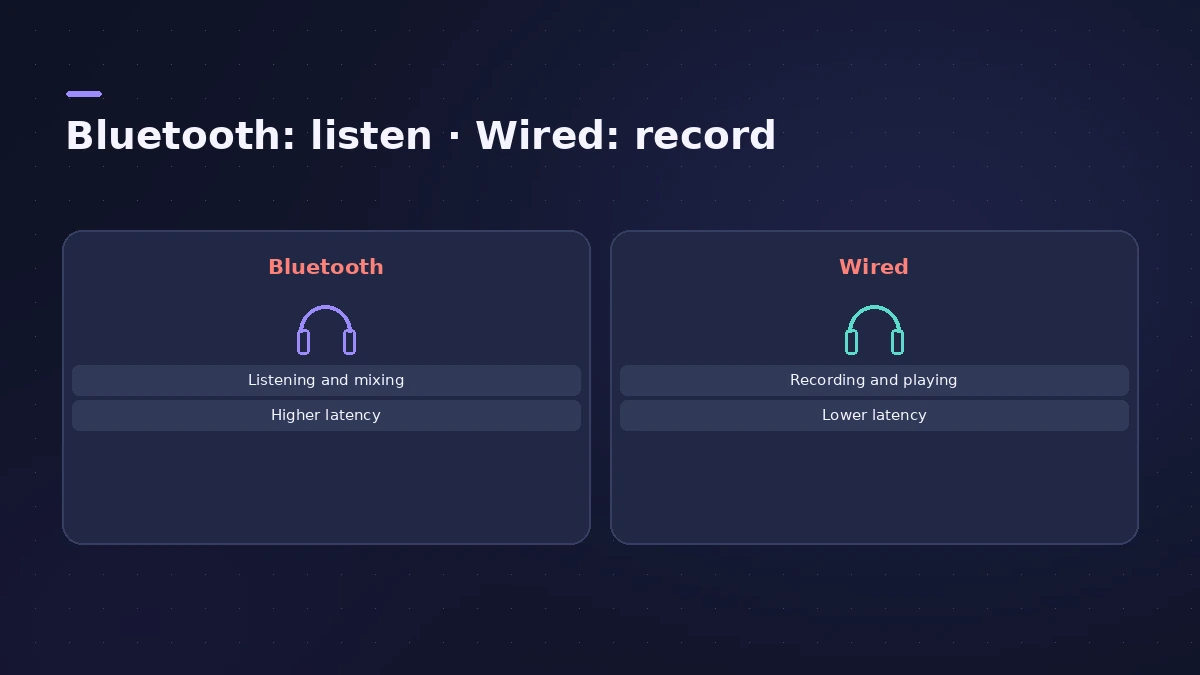
Apple lists Bluetooth latency alongside converter and interface latency as things you can't change in Logic Pro. Lowering the I/O buffer helps the part Logic Pro controls, but the wireless link stays slow — see the latency guide.
A better setup for recording
A small audio interface with wired headphones gives you low latency and a better microphone input at the same time.
Fixes, in order
1. Use Bluetooth for listening only
Apple's advice: Bluetooth output adds latency, so use it for mixing or listening, not for recording or playing instruments.
2. Use wired headphones to record
Plug wired headphones into your Mac or audio interface while you record or play software instruments.
3. Check the input device
Users report half-speed playback with AirPods; check which input and output devices Logic Pro is using and try the built-in mic as input.
4. Check the output device
In Logic Pro > Settings > Audio > Devices, confirm the output after connecting or disconnecting the headphones.
5. Try USB-C on AirPods Max
Sound On Sound reports that USB-C AirPods Max with current firmware support lossless audio and much lower latency over the cable.
Sources
- Apple — Manage input monitoring latency in Logic Pro for Mac (May 2026)
- Apple Community — Logic Pro Bluetooth output latency over 100 ms
- Apple Community — AirPods with Logic Pro (playback speed)
- Six Colors — AirPods Pro latency: better, but not good enough
- Sound On Sound — AirPods Max low-latency and lossless over USB-C
Checked November 2026. Logic ProFiles is independent of Apple; menu names can differ slightly between Logic Pro versions.
Frequently asked questions
Can I record in Logic Pro with AirPods?
+
You can, but the delay makes playing in time difficult. Apple recommends Bluetooth only for mixing or listening.
How much latency do Bluetooth headphones add?
+
It varies by device; one user measured over 100 ms of output latency in Logic Pro with Bluetooth headphones, compared with about 1.5 ms wired.
Why does audio play at the wrong speed with AirPods?
+
Users have reported it with AirPods selected in Logic Pro. Check the input and output devices in Audio settings, or use wired headphones.
Related
- Headphones for Logic Pro: open-back or closed-back?Which headphones to use with Logic Pro: closed-back for recording without bleed, open-back for mixing in quiet rooms, and binaural monitoring for Dolby Atmos.
- Logic Pro latency — how to fix delay when recordingHearing a delay when you record in Logic Pro? Lower the I/O buffer, turn on Low Latency Monitoring Mode, use direct monitoring and avoid Bluetooth headphones.
- No sound in Logic Pro — 10 fixes, quickest firstNo sound in Logic Pro? Check the output device, Core Audio, mute and solo, the metronome and plug-ins, then test built-in audio to rule out the interface.
- How to set up an audio interface in Logic ProConnect a USB or Thunderbolt audio interface to Logic Pro: choose input and output devices, set the I/O buffer, allow mic access and pick track inputs.
- Fix Logic Pro problems — errors, crashes and no soundStep-by-step fixes for Logic Pro on Mac: system overload, disk too slow, no sound, crashes, latency, missing plug-ins, MIDI keyboards and recording problems.