Plug-ins
SilverVerb and EnVerb in Logic Pro
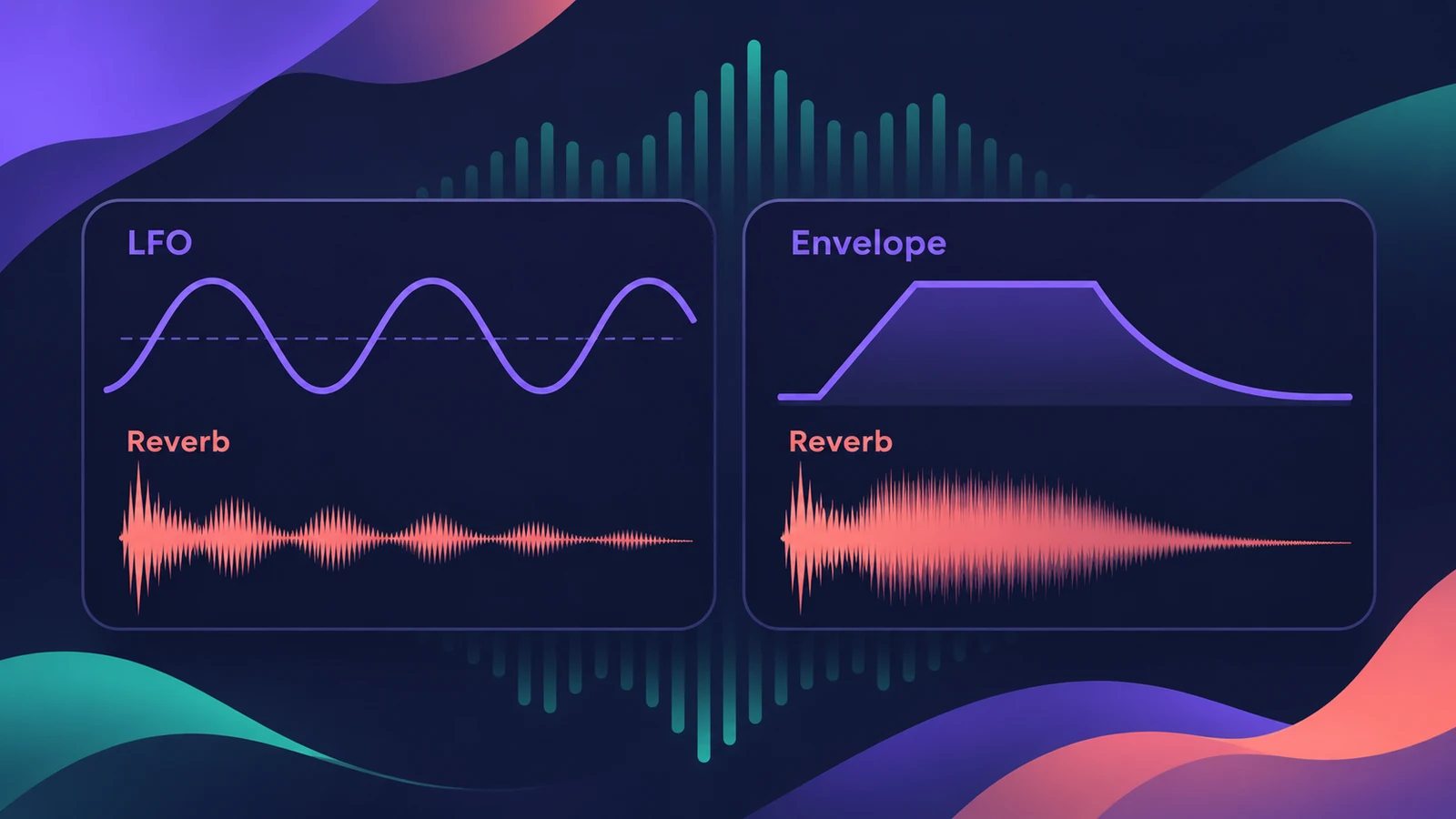
Besides ChromaVerb, Space Designer and the Quantec Room Simulator, Logic Pro has two smaller digital reverbs. SilverVerb is light on CPU and has an LFO to modulate the tail; EnVerb lets you draw the reverb's shape with an envelope.
 Owen Hartley
SilverVerb vs EnVerb
| SilverVerb | EnVerb | |
|---|---|---|
| Main idea | Simple, CPU-efficient reverb | Reverb shaped by an envelope |
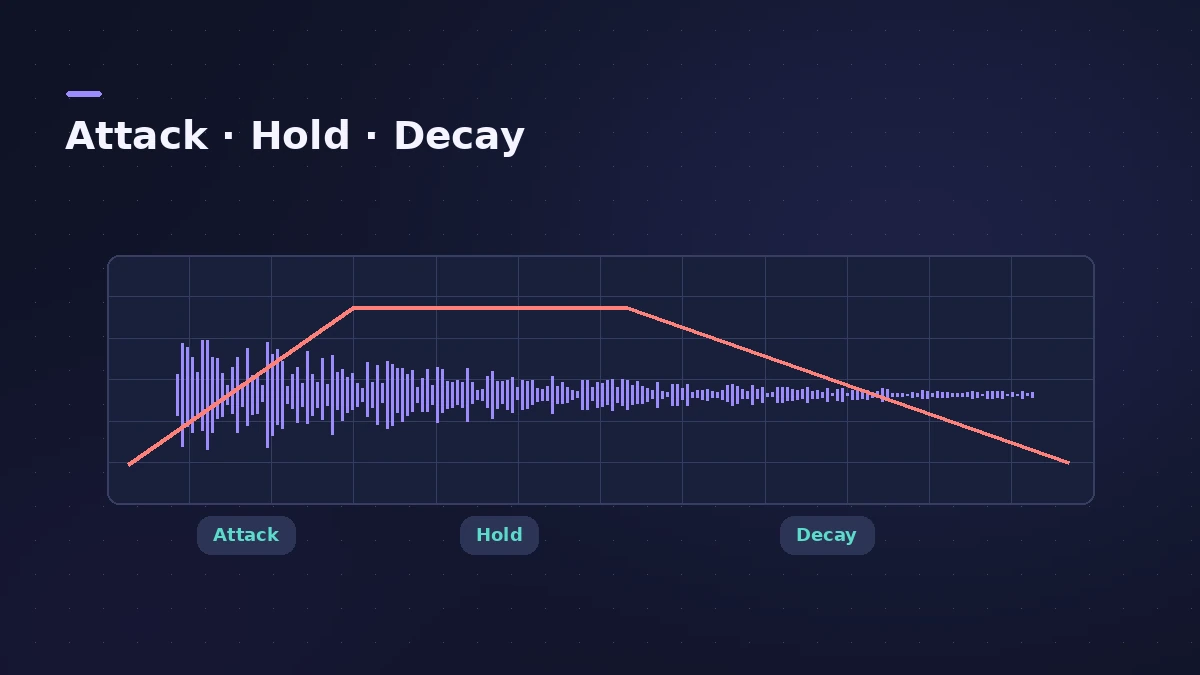
| Special controls | LFO modulation, high and low cut | Delay and envelope controls, similar to a synth ADSR with a hold stage |
| Good for | Light ambience, many instances | Unusual reverb effects |
When to use them
If a project is running out of CPU, SilverVerb is a lighter choice than the bigger reverbs — see system overload for other fixes. Sound On Sound's take on EnVerb: not one you'd use every day, but it can make effects no other Logic plug-in can.
Sources
- Apple — Logic Pro for iPad User Guide: Reverb effects overview
- Apple — Logic Pro for iPad User Guide: SilverVerb
- Apple — Logic Pro for iPad User Guide: EnVerb
- Sound On Sound — Logic Pro X's reverbs
- Apple — Logic Pro Effects user guide (PDF)
Checked November 2026. Logic ProFiles is independent of Apple; menu names can differ slightly between Logic Pro versions.
Frequently asked questions
Which Logic Pro reverb uses the least CPU?
+
Apple describes SilverVerb as CPU-efficient, and Sound On Sound notes it was designed when CPU power was scarce.
What is EnVerb used for?
+
Shaping the reverb with an envelope — useful for effects other Logic reverbs can't create.
Does SilverVerb have modulation?
+
Yes. Its LFO modulates the reverb signal, which can add stereo width.
Related
- ChromaVerb in Logic ProSet up ChromaVerb in Logic Pro: choose one of 14 room types, shape decay with the Damping EQ, set size, density and predelay, use Freeze and the output EQ.
- Which Logic Pro reverb should you use?Compare Logic Pro's reverbs — ChromaVerb, Space Designer, Quantec Room Simulator, SilverVerb and EnVerb — and see which one fits vocals, drums, pads or low CPU.
- Logic Pro system overload — how to find the cause and fix itLogic Pro says System Overload? Use the Performance Meter to see if CPU or disk is the cause, then fix it with the buffer, freezing and Sampler settings.
- Space Designer in Logic ProUse Space Designer, Logic Pro's convolution reverb: load a sampled IR or synthesize one, set length, predelay and spread, and load your own impulse responses.