Plug-ins
Vocal Transformer in Logic Pro
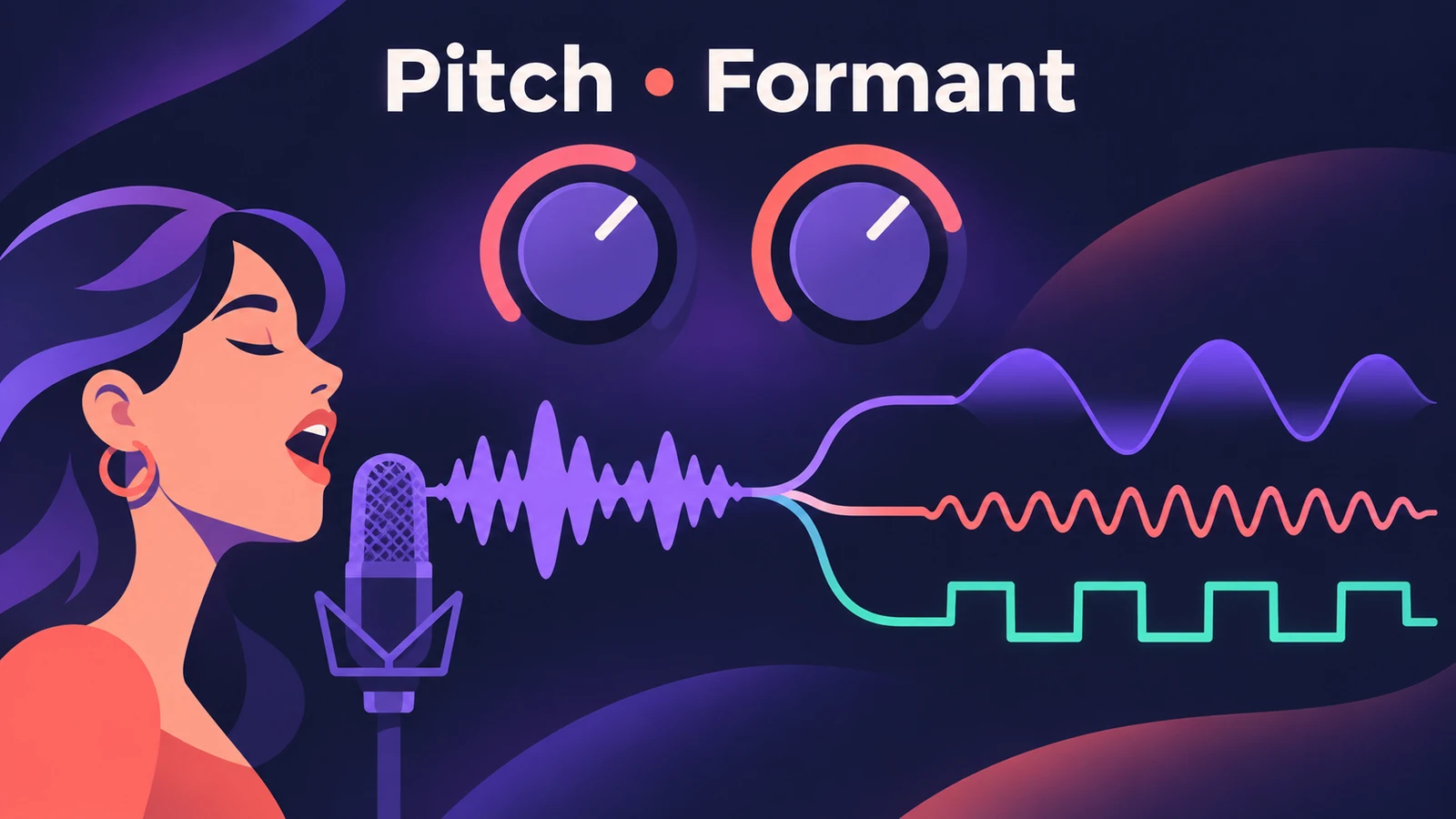
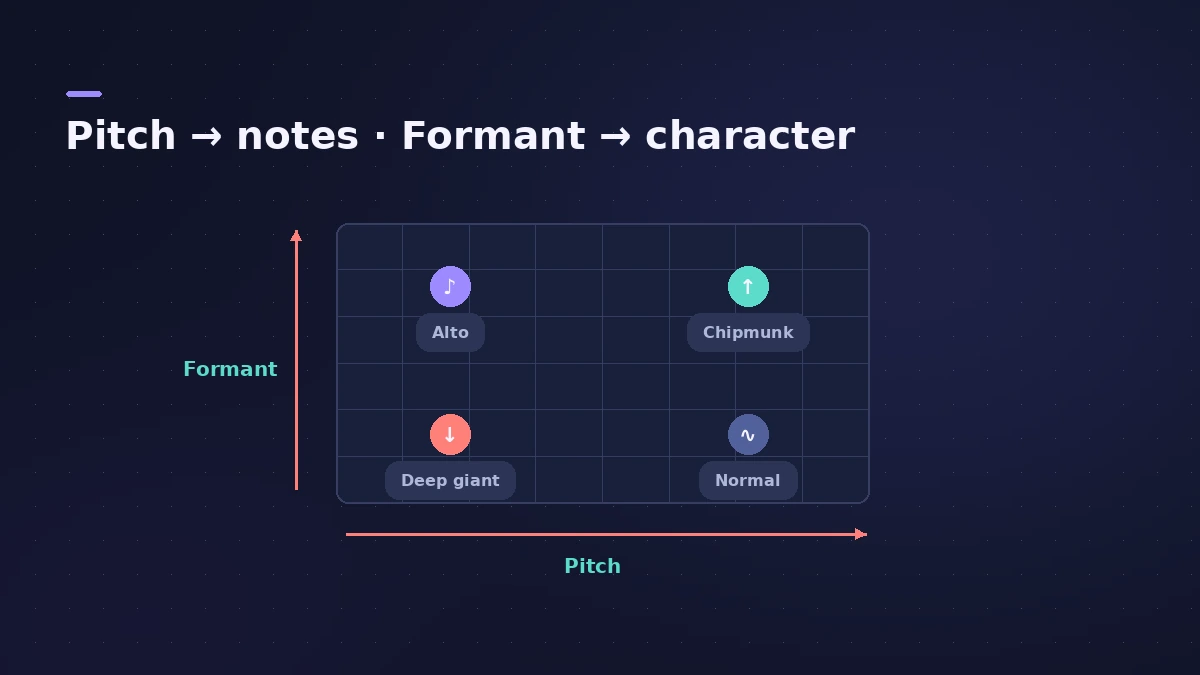
Vocal Transformer changes the pitch of a voice and its formants — the frequency emphases that give a voice its character — separately. Shift pitch alone to move a soprano down to alto range without changing who is singing; shift formants alone for a giant or a cartoon voice; or switch on Robotize to flatten or exaggerate the melody.
 Owen Hartley
Where to find it
Audio Effect slot > Pitch > Vocal Transformer
Vocal Transformer controls
| Control | What it does |
|---|---|
| Pitch | Transposes the voice in semitones |
| Formant | Shifts the formants — the voice's character |
| Mix | Balance of original and effect |
| Robotize | Augments, diminishes or mirrors the melody |
| Pitch Base / Tracking | In Robotize: the target note and how far the melody follows |
| Glide | Time to slide to the set pitch |
| Detune (Fine Pitch) | Small pitch offset — useful when automated |
| Grain Size | Precision of the granular process |
| Formants: Keep Unvoiced | Leaves sibilant sounds untouched |
Recipes
| Effect | Pitch | Formant | Mix | Robotize |
|---|---|---|---|---|
| Instant double | 0 | +1 | 50% | Off |
| Fifth-up harmony | +7 | 0 | Blend to taste | Off |
| Deep villain voice | 0 or lower | Negative | 100% | Off |
| Monotone robot | Any | 0 | 100% | On, Tracking 0% |
Step by step
-
1
Insert it on a single voice
Add Vocal Transformer to a lead vocal or another monophonic track. It isn't designed for chords or several voices on one track.
-
2
Shift the pitch
Turn Pitch in semitone steps. Apple names +7 (a fifth up), −5 (a fourth down) and ±12 (an octave) as the most useful harmonically.
-
3
Shift the formants
Turn Formant to change the character: positive values give a small, cartoon-like voice, negative values a deep, dark one.
-
4
Blend with Mix
Set Mix between the original and the effect. For a quick double, Apple suggests Pitch 0, Mix 50% and Formant +1 with Robotize off.
-
5
Try Robotize
Turn on Robotize and use Tracking to widen, narrow or invert the melody; at 0% every syllable lands on the Pitch Base note.
Common mistakes
- Using it on a stereo choir or chords, where it isn't designed to work.
- Moving Pitch and expecting a different voice — Pitch keeps the character; Formant changes it.
- Leaving Keep Unvoiced Formants off when sibilants sound odd — that option leaves S sounds untouched.
Tuning instead of effects
To correct a vocal to a key rather than transform it, use Pitch Correction. For robot voices played from a keyboard, a vocoder like EVOC 20 PolySynth is the tool.
Sources
- Apple — Logic Pro Effects 10.2: Vocal Transformer parameters (old)
- Apple — Logic Pro for iPad User Guide: Vocal Transformer parameters
- Apple — Logic Pro for iPad User Guide: Use Vocal Transformer
- Apple — Logic Pro 9 Effects: Vocal Transformer (old)
- Apple — Final Cut Pro Logic Effects: Vocal Transformer controls
Checked November 2026. Logic ProFiles is independent of Apple; menu names can differ slightly between Logic Pro versions.
Frequently asked questions
How do I make a deep voice in Logic Pro?
+
Insert Vocal Transformer and lower the Formant value; lower Pitch too if you want the notes deeper as well.
What does Robotize do in Vocal Transformer?
+
It augments, diminishes or mirrors the melody. With Tracking at 0%, every syllable is sung on one pitch, set by Pitch Base.
Related
- Pitch Correction plug-in in Logic ProAuto-tune vocals with Logic Pro's Pitch Correction plug-in: set Root and Scale, adjust Response for natural or hard tuning, bypass notes and use Global Tuning.
- Vocoder in Logic Pro — EVOC 20 PolySynthSet up Logic Pro's vocoder: load EVOC 20 PolySynth, pick the vocal as side chain, play chords on a MIDI keyboard, then tune Bands, Attack, Release and Freeze.
- How to mix vocals in Logic ProMix vocals in Logic Pro with stock plug-ins: tune with Flex Pitch, clean up with Channel EQ, control level with Compressor, add reverb on a send and automate.
- Autotune in Logic Pro — Flex Pitch and Pitch CorrectionTune vocals in Logic Pro without extra plug-ins: fix notes by hand with Flex Pitch, or use the Pitch Correction plug-in for real-time autotune. Both explained.
- Plug-ins in Logic ProGuides to Logic Pro's stock plug-ins: Compressor, EQs, limiters, Pitch Correction, Amp Designer, Pedalboard, ChromaGlow, ChromaVerb, Space Designer and delays.