Plug-ins
Enveloper in Logic Pro
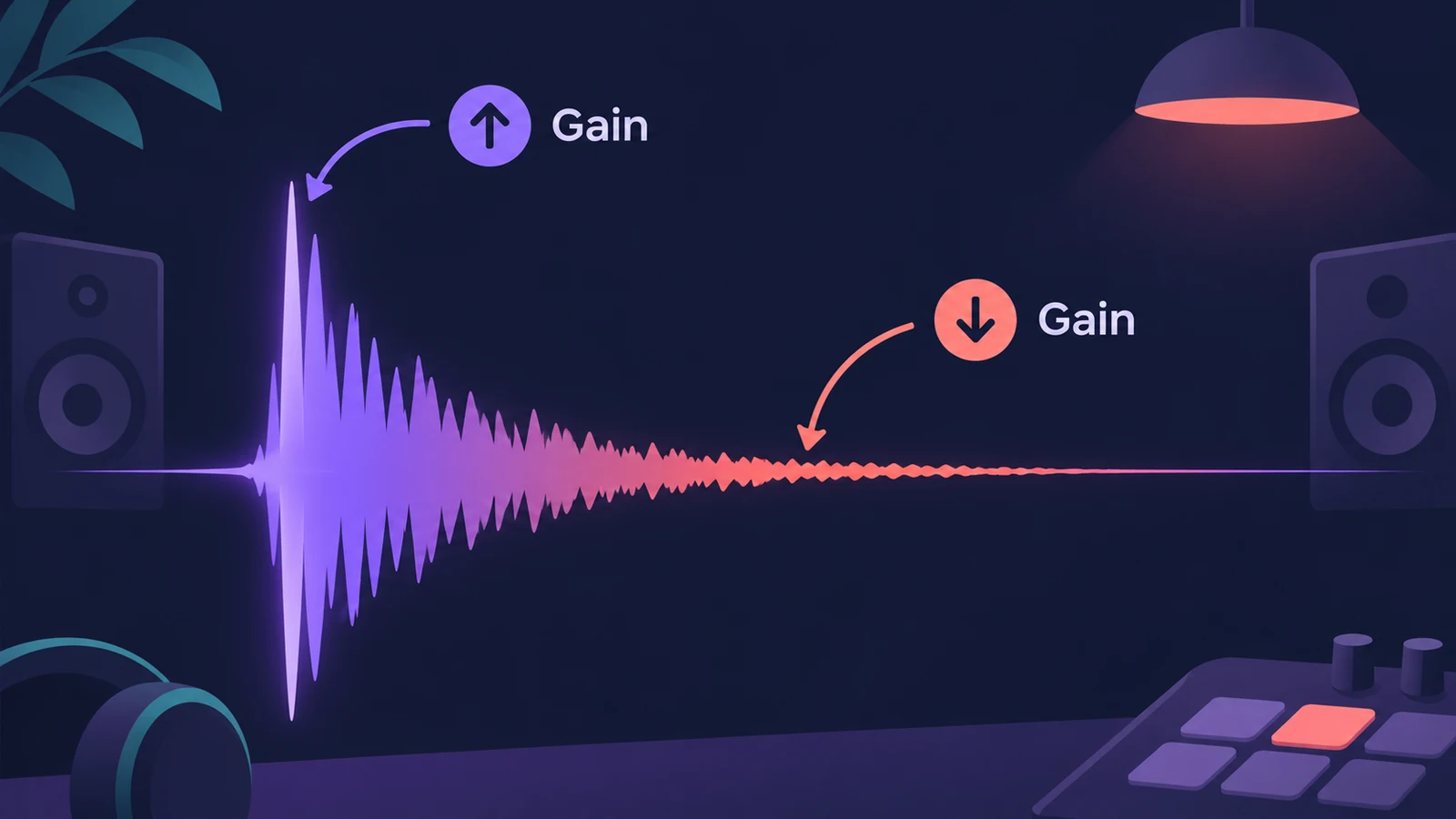
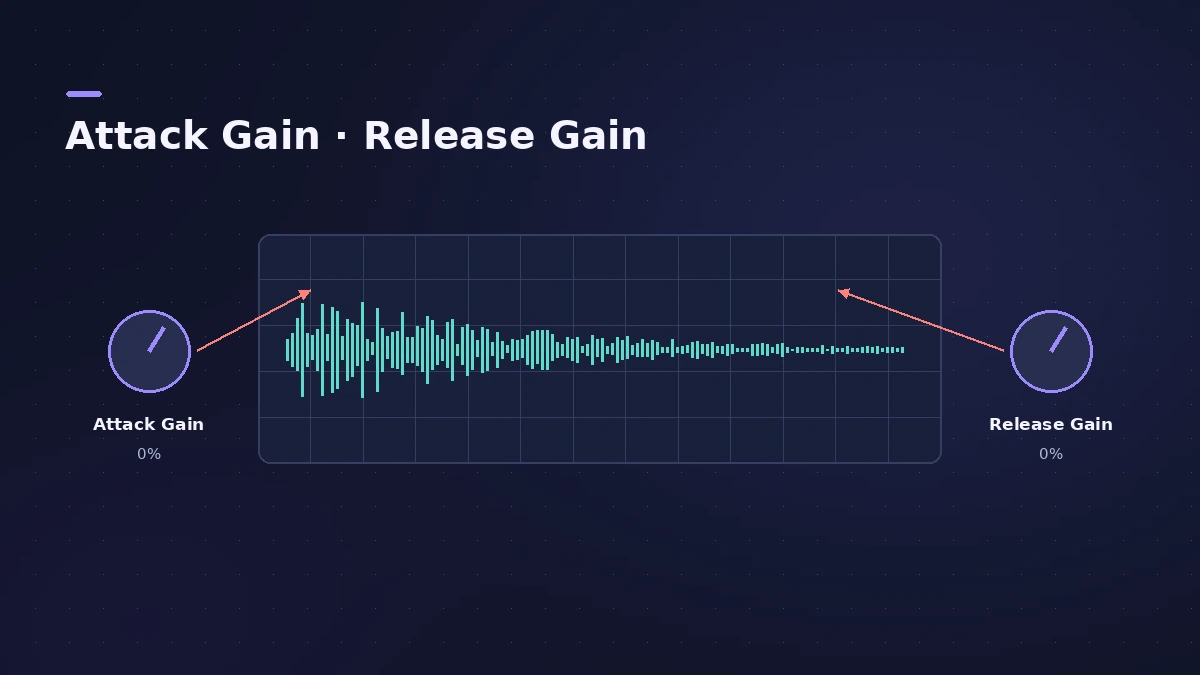
Enveloper shapes the attack and release phases of a sound — its transients. Boost the attack to add snap to drums or the pick of a guitar, cut it to soften hits, and change the release to make reverb more or less obvious, something other dynamics processors can't do as directly.
 Owen Hartley
Main controls
| Control | What it does |
|---|---|
| Attack Gain | Boosts or cuts the attack phase; 0% leaves it unchanged |
| Release Gain | Boosts or cuts the release phase; 0% leaves it unchanged |
| Attack Time | Time from the threshold to the maximum gain level |
| Release Time | Time from the maximum gain level back to the threshold |
| Threshold | Signals above it are processed; usually left at minimum |
| Lookahead | Pre-reads the signal for fast, accurate processing |
| Out Level | Makes up level changes from big boosts or cuts |
Uses
Boost the attack for snap on drums, or mute it almost completely to soften percussive sounds — Apple even suggests reshaping attacks to hide loose timing. Raise the release to bring out reverb, or cut it to dry up reverb-heavy drum loops and Apple Loops. Raise Threshold slightly only if a big release boost also lifts noise.
Sources
- Apple — Logic Pro for iPad User Guide: Enveloper
- Apple — Logic Pro for iPad User Guide: Enveloper (parameters)
- Apple — Logic Pro X 10.4.5 Help: Enveloper (old)
Checked November 2026. Logic ProFiles is independent of Apple; menu names can differ slightly between Logic Pro versions.
Frequently asked questions
What does Enveloper do?
+
It boosts or cuts the attack and release phases of a signal, shaping its transients.
What are good starting settings?
+
Apple suggests an Attack Time around 20 ms and a Release Time around 1500 ms, with Threshold at its minimum.
Can Enveloper make a drum loop drier?
+
Yes. Lowering the release phase makes reverb-heavy tracks sound drier.
Related
- Logic Pro Compressor and its circuit typesLogic Pro's Compressor has seven circuit types — Platinum Digital, Studio and Classic VCA, Studio FET and Vintage VCA, FET and Opto. Pick one and set it up.
- Noise Gate in Logic ProUse Noise Gate in Logic Pro to cut bleed and noise: set Threshold and Reduction, shape Attack, Hold and Release, filter the side chain, or use Ducker mode.
- How to record drums in Logic ProRecord a drum kit in Logic Pro: start with overheads, add kick and snare mics, give each mic its own input and track, then group them in a Track Stack.
- How to use Apple Loops in Logic ProUse Apple Loops in Logic Pro: find loops in the Browser, add them to tracks, how they follow tempo and key, the four loop types and how to make your own loops.