Plug-ins
Spectral Gate in Logic Pro
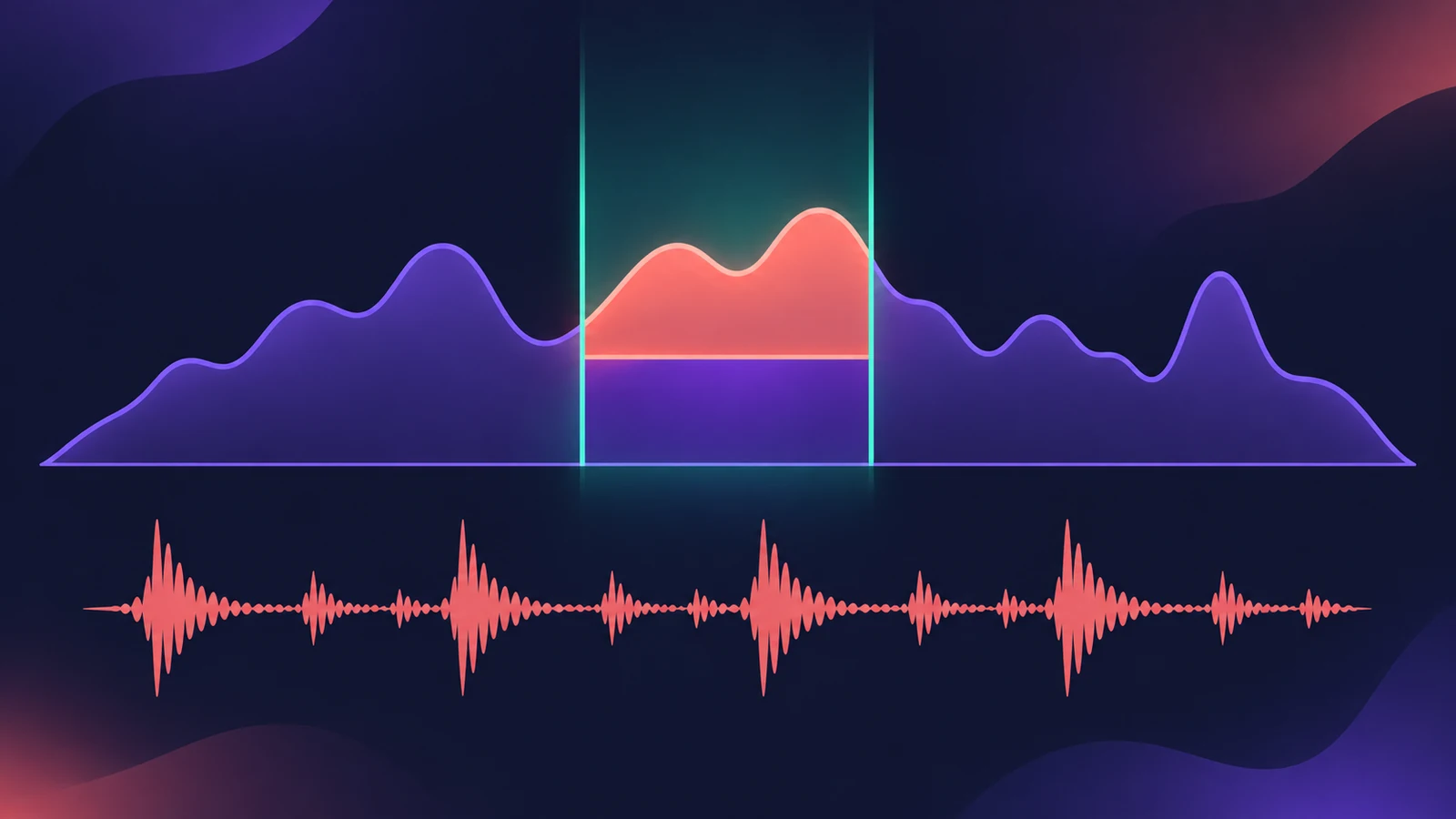
Spectral Gate is an unusual filter for sound design rather than a corrective gate. It splits a frequency band you choose into what lies above and below a threshold, lets you boost or cut each part, and blends the result with the original signal.
 Owen Hartley
Where to find it
Audio Effect slot > Filter > Spectral Gate
Spectral Gate controls
| Control | What it does |
|---|---|
| Center Freq / Bandwidth | The band to process |
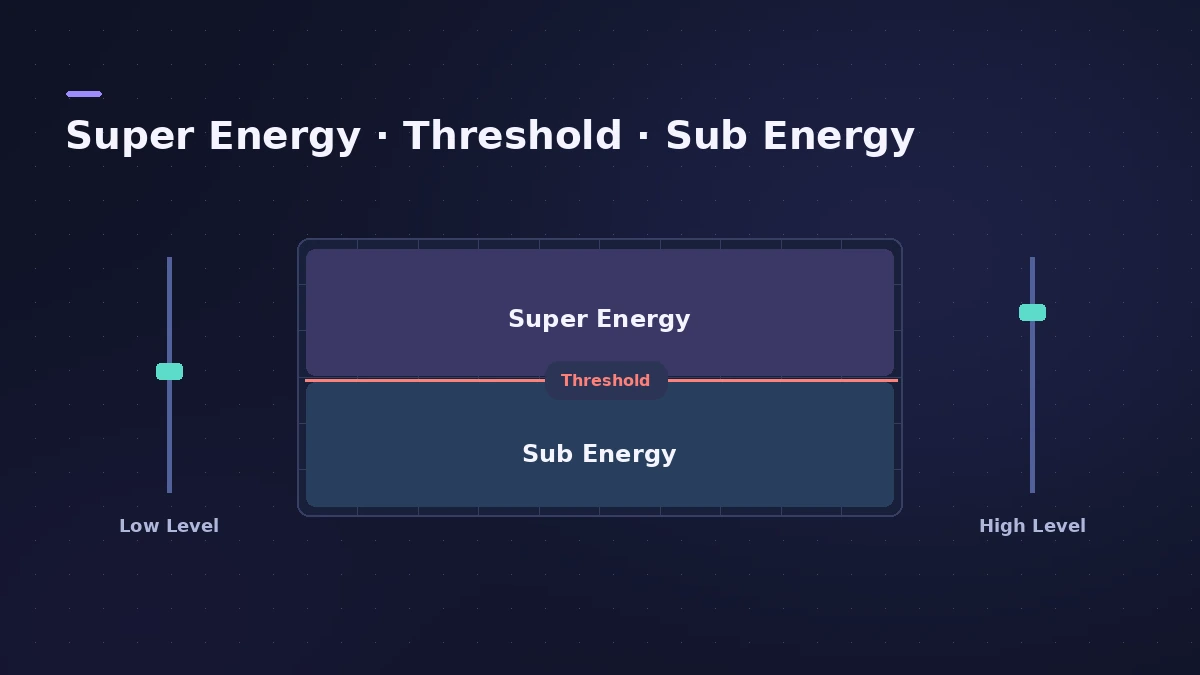
| Threshold | Level that divides the band into upper and lower ranges |
| Super Energy | Level of the range above the threshold |
| Sub Energy | Level of the range below the threshold |
| Low Level / High Level | Mix in the original signal below and above the band |
| Speed, CF Mod, BW Mod | Modulation of centre frequency and bandwidth |
| Gain | Output level |
Step by step
-
1
Start with a drum loop
Apple suggests a drum loop to learn it. Insert Filter > Spectral Gate on the loop's track.
-
2
Process the full range
Set Center Freq to its minimum (20 Hz) and Bandwidth to its maximum (20,000 Hz) so the whole spectrum is processed.
-
3
Explore Super and Sub Energy
Turn up Super Energy and Sub Energy one at a time, then try different Threshold settings to hear how they interact.
-
4
Narrow the band
When you find a useful sound, narrow Bandwidth a lot and raise Center Freq gradually.
-
5
Blend and modulate
Use Low Level and High Level to mix back bass and treble from the original, and at lower Speed settings add CF or BW Modulation.
Common mistakes
- Expecting it to work like Noise Gate — it's a creative filter, not a cleanup tool.
- Starting with a narrow band and hearing almost nothing; start full-range, then narrow.
- Forgetting the Gain slider after big Energy changes.
Cleanup gating instead?
To remove noise and bleed, use Noise Gate. For more rhythmic filter movement, try Step FX or Phat FX.
Sources
- Apple — Logic Pro for iPad User Guide: Spectral Gate
- Apple — Logic Pro for iPad User Guide 1.1: Spectral Gate
- Apple — Logic Pro for iPad User Guide: Use Spectral Gate
- Apple — Logic Pro 9 Effects: Spectral Gate (old)
- Apple — Logic Pro Effects 10.2: Spectral Gate (old)
Checked November 2026. Logic ProFiles is independent of Apple; menu names can differ slightly between Logic Pro versions.
Frequently asked questions
What does Spectral Gate do?
+
It divides the band set by Center Freq and Bandwidth into ranges above and below a threshold, so you can change the level of each and mix in the original signal.
Is Spectral Gate a noise gate?
+
No. Apple describes it as an unusual filter effect for creative sound design.
Related
- Noise Gate in Logic ProUse Noise Gate in Logic Pro to cut bleed and noise: set Threshold and Reduction, shape Attack, Hold and Release, filter the side chain, or use Ducker mode.
- Step FX in Logic ProUse Step FX in Logic Pro: assign three 128-step modulators to filter, distortion, delay, reverb, gate or pan, and set pattern lengths for polyrhythms.
- Phat FX in Logic ProPhat FX in Logic Pro is a colouring multi-effect: distortion, filters, compressor, bass enhancer and Mod FX in a chain you can reorder, plus an XY pad and LFOs.
- Ringshifter in Logic ProUse Ringshifter in Logic Pro as a ring modulator or frequency shifter: pick Single, Dual, OSC or Side Chain mode, set Frequency, add delay, LFO and envelope.
- Plug-ins in Logic ProGuides to Logic Pro's stock plug-ins: Compressor, EQs, limiters, Pitch Correction, Amp Designer, Pedalboard, ChromaGlow, ChromaVerb, Space Designer and delays.