Plug-ins
Ringshifter in Logic Pro
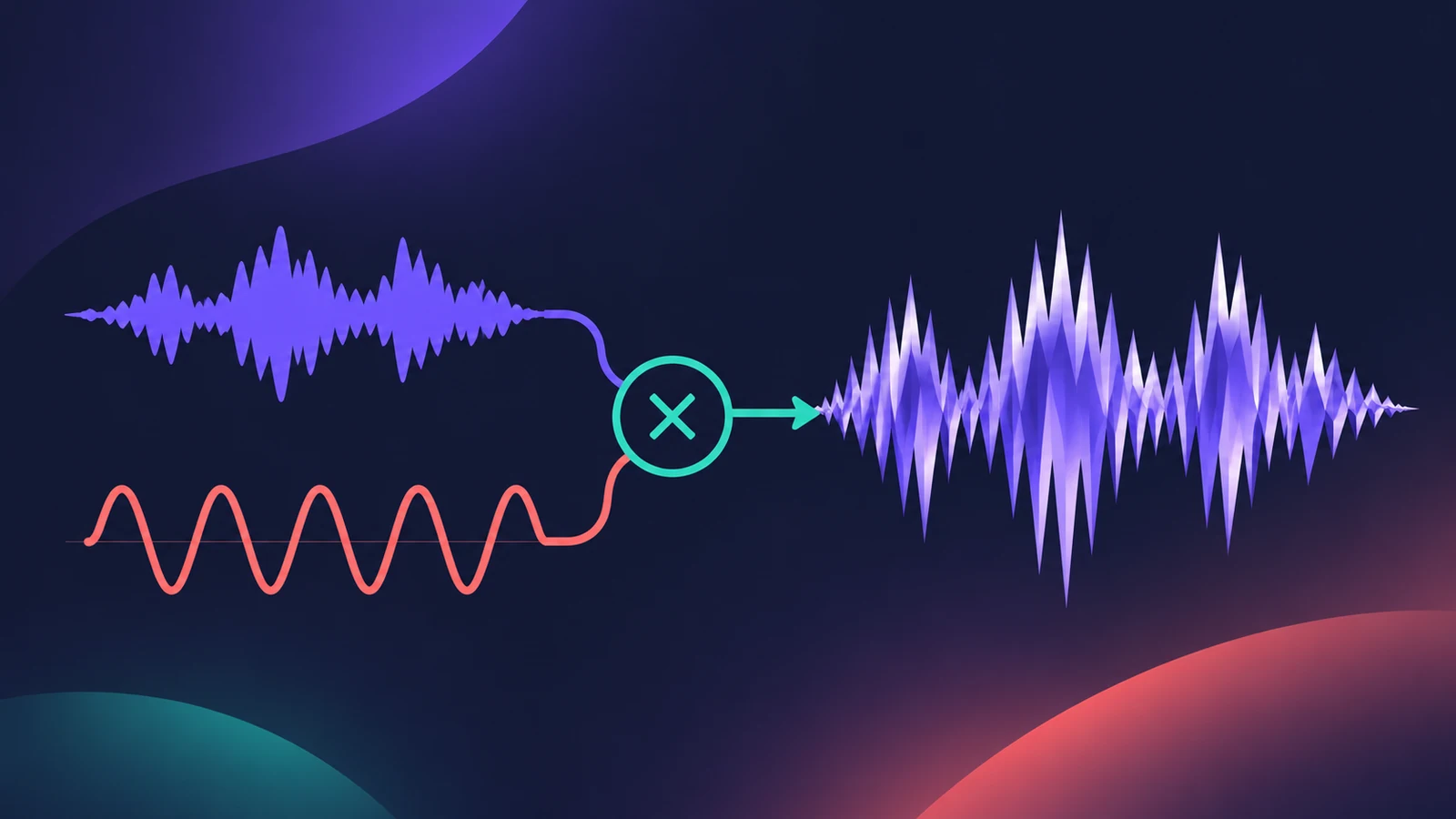
Ringshifter combines a ring modulator with a frequency shifter. Ring modulation gives metallic, clangorous tones; frequency shifting moves every harmonic by the same amount, from spacious phasing to robotic sounds. It isn't pitch shifting — the harmonic relationships change.
 Owen Hartley
Where to find it
Audio Effect slot > Modulation > Ringshifter
The four modes
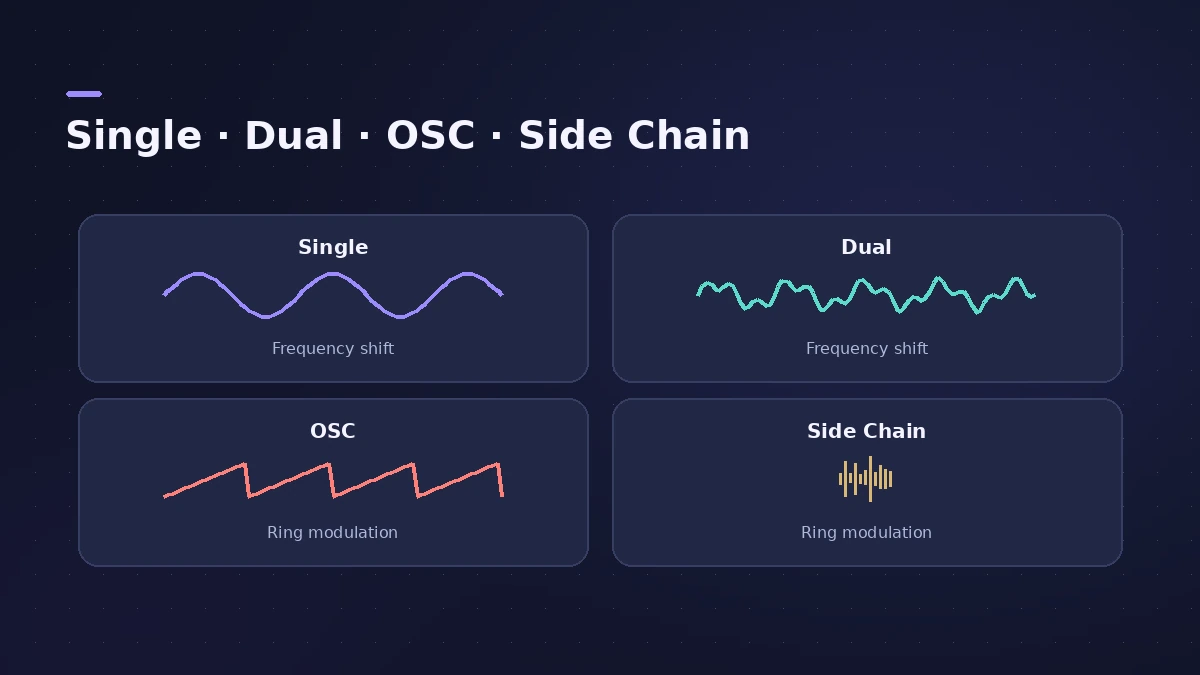
| Mode | Type | What it does |
|---|---|---|
| Single | Frequency shifter | One shifted signal, up or down |
| Dual | Frequency shifter | One channel shifted up, the other down |
| OSC | Ring modulator | Internal sine oscillator modulates the input |
| Side Chain | Ring modulator | Side-chain audio modulates the input |
Ringshifter sections
Mode, Oscillator, Delay, Envelope Follower, LFO and Output (feedback, stereo width, dry and wet).
Step by step
-
1
Insert Ringshifter
Choose Modulation > Ringshifter on a synth, drum or vocal track.
-
2
Pick a mode
Single or Dual for frequency shifting; OSC or Side Chain for ring modulation.
-
3
Set Frequency
In the shifter modes Frequency sets how far the signal moves up or down; in OSC ring-mod mode it sets the timbre, from tremolo-like to metallic.
-
4
Try Exp scaling for slow movement
Exponential scaling gives tiny steps around 0, useful for slow phasing and tremolo effects.
-
5
Add delay and modulation
Use the delay, envelope follower and LFO sections, then set feedback, stereo width and the dry/wet balance in the output.
Common mistakes
- Treating it as a pitch shifter — frequency shifting changes harmonic relationships.
- Expecting Frequency to work in Side Chain mode; the oscillator is off there.
- Going straight to extreme settings; small shifts around 0 give subtle phasing.
More sound design
Combine it with Spectral Gate or the modulation effects. For a voice-controlled synth, see the EVOC 20 vocoder.
Sources
- Apple — Logic Pro for iPad User Guide 3.0: Ringshifter
- Apple — Logic Pro for iPad User Guide: Ringshifter modes and oscillator
- Apple — Logic Pro for iPad User Guide 1.1: Ringshifter operating modes
- Apple — Logic Pro X 10.4.5 Help: Ringshifter interface (old)
- Apple — Logic Pro 9 Effects: Ringshifter (old)
Checked November 2026. Logic ProFiles is independent of Apple; menu names can differ slightly between Logic Pro versions.
Frequently asked questions
What's the difference between ring modulation and frequency shifting?
+
A ring modulator outputs the sum and difference of two signals' frequencies, often metallic. A frequency shifter moves all frequencies by a fixed amount.
Can Ringshifter use another track as the modulator?
+
Yes. Side Chain mode modulates the input with the audio from the side chain; the internal oscillator is switched off.
Related
- Chorus, Flanger, Phaser and other modulation effects in Logic ProLogic Pro's modulation effects explained: Chorus, Ensemble, Flanger, Phaser, Microphaser, Tremolo, Ringshifter and more — what each does and when to use it.
- Spectral Gate in Logic ProUse Spectral Gate in Logic Pro for creative sound design: set Center Freq and Bandwidth, Threshold, Super and Sub Energy, blend the original and add modulation.
- Vocoder in Logic Pro — EVOC 20 PolySynthSet up Logic Pro's vocoder: load EVOC 20 PolySynth, pick the vocal as side chain, play chords on a MIDI keyboard, then tune Bands, Attack, Release and Freeze.
- Distortion and Bitcrusher in Logic ProAdd grit with Logic Pro's distortion plug-ins: Bitcrusher resolution, downsampling and clip modes, plus Overdrive, Distortion and Clip Distortion.
- Plug-ins in Logic ProGuides to Logic Pro's stock plug-ins: Compressor, EQs, limiters, Pitch Correction, Amp Designer, Pedalboard, ChromaGlow, ChromaVerb, Space Designer and delays.