Plug-ins
I/O utility in Logic Pro — use hardware effects
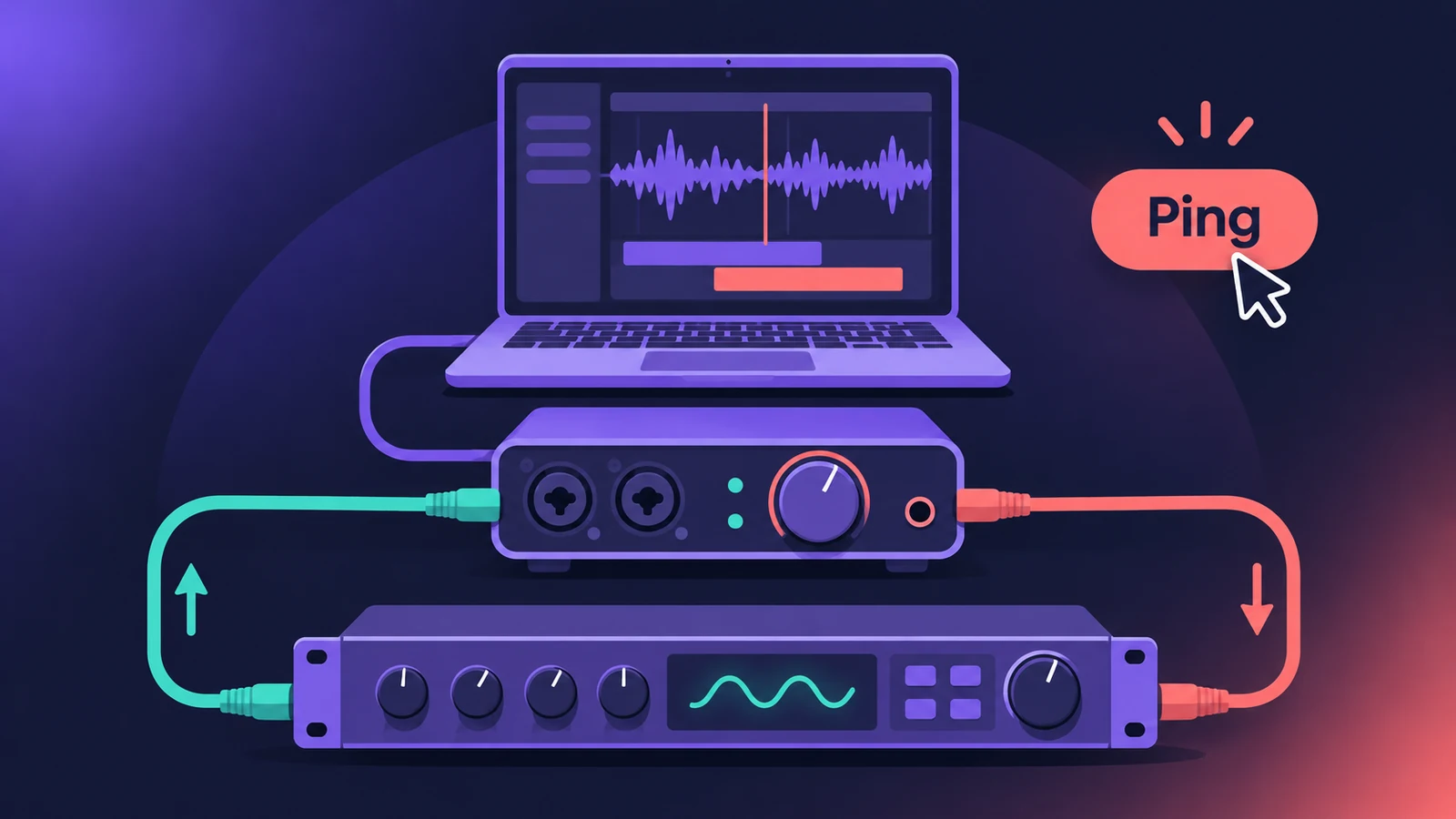
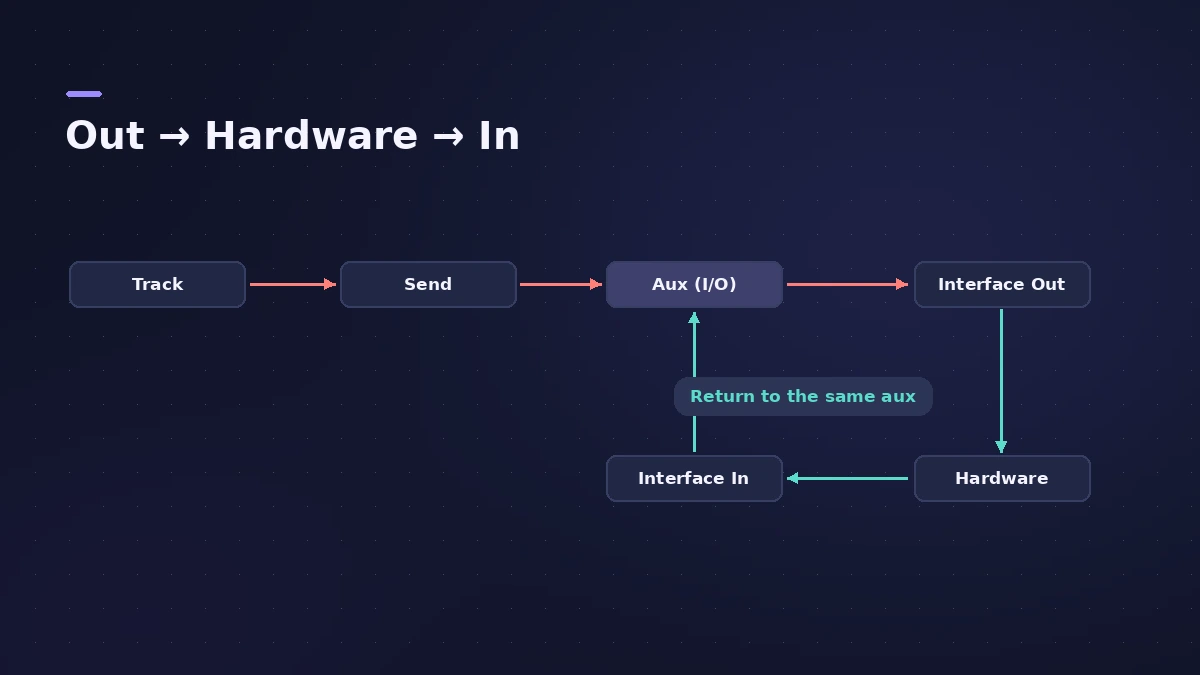
The I/O utility lets you use an external effects unit — a hardware compressor, reverb or delay — like a plug-in. It sends audio out of your interface, back in through another input, and its Ping button measures and compensates the round-trip delay. You need an interface with spare inputs and outputs.
 Owen Hartley
Where to find it
Audio Effect slot > Utility > I/O
I/O utility controls
| Control | What it does |
|---|---|
| Output / Input | Interface ports used for the hardware |
| Output / Input Volume | Levels to and from the unit |
| Latency Detection (Ping) | Measures and compensates the round-trip delay |
| Latency Offset | Shows the detected value; can be adjusted by hand |
| Dry/Wet | Balance of direct and processed signal |
| Format | Stereo or Mid/Side in stereo instances |
If your effects unit takes MIDI, Apple's older manual notes you can connect it to your MIDI interface to recall presets and automate it from Logic Pro.
Step by step
-
1
Wire the hardware
Connect an interface output (or pair) to the effect's input, and the effect's output to an interface input. Analog or digital both work.
-
2
Insert I/O on an aux
On an aux channel used as a send/return, choose Utility > I/O. See aux sends and buses.
-
3
Choose output and input
In the I/O window select the interface output and input your effect is connected to.
-
4
Send audio to the aux
Send the tracks you want to process to that bus and set the send levels.
-
5
Set levels and Ping
Adjust Input and Output volume, then click Latency Detection (Ping) to measure and compensate the delay. Bypass other latency-inducing plug-ins on the track for the most accurate reading.
Common mistakes
- Trying it with an interface that has no spare inputs and outputs — Apple says it's not practical then.
- Skipping the Ping, so the hardware return is out of time with the dry signal.
- Pinging with latency-heavy plug-ins active on the track, which makes the reading less accurate.
Low latency while recording
Round trips through hardware add delay; see latency in Logic Pro and the buffer latency calculator.
Sources
- Apple — Logic Pro Effects 10.2: I/O utility (old)
- Apple — Logic Pro for iPad User Guide: I/O utility
- Apple — Logic Pro for iPad User Guide: I/O utility (Dry/Wet, Format)
- Apple (Japan) — Logic Pro X User Guide 10.5: I/O utility
- Apple — Logic Pro 9 User Manual: Working with external audio effects (old)
Checked November 2026. Logic ProFiles is independent of Apple; menu names can differ slightly between Logic Pro versions.
Frequently asked questions
How do I use external hardware effects in Logic Pro?
+
Insert Utility > I/O on an aux, choose the interface output and input your unit is connected to, send tracks to the aux and click Ping.
What does the Ping button do?
+
It detects the delay between the selected output and input and compensates for it automatically.
Can the I/O utility process mid/side?
+
Apple's guide lists a Format choice of Stereo or Mid/Side in stereo instances.
Related
- How to record a hardware synth in Logic ProPlay and record hardware synths in Logic Pro: External Instrument for MIDI out and audio in, latency compensation and printing the synth to an audio track.
- How to reamp guitar in Logic ProReamp a clean DI guitar through a real amp from Logic Pro: record DI, send it to a spare output and a reamp box, mic the amp and record it back on a new track.
- Aux sends and buses in Logic ProSet up aux sends in Logic Pro: send several tracks to one reverb on a bus, choose pre fader, post fader or post pan, and use Sends on Faders for headphones.
- Logic Pro latency — how to fix delay when recordingHearing a delay when you record in Logic Pro? Lower the I/O buffer, turn on Low Latency Monitoring Mode, use direct monitoring and avoid Bluetooth headphones.
- How to set up an audio interface in Logic ProConnect a USB or Thunderbolt audio interface to Logic Pro: choose input and output devices, set the I/O buffer, allow mic access and pick track inputs.
- Logic Pro signal flow explainedHow audio flows through a Logic Pro channel strip: insert effects in series, sends over buses to aux channels, pre-fader, post-fader and post-pan sends.
- Plug-ins in Logic ProGuides to Logic Pro's stock plug-ins: Compressor, EQs, limiters, Pitch Correction, Amp Designer, Pedalboard, ChromaGlow, ChromaVerb, Space Designer and delays.