Mixing
Logic Pro mixing checklist
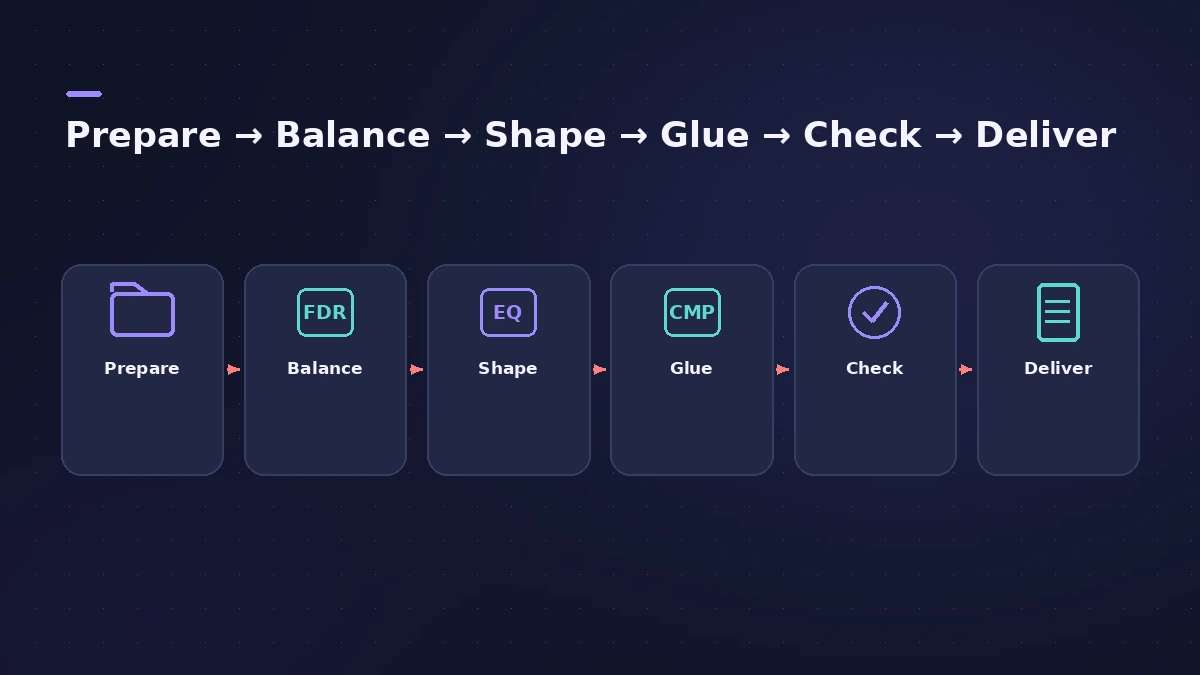
A mix goes smoother in a fixed order. This checklist strings together the mixing guides on this site — from organising tracks to bouncing — with the Logic Pro tool for each step. Tick through it on your next song.
 Owen Hartley

The checklist
| # | Step | Logic Pro tool | Guide |
|---|---|---|---|
| 1 | Organise and colour tracks, hide what you don't need | Mixer views and filters | The Mixer |
| 2 | Group sections | Track Stacks, Mixer groups | Track Stacks, groups |
| 3 | Set sensible levels at the source | Pre-fader metering, region gain | Gain staging |
| 4 | Static balance with faders | Faders, VCAs | VCA faders |
| 5 | Place sounds left to right | Pan, Stereo Pan, pan law | Panning |
| 6 | Clean and shape tone | Channel EQ | Channel EQ |
| 7 | Control dynamics | Compressor | Compressor |
| 8 | Add space | Aux sends, reverb, delay | Aux sends |
| 9 | Glue groups and the mix | Bus compression | Bus compression |
| 10 | Compare with a reference | Level-matched A/B | Reference track |
| 11 | Check mono and loudness | Gain Mono, MultiMeter, Loudness Meter | Mono check, LUFS |
| 12 | Automate, master and bounce | Automation, Mastering Assistant | Automation, mastering |
Before you bounce
Check the Stereo Out vs Master levels are where you expect, then bounce the project. Spotify normalises playback to −14 LUFS integrated, so check your loudness before release — see LUFS and loudness.
When the CPU struggles
Freeze heavy instruments with freeze tracks instead of removing plug-ins mid-mix.
Sources
- Apple — Logic Pro X 10.1 Help: Mixer overview (views and filters) (old)
- Logic Studio Training — Gain staging in Logic Pro: 3 fixes
- Apple — Logic Pro X 10.1 Help: Audio project settings (Pan Law) (old)
- Apple — Logic Pro X 10.2.1 Help: VCA groups advantages (old)
- MusicRadar — Reference tracks can be your secret weapon when mixing
- Apple — Final Cut Pro Logic Effects: Intro to MultiMeter
- Spotify for Artists — Loudness normalization
- Apple Support — Use Mastering Assistant in Logic Pro (Mar 2025)
Checked November 2026. Logic ProFiles is independent of Apple; menu names can differ slightly between Logic Pro versions.
Frequently asked questions
In what order should I mix in Logic Pro?
+
A common order is organise, gain stage, balance and pan, then EQ and compression, then buses and effects, then reference, mono and loudness checks before bouncing.
When should I add mix bus compression?
+
Either once the mix is balanced or early, mixing into it — both are common. See bus compression.
Related
- How to mix a song in Logic Pro, step by stepA step-by-step mixing workflow for Logic Pro with stock plug-ins: organise tracks, balance levels, EQ, compress, add space with sends, automate, check loudness.
- Gain staging in Logic ProGain stage a Logic Pro mix: turn on pre-fader metering, set region gain and plug-in levels before the fader, keep peaks clear of clipping, leave headroom.
- How to use a reference track in Logic ProMix against a reference track in Logic Pro: import it, route it past your master processing, match its loudness to your mix, A/B by section, and try Match EQ.
- Mastering in Logic Pro with Mastering AssistantMaster your song in Logic Pro with Mastering Assistant: insert it on the stereo output, pick a Character, adjust EQ, loudness and width, then bounce the master.
- Mix and master in Logic ProMix and master songs in Logic Pro with stock tools: vocal tuning, EQ, compression, sends, automation, Mastering Assistant, LUFS targets and Dolby Atmos.