Mix & Master
How to mix in Dolby Atmos in Logic Pro
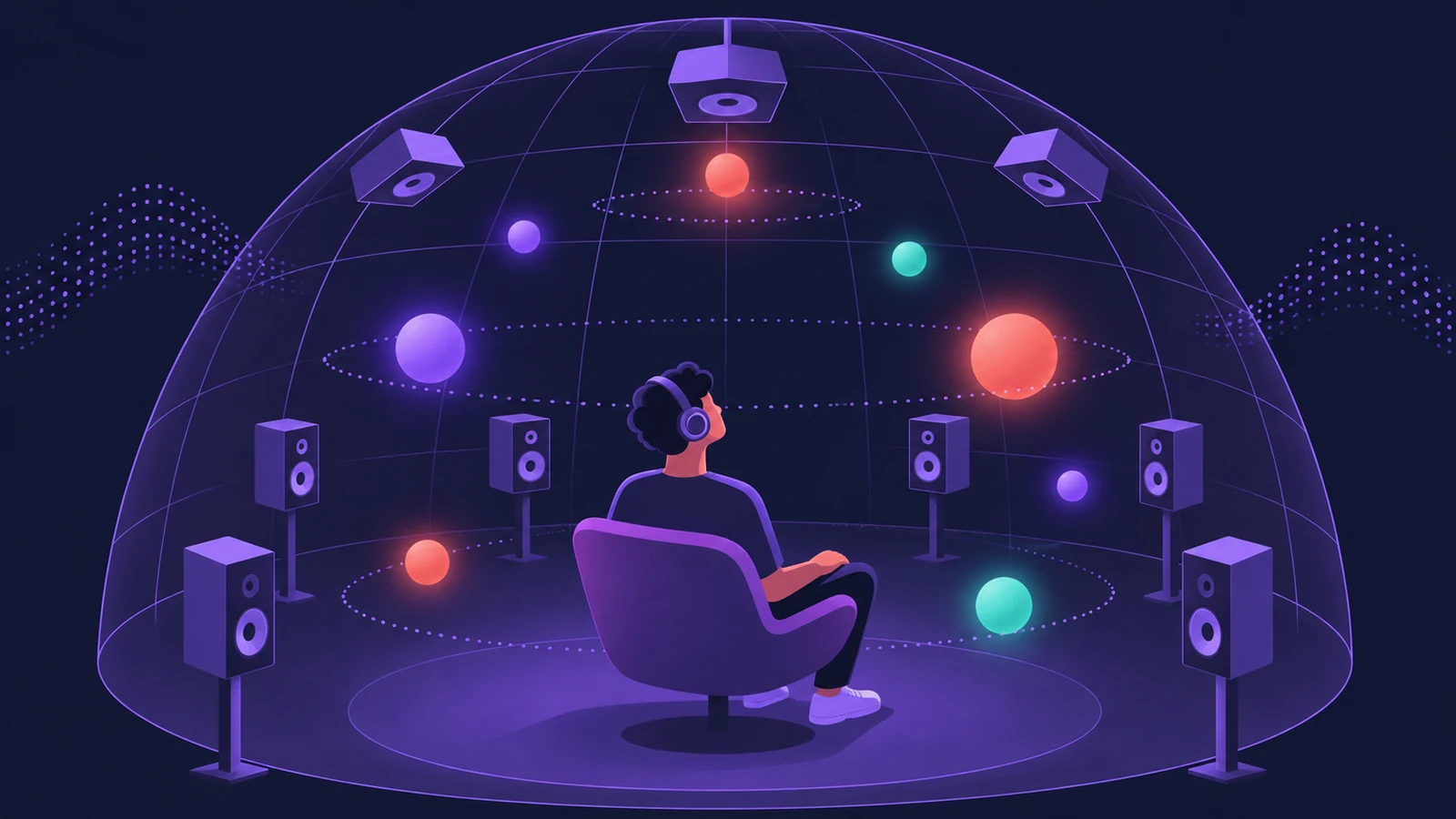
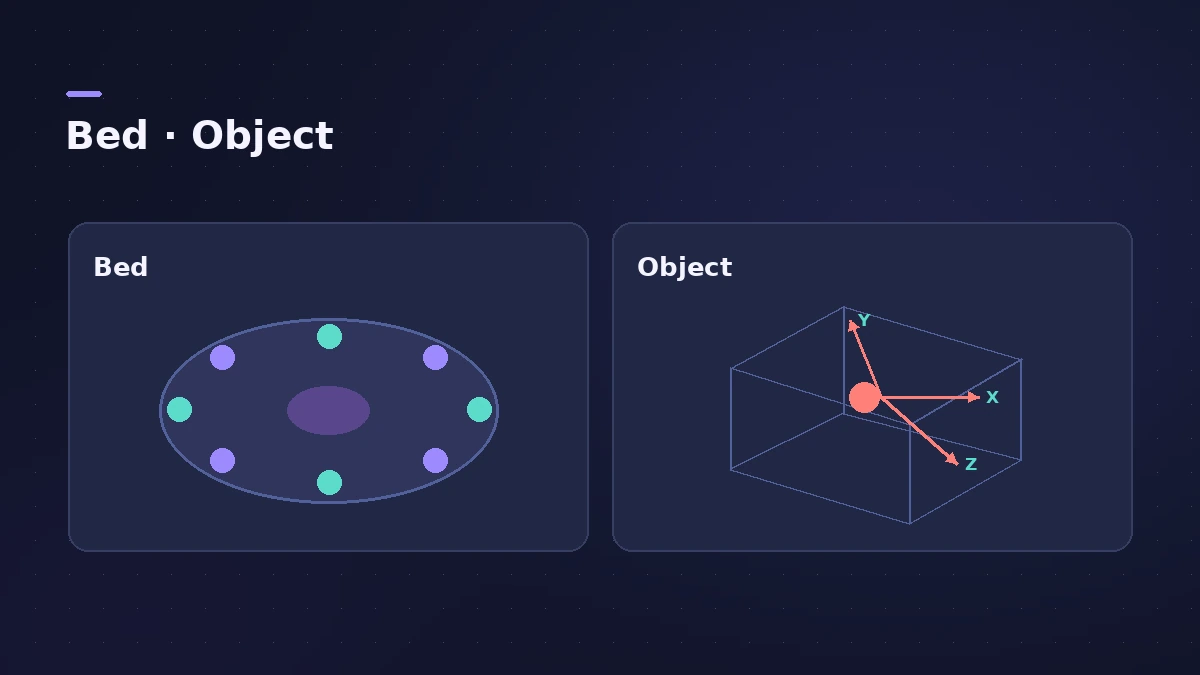
Logic Pro has had built-in Dolby Atmos mixing since version 10.7. Switch a project to Spatial Audio and Logic Pro replaces the stereo output with an Atmos master carrying the Dolby Atmos plug-in. Tracks then go to a surround **bed** or become movable 3D **objects**, and you can monitor the result on speakers or on headphones in binaural.
 Owen Hartley
Where to find it
File > Project Settings > Audio > Spatial Audio
Bed or object?
| Bed track | Object track | |
|---|---|---|
| Panner | Surround Panner | 3D Object Panner |
| Position | Within the bed's speaker layout | Anywhere in 3D, including height |
| Typical parts | Drums, bass, pads | Lead vocal, solo lines, effects that move |
When the mix is done, export the ADM BWF master and a binaural version for listening.
Step by step
-
1
Start with a copy of the stereo mix
Sound On Sound (2022) treats the Atmos mix as a separate job from the stereo mix and suggests working in a new Project Alternative from the File menu.
-
2
Switch the project to Dolby Atmos
In File > Project Settings > Audio, set Spatial Audio to Dolby Atmos. Logic Pro inserts the Dolby Atmos plug-in on the master.
-
3
Mind the sample rate
Sound On Sound notes Atmos runs natively at 48 or 96 kHz; projects at 44.1 or 88.2 kHz are upsampled in real time.
-
4
Place tracks in the bed
By default tracks are bed tracks, panned with the Surround Panner. Double-click the pan control to open it. Use the bed for parts that sit in the mix.
-
5
Turn lead parts into objects
Switch a track's panner to the 3D Object Panner to move it freely in 3D space. A project can hold up to 118 object channels.
-
6
Choose how you monitor
In the Dolby Atmos plug-in, pick a Monitoring Format — speakers or a binaural option for headphones.
-
7
Export the master
Export the mix with File > Export > Project as Spatial Audio to a Dolby Atmos ADM BWF master.
Common mistakes
- Turning every track into an object — keep objects for the parts that need to stand out.
- Expecting the monitoring format to change the exported master; Apple says it only affects playback and bounces.
- Delivering a bounce instead of the ADM BWF master.
Bed and objects in the master file
Apple describes the ADM BWF as an interleaved file with the audio of up to 118 object tracks plus up to 10 channels of the 7.1.2 bed, with each object's position stored as metadata. That's why the master needs the Export command rather than an ordinary bounce.
Sources
- Apple — Logic Pro User Guide: Overview of Spatial Audio with Dolby Atmos
- Apple — Logic Pro User Guide: Spatial Audio with Dolby Atmos monitoring formats
- Apple — Logic Pro User Guide: Import object and bed tracks from Spatial Audio projects
- Sound On Sound — Logic Pro: Getting Started In Atmos
- Sound On Sound — Logic Pro: Mixing In Atmos (Jun 2022)
- Apple Newsroom — Final Cut Pro and Logic Pro updated on the new MacBook Pro (Oct 2021)
Checked November 2026. Logic ProFiles is independent of Apple; menu names can differ slightly between Logic Pro versions.
Frequently asked questions
Do I need speakers to mix Dolby Atmos in Logic Pro?
+
No. The Dolby Atmos plug-in can render the mix to binaural for headphones. Speakers give a fuller check if you have them.
How many objects can a Logic Pro Atmos mix have?
+
Up to 118 object channels plus the bed, according to Apple's description of the ADM BWF master.
Which Logic Pro version added Dolby Atmos?
+
Logic Pro 10.7, released in October 2021, added Spatial Audio mixing with Dolby Atmos.
Related
- Export Dolby Atmos from Logic Pro — ADM BWF master and MP4Deliver a Dolby Atmos mix from Logic Pro: export the ADM BWF master for Apple Music or a mastering engineer, or a Dolby Digital Plus or AC-4 MP4 to check it.
- Bounce a binaural version of your Atmos mix in Logic ProShare your Logic Pro Spatial Audio mix for headphones: set the Dolby Atmos plug-in to binaural, bounce a stereo WAV or AIFF and play it on iPhone or Mac.
- How to mix a song in Logic Pro, step by stepA step-by-step mixing workflow for Logic Pro with stock plug-ins: organise tracks, balance levels, EQ, compress, add space with sends, automate, check loudness.
- Mix and master in Logic ProMix and master songs in Logic Pro with stock tools: vocal tuning, EQ, compression, sends, automation, Mastering Assistant, LUFS targets and Dolby Atmos.