Bounce & Export
Export Dolby Atmos from Logic Pro — ADM BWF master and MP4
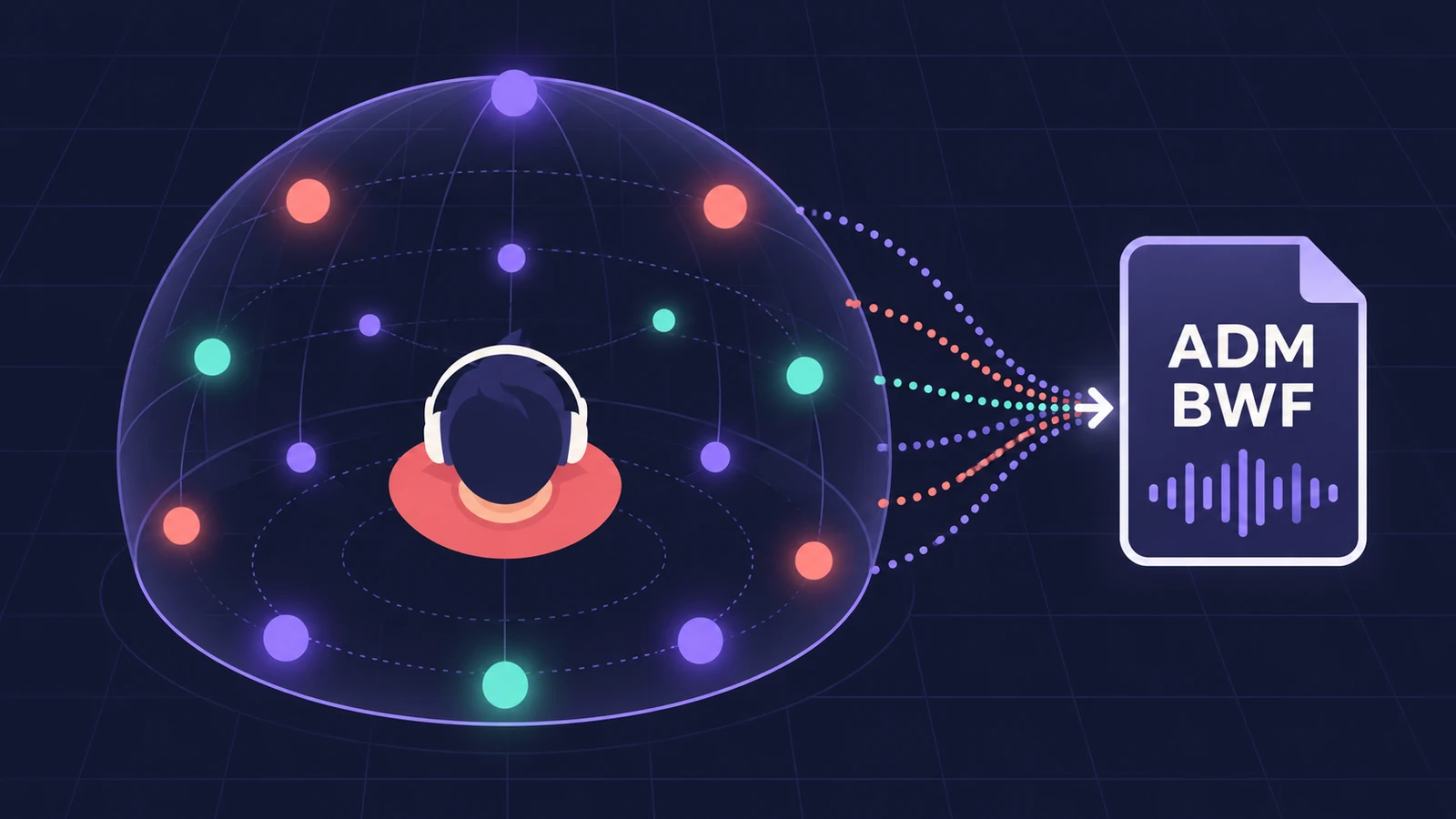
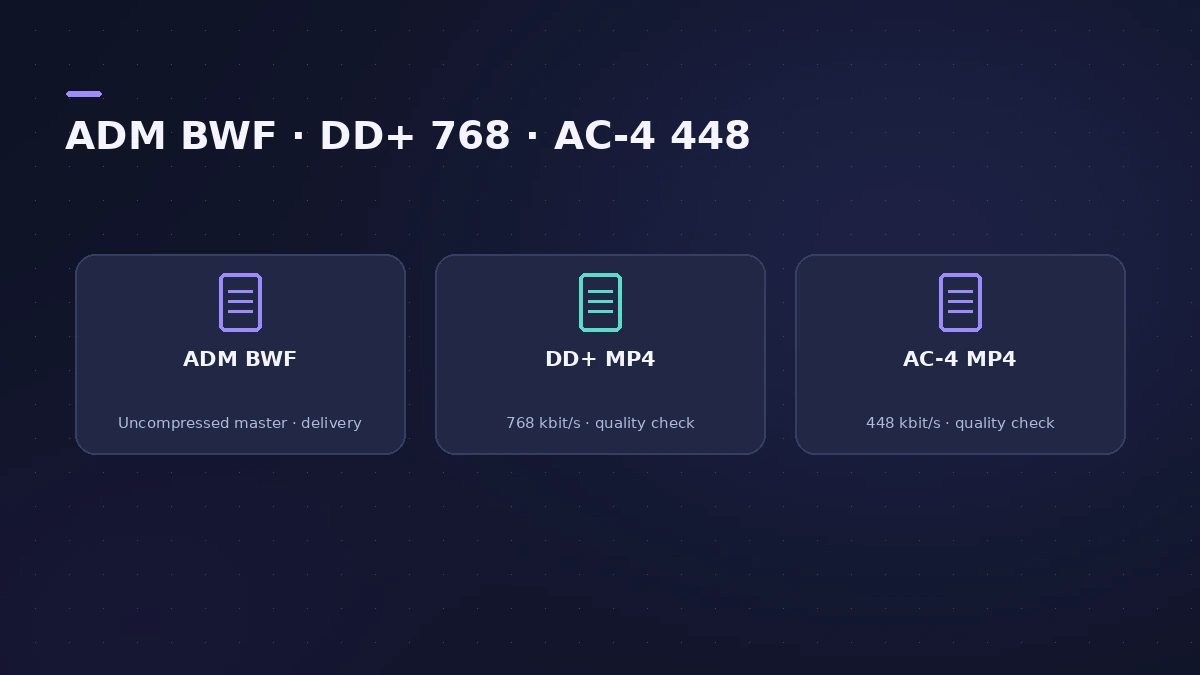
A Spatial Audio mix doesn't leave Logic Pro through the Bounce command. Apple's delivery format is the Dolby Atmos ADM BWF master, made with File > Export > Project as Spatial Audio. Since Logic Pro 12.2 the same command also writes MP4 files in Dolby Digital Plus or AC-4, so you can check the encoded mix before you submit it.
 Owen Hartley
Where to find it
File > Export > Project as Spatial Audio
Export vs Bounce for Atmos projects
| Command | What you get | Use it for |
|---|---|---|
| File > Export > Project as Spatial Audio > ADM BWF | Object-based Atmos master | Delivery to Apple Music, services or a mastering engineer |
| Same command > Dolby Digital Plus / AC-4 | Encoded MP4 (DD+ includes a black video frame) | Checking the encoded mix |
| File > Bounce | Channel-based file in the monitoring format you chose (for example 5.1, 7.1 or binaural) | Playback on standard, non-Atmos systems |
Apple notes that an ADM BWF played back on an iPhone won't reproduce much of your mix. To share a headphone version, make a binaural bounce. The MP4 options arrived in Logic Pro 12 (version 12.2).
Step by step
-
1
Finish the Atmos mix
The project must be a Spatial Audio with Dolby Atmos project with the Dolby Atmos plug-in on the surround master.
-
2
Choose the export command
Choose File > Export > Project as Spatial Audio.
-
3
Choose the range
In the Export Spatial Audio File as dialog, choose Project to export the whole project, or export a portion of it.
-
4
Pick the file type
Choose Dolby Atmos ADM BWF for delivery, or Dolby Digital Plus with Dolby Atmos or Dolby AC-4 L4 for an MP4 check file.
-
5
Add the master if you chose MP4
Tick "Also export an uncompressed Dolby Atmos ADM BWF master" to get both files at once.
-
6
Save
Name the file, choose a folder and click Save.
Common mistakes
- Expecting the monitoring format in the Dolby Atmos plug-in to change the ADM BWF — Apple says it has no effect on this export.
- Trying to play the ADM BWF like a normal audio file — Apple says it isn't a standard playback format.
- Bouncing with File > Bounce and sending that file as the Atmos master.
What's inside an ADM BWF
Apple describes the ADM BWF as an interleaved file holding up to 118 object tracks plus up to 10 channels of the 7.1.2 bed, with every object's pan information stored as metadata. Apple says it's the format for submitting a Dolby Atmos mix to Apple Music or other services, which then encode it themselves.
Sources
- Apple — Logic Pro User Guide: Export a Logic Pro for Mac project as Spatial Audio
- Apple — Logic Pro User Guide: Export a Spatial Audio project to a Dolby Atmos ADM BWF master file
- Apple — Logic Pro User Guide: Export a Spatial Audio project to an MP4 file
- Apple — Logic Pro User Guide: Overview of exporting and bouncing surround and Spatial Audio projects
- Apple — Logic Pro User Guide: Overview of Spatial Audio with Dolby Atmos
- Apple — Logic Pro User Guide: Spatial Audio with Dolby Atmos monitoring formats
- Apple — Logic Pro for Mac release notes
- Apple — Listen to a binaural Logic Pro spatial audio mix on iPhone and other devices (Dec 2024)
Checked November 2026. Logic ProFiles is independent of Apple; menu names can differ slightly between Logic Pro versions.
Frequently asked questions
How do I export Dolby Atmos for Apple Music from Logic Pro?
+
Choose File > Export > Project as Spatial Audio and pick Dolby Atmos ADM BWF. That master file is what Apple Music and other services require.
What is the MP4 export for?
+
Quality control. Apple says Dolby Digital Plus with Dolby Atmos is the encoding streaming services such as Apple Music use, so the MP4 lets you hear the encoded mix. Logic Pro writes it at a fixed 768 kbit/s.
Which Logic Pro version can export Atmos MP4 files?
+
Logic Pro 12.2 and later. Apple's 12.3 notes add that MP4 files can be created from any compatible project.
Related
- Bounce a binaural version of your Atmos mix in Logic ProShare your Logic Pro Spatial Audio mix for headphones: set the Dolby Atmos plug-in to binaural, bounce a stereo WAV or AIFF and play it on iPhone or Mac.
- How to bounce in Logic Pro — every bounce setting explainedBounce your Logic Pro project to WAV, MP3 or AAC: set the range, choose offline or realtime, include the reverb tail and pick the right normalize setting.
- What's new in Logic Pro 12Logic Pro 12 (28 Jan 2026) to 12.4: Synth Player, Chord ID, the Sound Library, legacy packs, Dolby Atmos mp4 export, granular Alchemy and Beat Breaker modes.
- How to mix in Dolby Atmos in Logic ProStart a Dolby Atmos mix in Logic Pro: switch to Spatial Audio, use bed tracks and up to 118 objects, monitor on headphones or speakers, then export the master.