
Fix a problem / Mac
Logic Pro missing audio files: locate, verify and collect assets
Quick answer
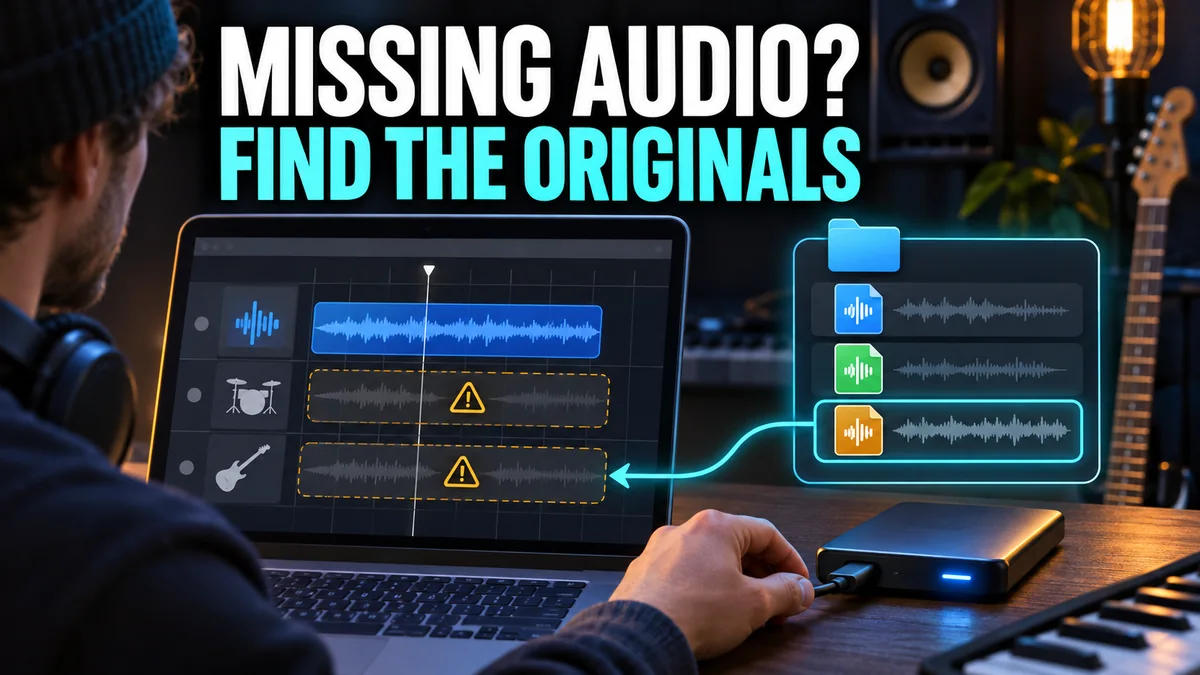
Keep the original project and media intact. Check whether the original drive or cloud-hosted file is actually available, then use the project’s missing-file prompt to locate the original recording. Verify more than its name before accepting a match. Once the project is correct, collect its external assets so a future move carries the media as well as the project file.
Match your symptom
| What happens | First check |
|---|---|
| An external-drive project opens with missing files | Mount the original volume and check access |
| A copied project opens but recordings are absent | Look for externally referenced assets |
| Several files share the requested name | Compare content and duration before matching |
| The recording was actually deleted | Look for an independent backup |
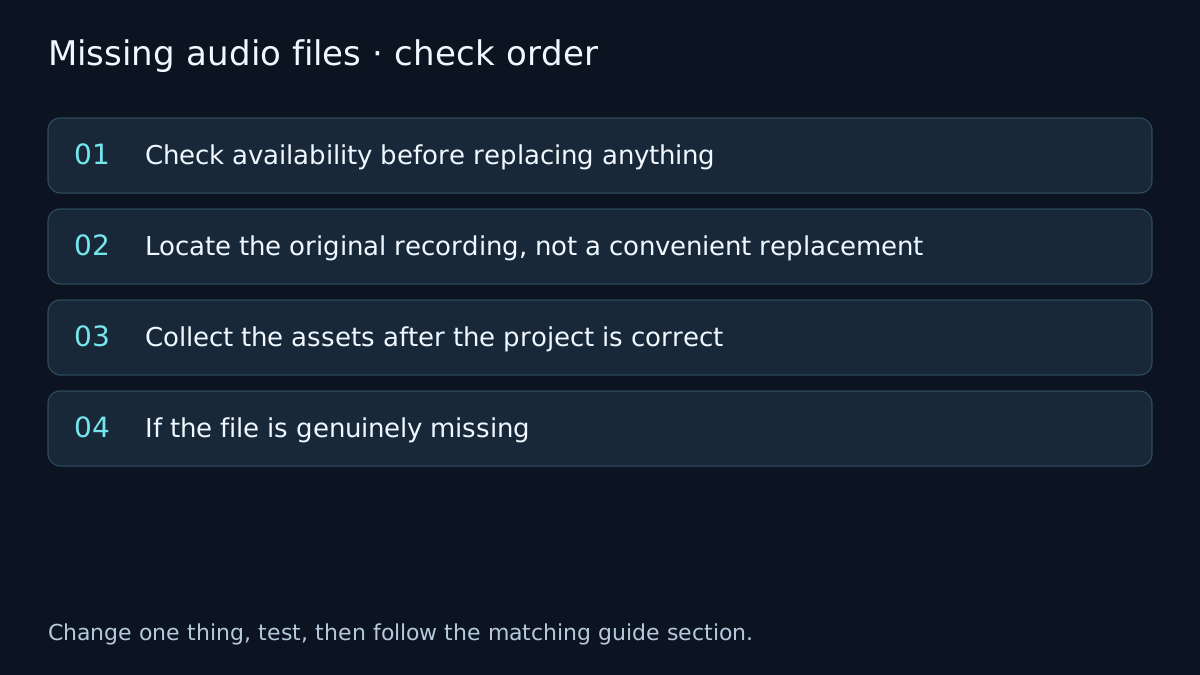
Check availability before replacing anything
Make a duplicate of the project for diagnosis. Reconnect the original external drive and confirm the expected files are readable in Finder. A renamed or disconnected volume, a cloud placeholder and a deleted recording are different problems.
If media is stored in a cloud-synced folder, ensure the needed files are downloaded locally before testing. A visible filename is not necessarily a fully available audio file. Check the folder’s actual location and access rather than granting broad permissions as a universal fix.
Opening the original recording in a suitable player is a useful check of basic access. It does not guarantee that it is the exact file the project references.
Locate the original recording, not a convenient replacement
When Logic asks for a missing file, point it to the original recording or its containing location as the dialog allows. Do not rename an unrelated take to satisfy the warning. Compare duration, sample rate, audible content and any reliable session notes as well as the filename.
After accepting a match, listen around edits and compare the start of the region. A different take can have the same name but different timing or performance. For multitrack material, check the related tracks together before saving the repaired copy.
A project package can contain media, but a .logicx filename alone does not prove that every referenced file was copied into it. Apple’s asset settings distinguish media saved in the project from external references.
Collect the assets after the project is correct
In a correctly relinked copy, review File > Project Settings > Assets. Select the relevant media types to copy when saving. File > Project Management > Consolidate can collect external assets used by the project; inspect its choices and allow enough space.
Consolidation copies available assets. It cannot recreate a recording that no longer exists. Save the collected project separately, then test the copy from its new location before relying on it as an archive.
For collaboration, use the project handoff checklist. Where the recipient cannot open your native project or plug-ins, consider aligned audio exports as an additional deliverable.
If the file is genuinely missing
Look for the original recording location, an independent drive backup or the media bundled with a previous archived copy. A project alternative can preserve arrangement decisions without being an independent backup of all audio files.
If no source or backup exists, stop treating the issue as a relink problem. A guide cannot guarantee recovery of deleted media. The project recovery guide separates project-state recovery from recovery of missing recordings.
Verify the fix
- Reopen the repaired copy and confirm that the missing-file warning is gone.
- Listen to each repaired region, especially around edits and multitrack boundaries.
- Test the collected copy in its intended location and keep the original until the copy is confirmed.
If the result changes, note which check changed it. If it does not, undo the test where appropriate and follow the next relevant branch. A failed test narrows the problem; it does not identify a component with certainty.
Frequently asked questions
Does consolidating a project recover deleted audio?
No. Consolidation collects available assets; it cannot recreate a deleted original recording.
Does a project alternative back up all recordings?
An alternative shares project assets. Keep an independent backup of the project and its audio.
Related guides
 Launch & projects
Recover a project
Protect the original Logic Pro project, separate app-wide crashes from one damaged session, and check backups, alternatives and available media.
 Export
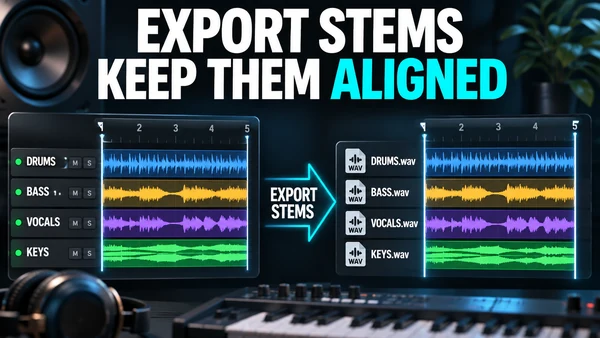
How to export stems from Logic Pro
Export stems from Logic Pro with File > Export > All Tracks as Audio Files: dialog options, Track Stack stems, naming for a mix engineer, tails, automation.
 Files & library
Sound Library problems
Separate missing Logic Pro patches, stalled sound-pack downloads and an unavailable library drive. Follow the version-specific library checks.
Choose a guided check · All troubleshooting topics · Search every guide
Sources and version notes
Based on Apple documentation; reviewed 8 November 2026. This is a documentation review, not a claim of hands-on testing on every Logic, macOS or interface version. Archived guides are labelled; confirm menu names in the help for your installed release.