
Fix a problem / Mac
A Logic Pro project will not open: recover a copy without overwriting it
Quick answer
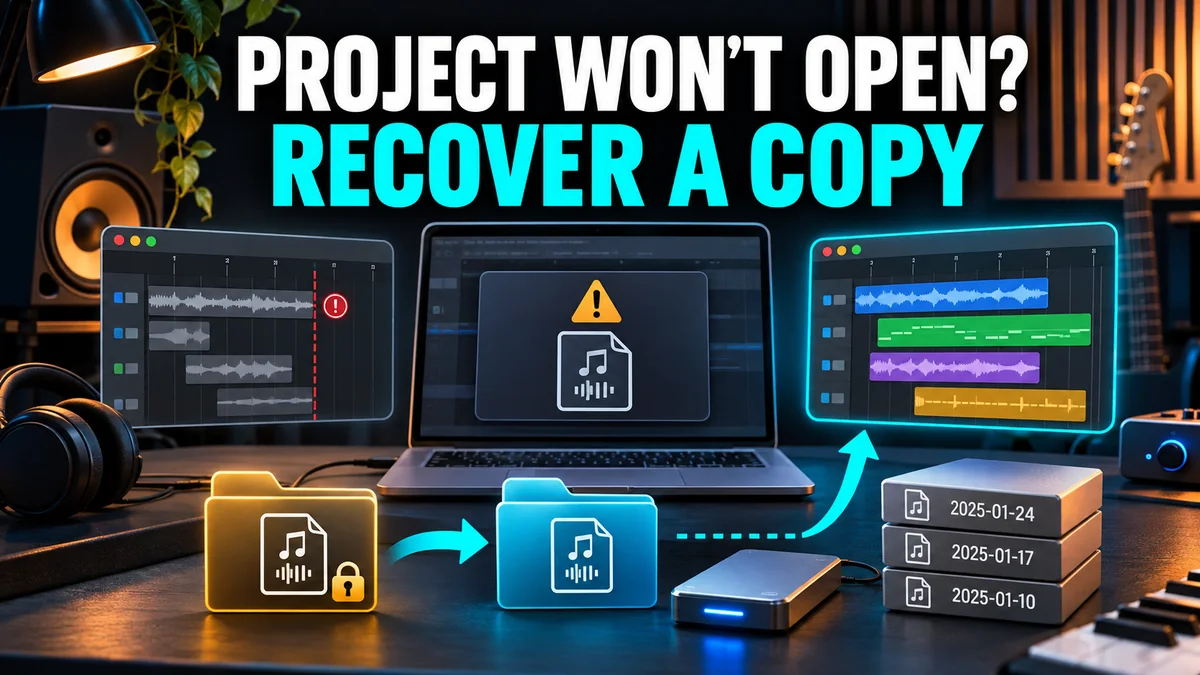
Preserve the original project and its media before testing. Check whether Logic can open a new empty project: an application-wide launch failure and one session that will not open need different routes. Work on copies, inspect available project backups or alternatives, and verify recovered audio and edits before replacing your working version.
Match your symptom
| What happens | First check |
|---|---|
| Every project fails, including a new one | Troubleshoot the application or device first |
| Only one session fails | Duplicate it and isolate project dependencies |
| A project opens but recent edits are wrong | Inspect available backups or alternatives |
| The arrangement opens but audio is missing | Locate media rather than reverting blindly |
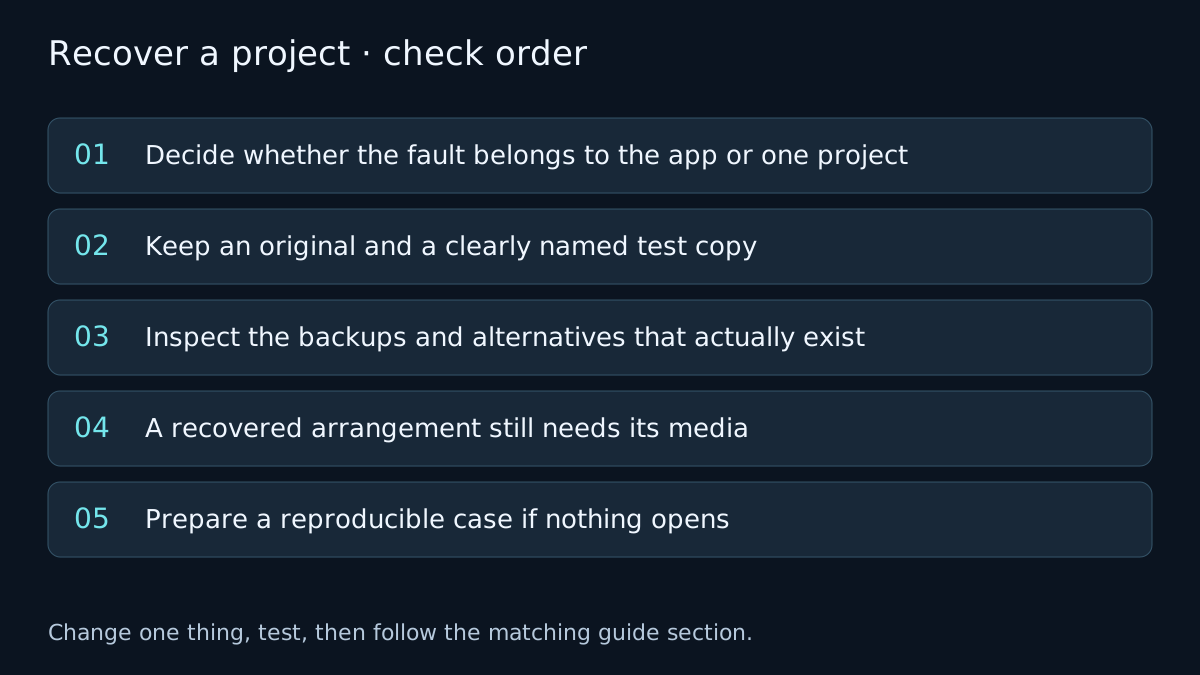
Decide whether the fault belongs to the app or one project
Note the exact failure: quit during launch, hang while loading a named plug-in, missing-file alert or a session that opens in an unexpected state. Try a new empty project with a simple setup. This comparison narrows the area; it does not prove the original file is corrupt.
If even a new project cannot open, start with crashing and startup checks. Reinstalling the app will not automatically restore a previous arrangement or bring back missing recordings.
Keep an original and a clearly named test copy
Duplicate the project before attempting a repair and preserve its referenced audio. If media is held outside the package or project folder, copy or back up that location too. Do not overwrite the only surviving project while comparing recovery candidates.
On a copy, use the documented startup options to compare loading without third-party Audio Units where appropriate. If that changes the outcome, investigate plug-in dependencies rather than declaring all project data damaged. Return to plug-in validation and compatibility for the relevant branch.
Also check that the project and storage are accessible locally. Opening a partially downloaded cloud file or a project on an unavailable external drive is a different failure from a bad arrangement.
Inspect the backups and alternatives that actually exist
When the project can open, inspect File > Revert to for available backups and File > Project Alternatives for saved alternative states. These controls and their visibility depend on the version and configuration. The linked archived Apple guide documents the distinction; it is not proof your session has a particular backup.
Open a candidate on the test copy, compare the arrangement and save a separate recovered project. Alternatives share assets with the project and are not a substitute for an independent media backup. Check a Time Machine or other independent backup if the project itself cannot be opened.
Do not remove alternatives or manually delete package contents while investigating. Their names and dates alone are not enough to decide which copy contains the right takes.
A recovered arrangement still needs its media
A backup may restore edits while still referencing audio on another disk. If the recovery opens with missing-file warnings, follow the original-media checks. Confirm that the matched files are the right takes, not just files with the same name.
Once a recovery candidate plays correctly, collect the assets in that copy and use the handoff and archive checklist. Keep the source and failed copy until the recovered version is verified.
Prepare a reproducible case if nothing opens
Record the Logic and macOS versions, whether a new empty project works, the exact alert, the last change before the problem and whether the copy behaves differently without third-party processing. Provide those facts to Apple or the relevant vendor. A procedure cannot guarantee restoration of an overwritten or deleted project.
Verify the fix
- Listen from beginning to end and inspect edits, automation and the expected takes.
- Save the recovered version under a new name, close it and reopen it.
- Make a separate backup that includes the media before replacing any working copy.
If the result changes, note which check changed it. If it does not, undo the test where appropriate and follow the next relevant branch. A failed test narrows the problem; it does not identify a component with certainty.
Frequently asked questions
Will reinstalling Logic recover a song?
Reinstalling replaces the application. It does not automatically restore a previous project state or missing recordings.
Are project alternatives independent backups?
No. They are alternative states within a project and share its assets. Keep an independent backup too.
Related guides
 Fix
Logic Pro keeps crashing or won't open: the fix order that works
Logic Pro quitting or not opening? Follow Apple's order: launch without Audio Units, check the Plug-in Manager, reset com.apple.logic10.plist, then reinstall.
 Files & library
Missing audio files
Find missing Logic Pro audio without substituting the wrong take. Check storage and original files, reconnect media, then consolidate project assets.
 Export
How to export stems from Logic Pro
Export stems from Logic Pro with File > Export > All Tracks as Audio Files: dialog options, Track Stack stems, naming for a mix engineer, tails, automation.
Choose a guided check · All troubleshooting topics · Search every guide
Sources and version notes
Based on Apple documentation; reviewed 8 November 2026. This is a documentation review, not a claim of hands-on testing on every Logic, macOS or interface version. Archived guides are labelled; confirm menu names in the help for your installed release.