Fix Problems
Logic Pro metronome not working
The metronome button lights up, but you hear nothing. The click comes from a hidden channel strip with the Klopfgeist instrument, and it has its own settings — so a silent click is usually a setting, a muted or misrouted click channel, or an output the click doesn't reach.
 Owen Hartley
Applies to: Logic Pro 13, 12 and 11 for Mac.
Most likely causes
- Click while playing or recording turned off (common)
- Audio Click source turned off (common)
- Click channel strip muted, turned down or routed elsewhere (common)
- Click going to an output you're not listening to (occasional)
Follow the click
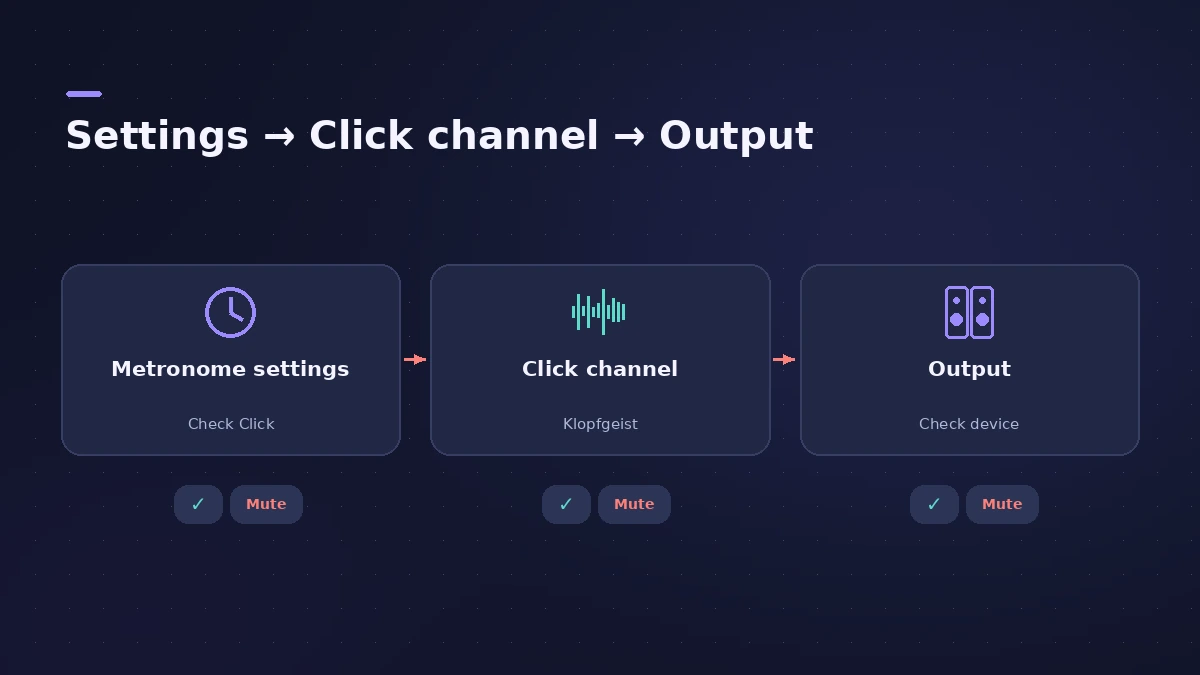
For count-in and click settings in general, see metronome and count-in. If nothing in the project makes a sound, start with no sound.
Fixes, in order
1. Check the metronome settings
Open the metronome project settings and make sure Click while playing and/or Click while recording are on.
2. Turn on Audio Click
In the same settings, make sure the Audio Click source is enabled.
3. Find the Click channel strip
The Klopfgeist Click channel strip only shows in the Mixer when All is selected. Check its volume, mute and output.
4. Check the output
If you hear the click on Mac speakers but not your interface, the click is routed to a different output.
5. Test in a new project
If the click works in a new empty project, the problem is in this project's click channel; if not, reset Logic Pro settings.
Sources
- Apple Community — I can't hear the metronome (Audio Click)
- Apple Community — Logic Pro click gone (Klopfgeist, Mixer All)
- Apple Community — Metronome first bar velocity (Polyphonic clicks)
- Apple Community — Metronome not working after 12.3
Checked November 2026. Logic ProFiles is independent of Apple; menu names can differ slightly between Logic Pro versions.
Frequently asked questions
Why is my metronome on but silent in Logic Pro?
+
Check Click while playing/recording and Audio Click in the metronome settings, then the hidden Click channel strip in the Mixer (All view).
Where is the click channel strip?
+
It's an instrument channel strip with Klopfgeist, visible in the Mixer when you select All.
Why doesn't the first beat sound louder?
+
Users found turning off Polyphonic clicks in the metronome settings helps when bar and beat clicks sound the same.
Related
- Logic Pro metronome and count-inTurn the Logic Pro metronome on with K and the count-in with Shift-K, choose when it clicks, set the count-in length and change the click in Project Settings.
- How to reset Logic Pro settingsReset Logic Pro settings to fix odd behaviour: use Reset All Settings Except Key Commands, then reset the plist file or the control surfaces file if needed.
- No sound in Logic Pro — 10 fixes, quickest firstNo sound in Logic Pro? Check the output device, Core Audio, mute and solo, the metronome and plug-ins, then test built-in audio to rule out the interface.
- Fix Logic Pro problems — errors, crashes and no soundStep-by-step fixes for Logic Pro on Mac: system overload, disk too slow, no sound, crashes, latency, missing plug-ins, MIDI keyboards and recording problems.