
Bounce preflight checklist
Check the output and test the actual bounced file before delivery.
This is a manual checklist, not an audio analyser. It runs locally without upload and resets when you reload this page.
Related instructions
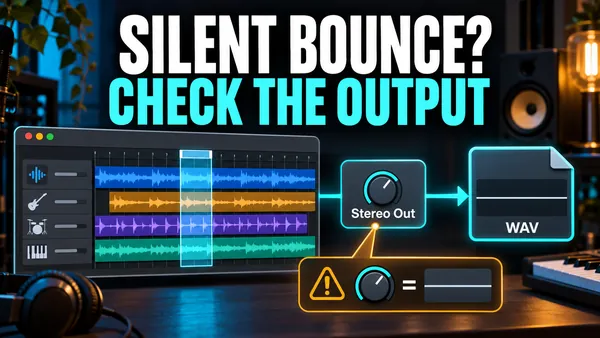 Bounce & sharing
Silent or incomplete bounce
Troubleshoot a silent Logic Pro bounce, missing tracks, wrong range and cut-off tails. Compare a short export with playback before changing the whole mix.
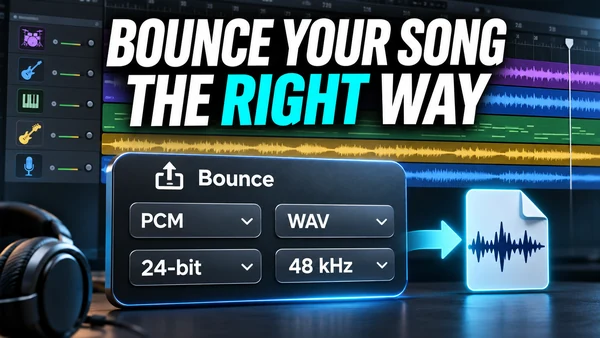 Export
How to bounce a song in Logic Pro
Bounce a Logic Pro project or section with File > Bounce > Project or Section. Every dialog option explained, settings per destination, Bounce in Place, iPad.
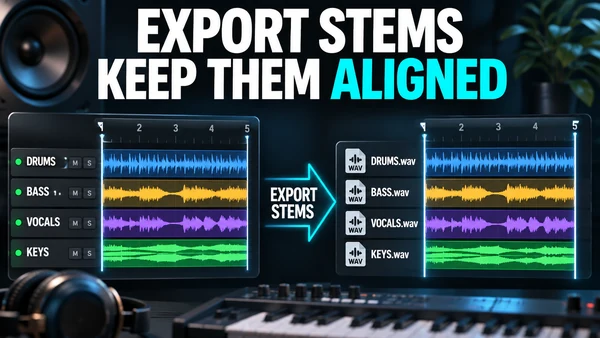 Export
How to export stems from Logic Pro
Export stems from Logic Pro with File > Export > All Tracks as Audio Files: dialog options, Track Stack stems, naming for a mix engineer, tails, automation.