Fix Problems
Regions greyed out and not playing
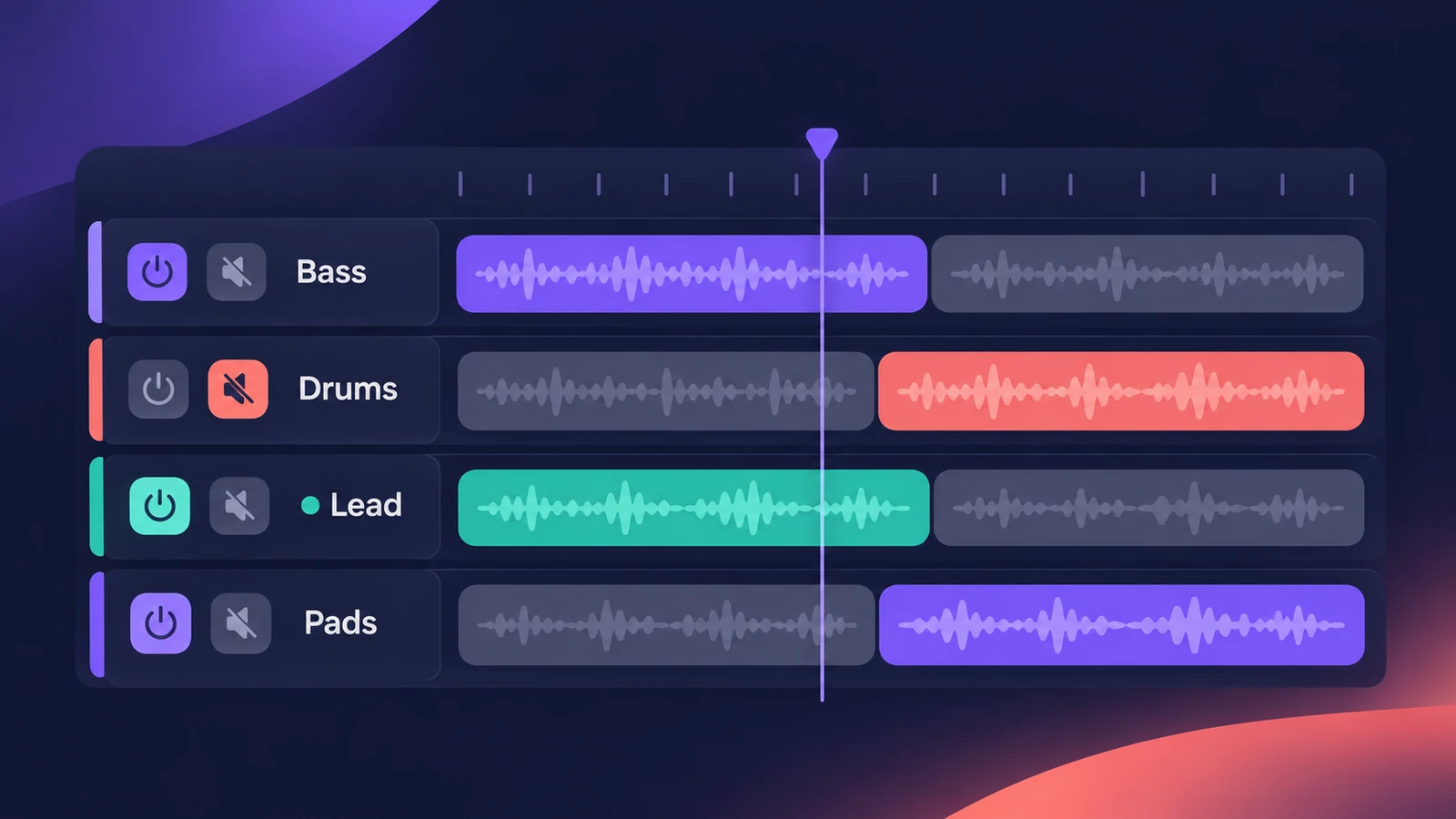
Grey regions are Logic Pro telling you something is muted — but there are four different kinds of mute, and the region's look tells you which one. Read the grey, then undo the right thing.
 Owen Hartley
Applies to: Logic Pro 13, 12 and 11 for Mac.
Most likely causes
- Regions muted individually (small dot before the name) (most common)
- Track turned off with its On/Off button (region and name both grey) (common)
- Another track soloed (regions grey, names in colour) (common)
- Track muted (regions grey, names in colour) (common)
Read the grey
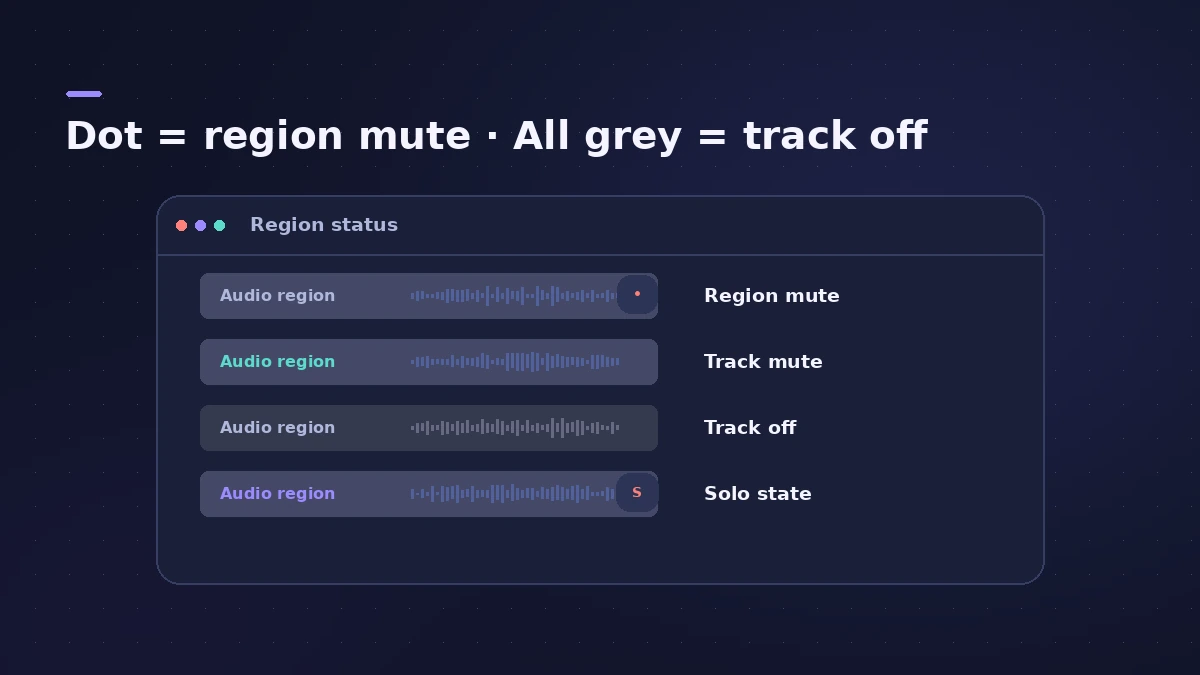
| How it looks | What it means | Fix |
|---|---|---|
| Region and name grey, small dot before the name | Region muted | Control-M |
| Regions grey, names in colour | Track muted, or another track soloed | Unmute or clear solo |
| Region and name both grey | Track turned off | Turn On/Off back on |
If nothing is grey and you still hear nothing, see Logic Pro no sound.
Fixes, in order
1. Unmute muted regions
Select them and press Control-M, or untick Mute in the Region inspector.
2. Find every muted region
Users suggest Shift-M to select all muted regions, then Control-M to unmute them.
3. Turn the track back on
Control-click a track header, choose Track Header Components, show On/Off, and make sure it's on.
4. Clear solo
Check the track Solo buttons, and the Solo button in the control bar (S).
Sources
- Apple — Logic Pro X 10.1 Help: Mute and solo regions (old)
- Apple Community — Greyed-out regions are muted regions
- Apple Community — No mute, no solo, no sound (track On/Off)
Checked November 2026. Logic ProFiles is independent of Apple; menu names can differ slightly between Logic Pro versions.
Frequently asked questions
What does a small dot before a region name mean?
+
The region itself is muted. Select it and press Control-M.
Why are both the region and its name grey?
+
The track is turned off with its On/Off button.
Nothing is muted or soloed but regions are grey — why?
+
Check the track's On/Off button; users often find it hidden and off.
Related
- No sound in Logic Pro — 10 fixes, quickest firstNo sound in Logic Pro? Check the output device, Core Audio, mute and solo, the metronome and plug-ins, then test built-in audio to rule out the interface.
- MIDI region not playing in Logic ProRecorded MIDI plays nothing in Logic Pro? Check the region isn't muted, the track is on, nothing is soloed, and start playback before the note, not mid-note.
- Can't edit or move regions in Logic ProCan't move, edit or record on a Logic Pro track? It's probably protected (green lock) or frozen. Show Protect and Freeze in the track header and turn them off.
- Fix Logic Pro problems — errors, crashes and no soundStep-by-step fixes for Logic Pro on Mac: system overload, disk too slow, no sound, crashes, latency, missing plug-ins, MIDI keyboards and recording problems.